
Subscription
Provides an active account, server method and available catalog.
The subscription supplies account access; the player supplies the interface. Compare platform availability, EPG, search, favourites, subtitles, updates and privacy before choosing.
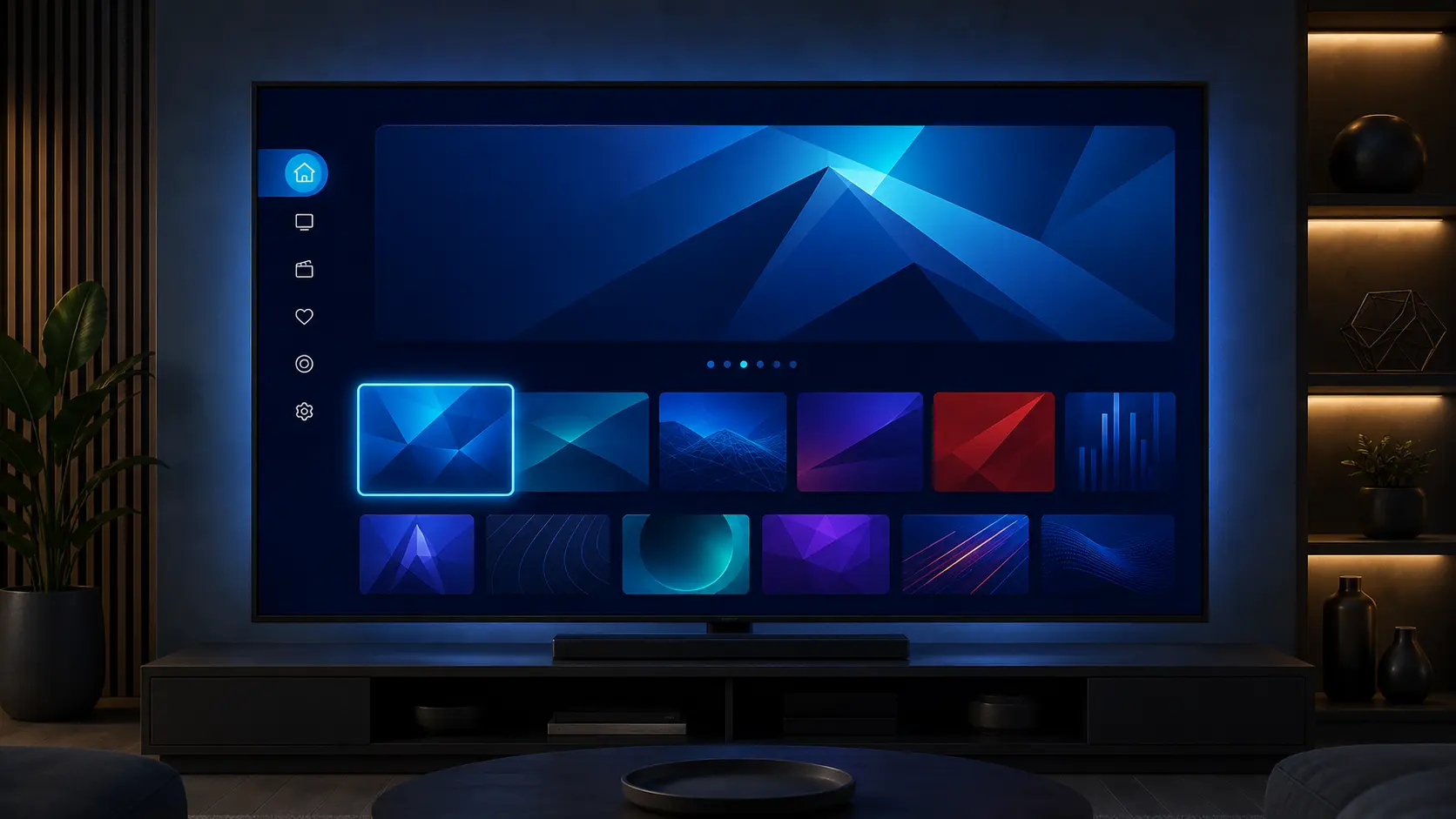
These are original interface concepts, not screenshots from a third-party app. The exact layout depends on the compatible player chosen for your device.
Separate live television, films and series into a clear remote-friendly start screen.
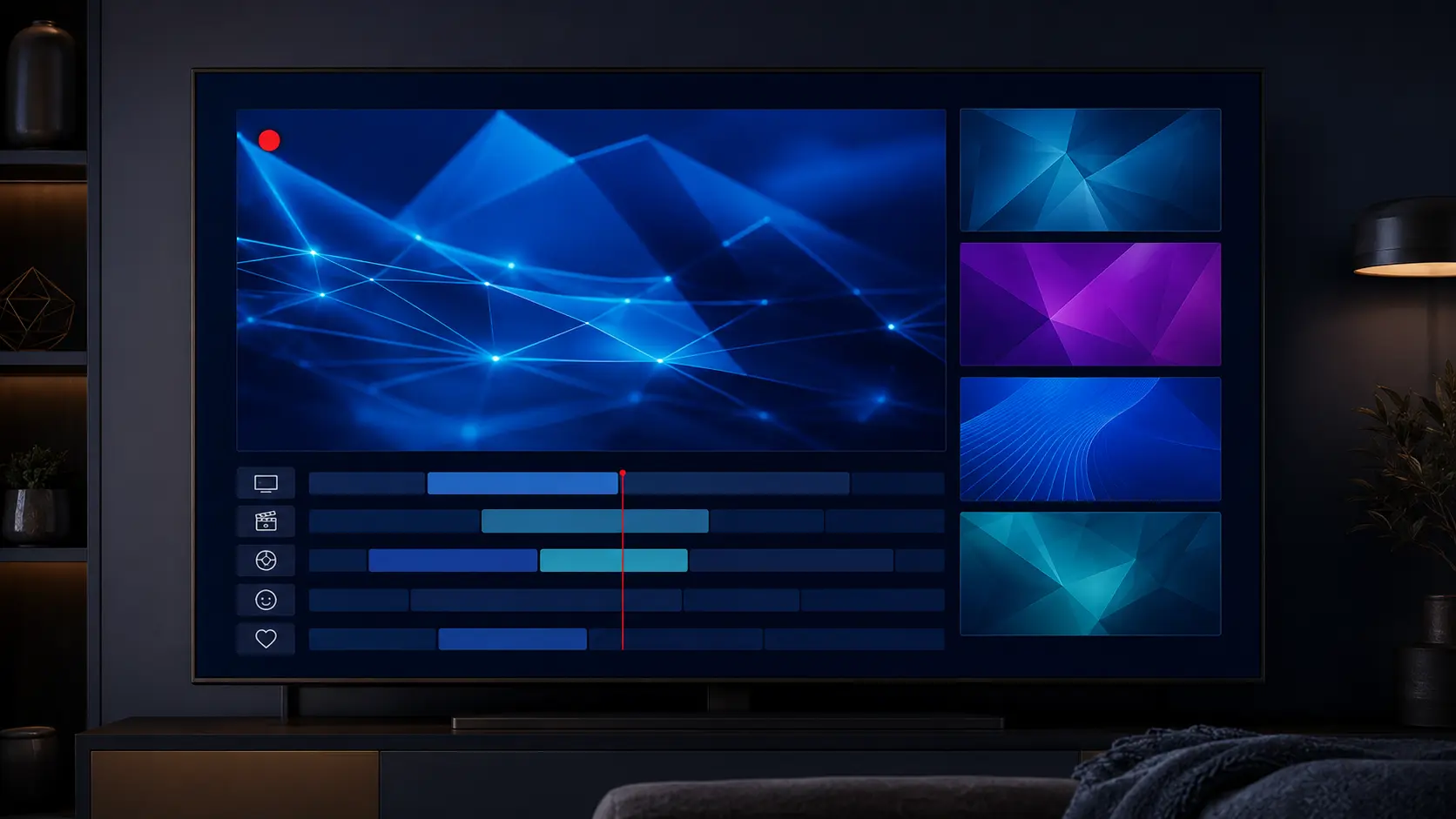
Browse groups, schedules and current programmes where guide data is available.
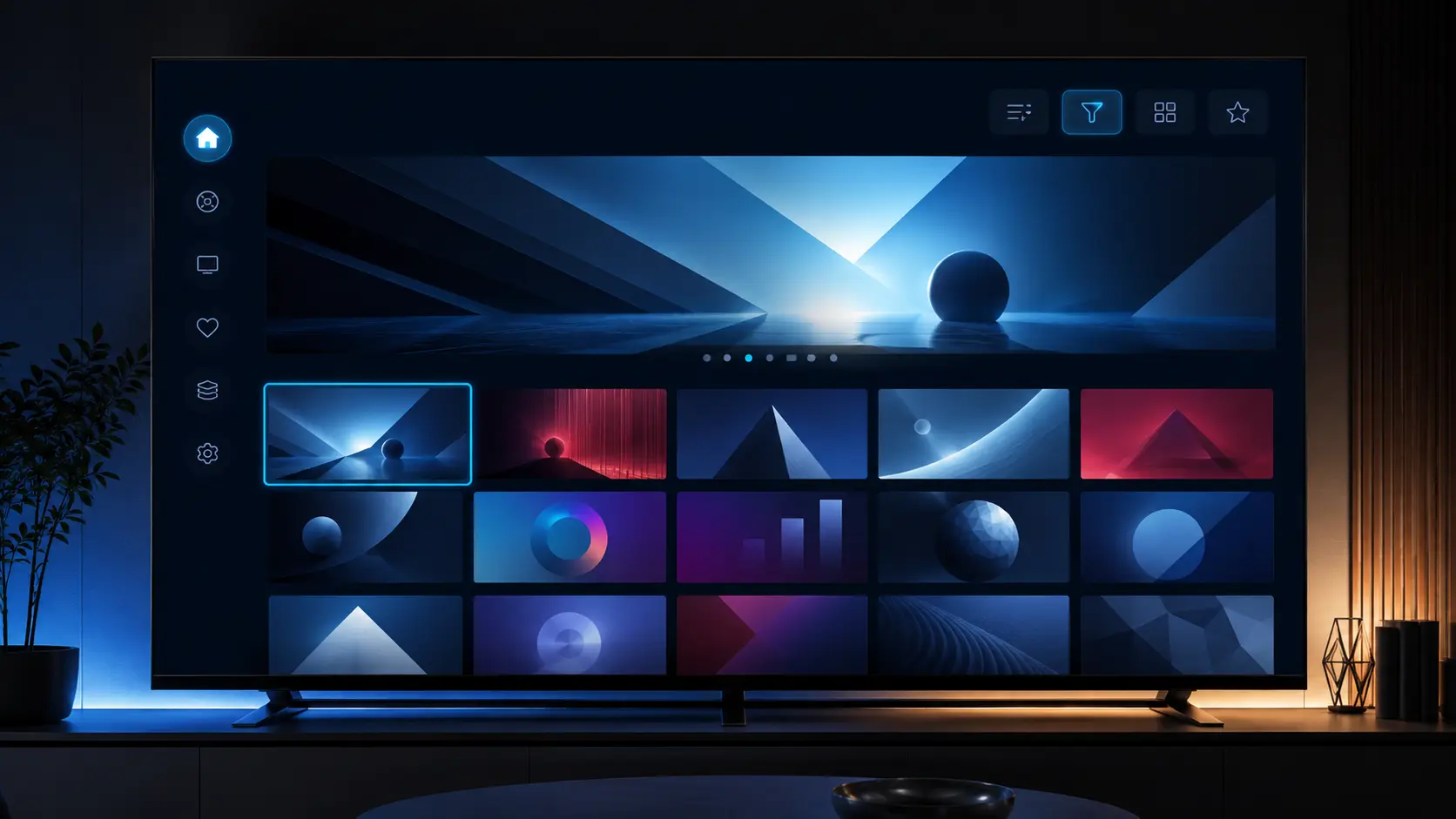
Search on-demand categories, open details and continue browsing from the same player.
Choosing a compatible combination avoids most first-login and performance problems.
Provides an active account, server method and available catalog.
Loads the account and presents live TV, movies, series, EPG and controls.
Determines app-store availability, decoder support, storage and remote behaviour.
Delivers the stream through your ISP, router and Wi-Fi or Ethernet connection.
A practical player handles a large catalog without making search, guide data or remote navigation difficult.
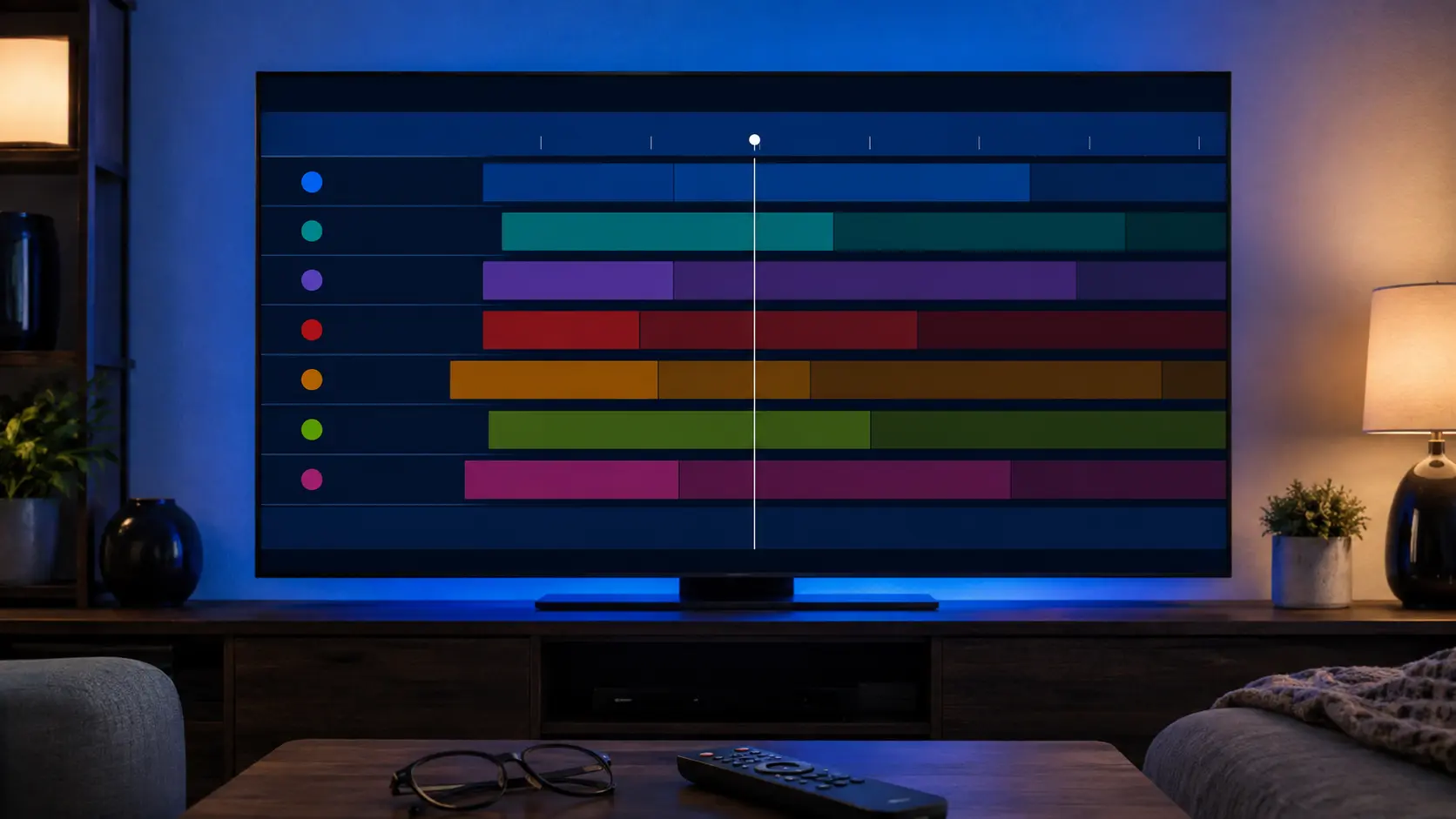
View schedules and programme details where guide data is supplied and correctly mapped by the player.
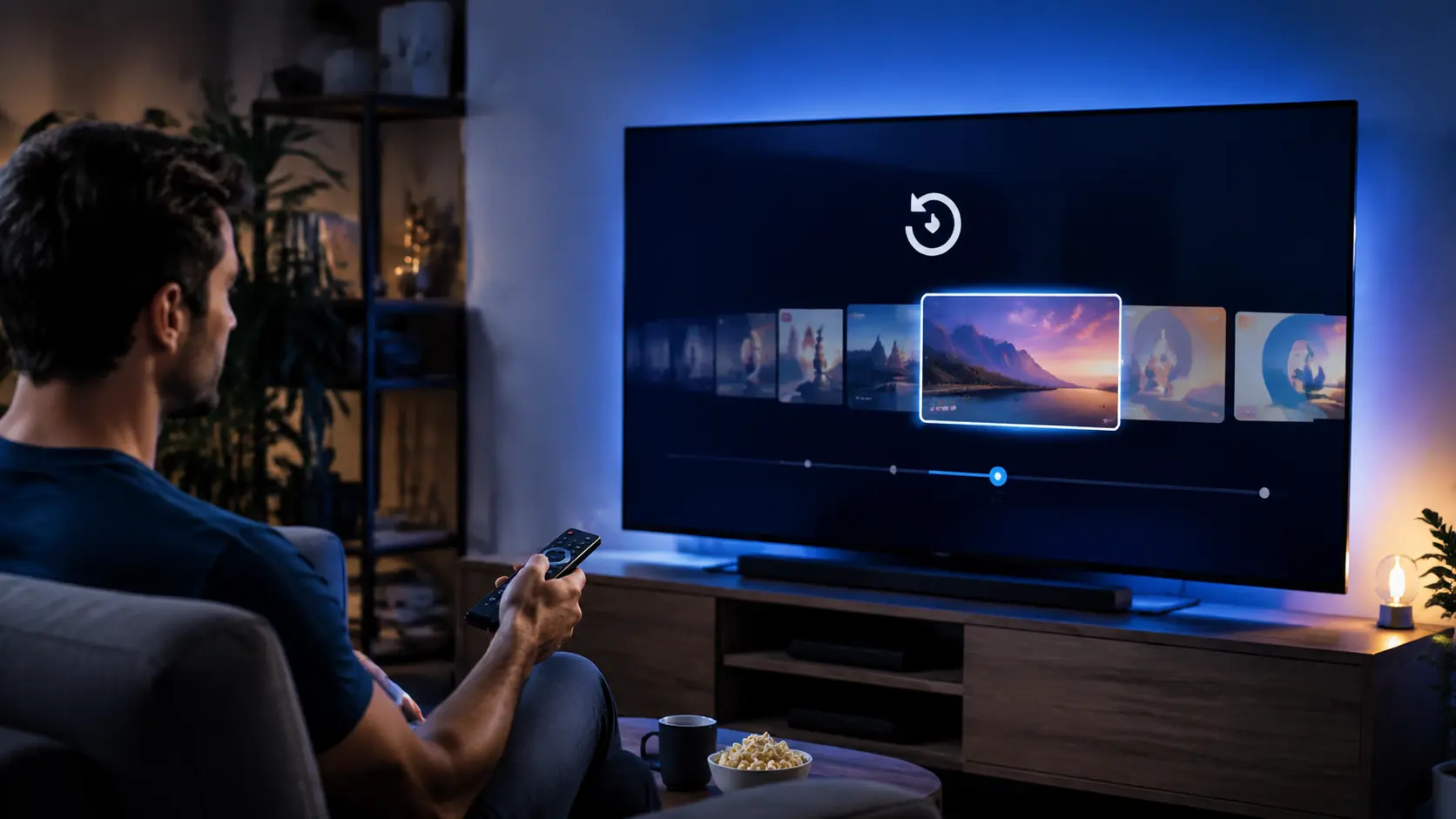
Replay eligible programmes when catch-up is supplied for that stream; availability and duration can vary.
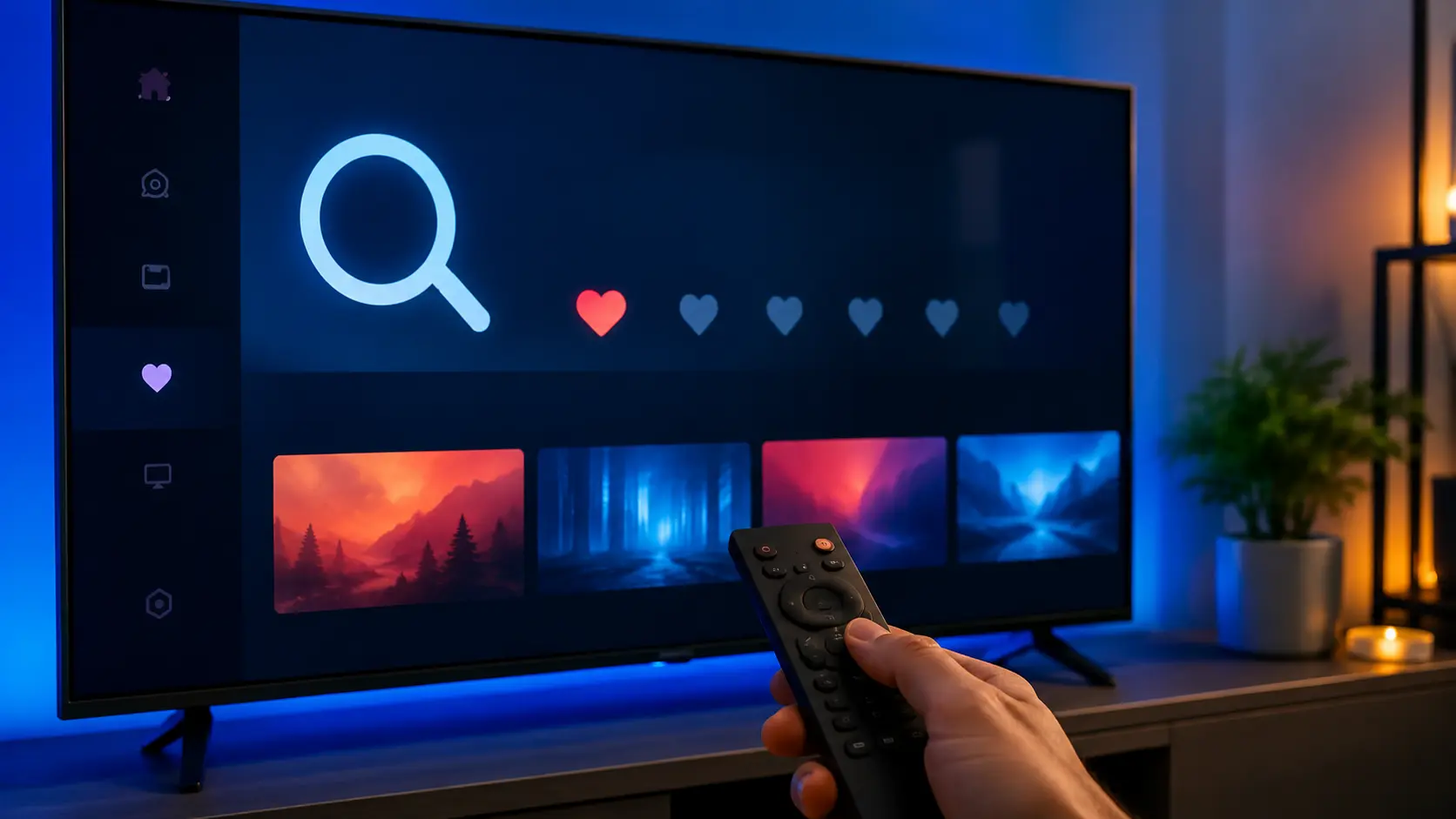
Find catalog items quickly and save frequently watched channels or titles where the player supports it.
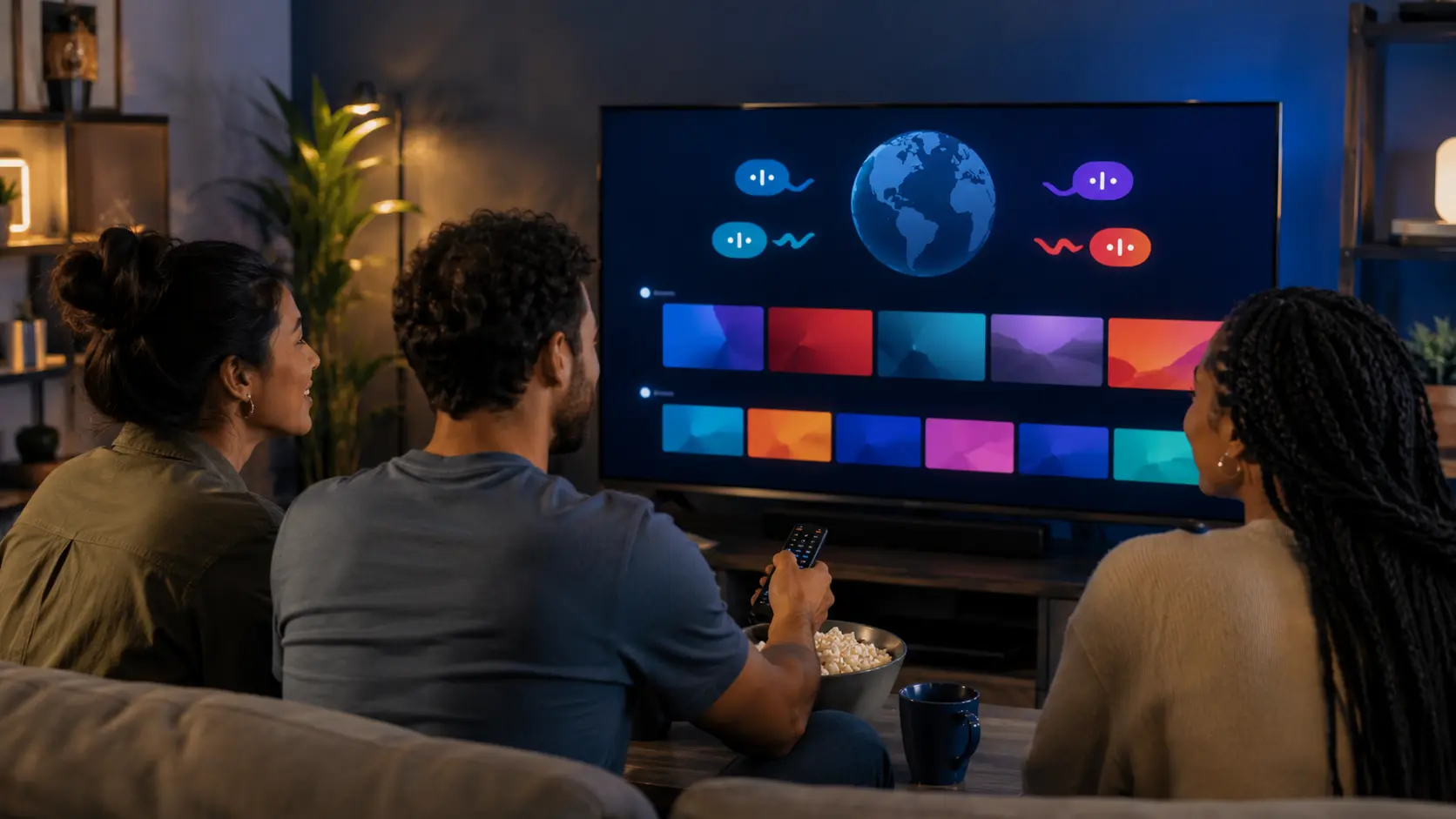
Browse Canadian, French-language and international categories from one compatible player.
Keep credentials private, use the supplied server address and avoid entering them into unknown apps or sites.
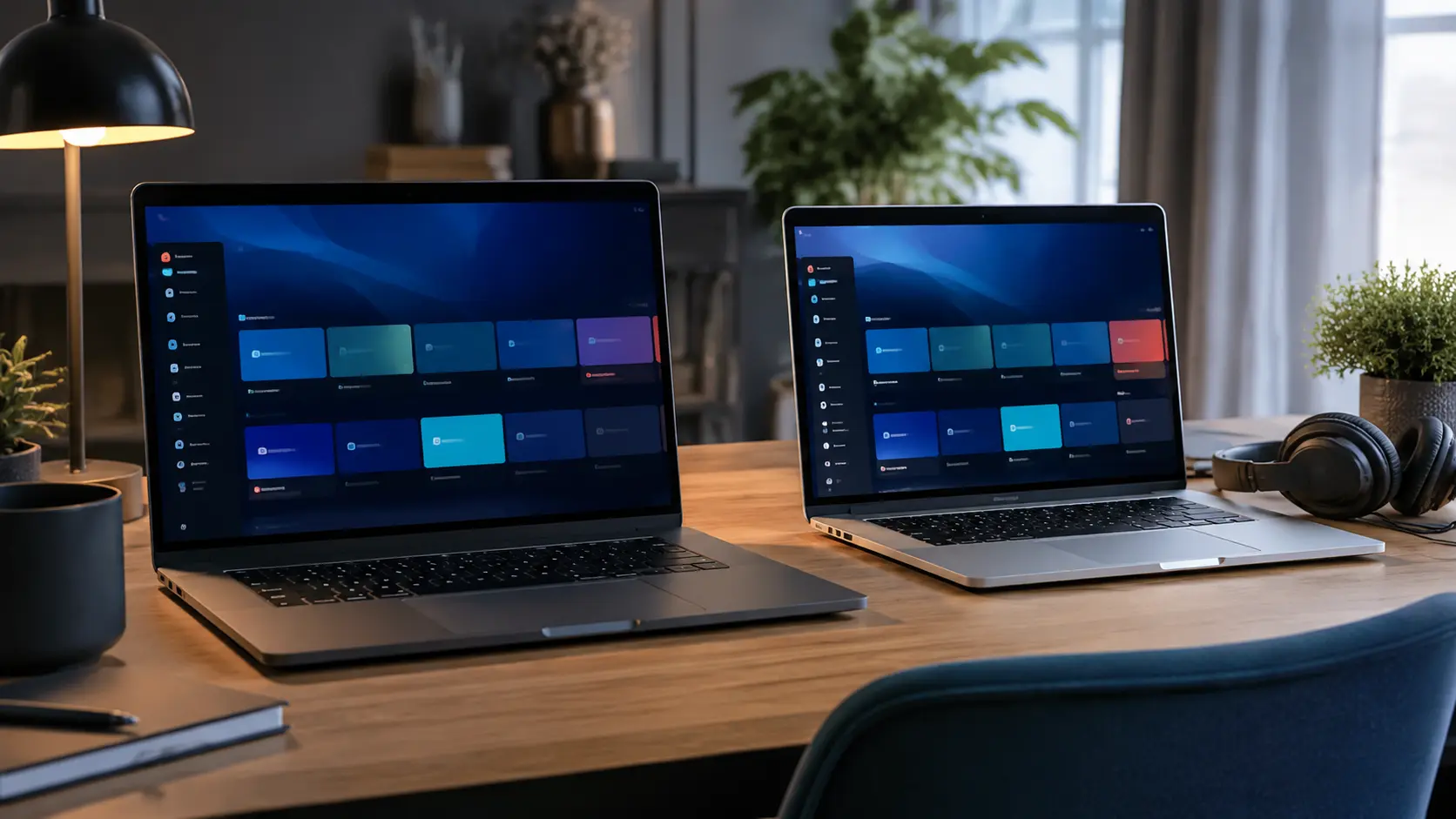
Use supported desktop players for live TV and on-demand viewing on compatible computers.
The table describes common options, not permanent availability or an endorsement of one developer.
| Platform | Where to look | Important checks |
|---|---|---|
| Fire TV | Amazon Appstore or verified official source | Remote layout, storage and login format |
| Android / Google TV | Google Play | Updates, decoder controls and EPG performance |
| Samsung Smart TV | Samsung Apps for the model/region | Tizen compatibility and activation method |
| LG Smart TV | LG Content Store | webOS version and player licence |
| iPhone / iPad / Apple TV | Apple App Store | tvOS support, AirPlay, privacy and audio/subtitles |
| Windows / Mac | Official developer site or platform store | Architecture, updates and credential handling |
Commonly discussed players include TiviMate, IPTV Smarters-style applications, IBO Player and platform-specific alternatives. Names are provided only as examples; this site is not affiliated with their developers.
Keep account details private throughout the process.
Confirm device model, operating system and store region.
Ask which account method the subscription supplies.
Use an official store or verified developer source.
Type the server and account data exactly as supplied.
Allow live TV, VOD and EPG data to finish loading.
Try search, favourites, audio, subtitles and channel changes.
Use official app information as the current source for features and pricing.