













































A clear start
CAD$13.99Total for the complete 1-month term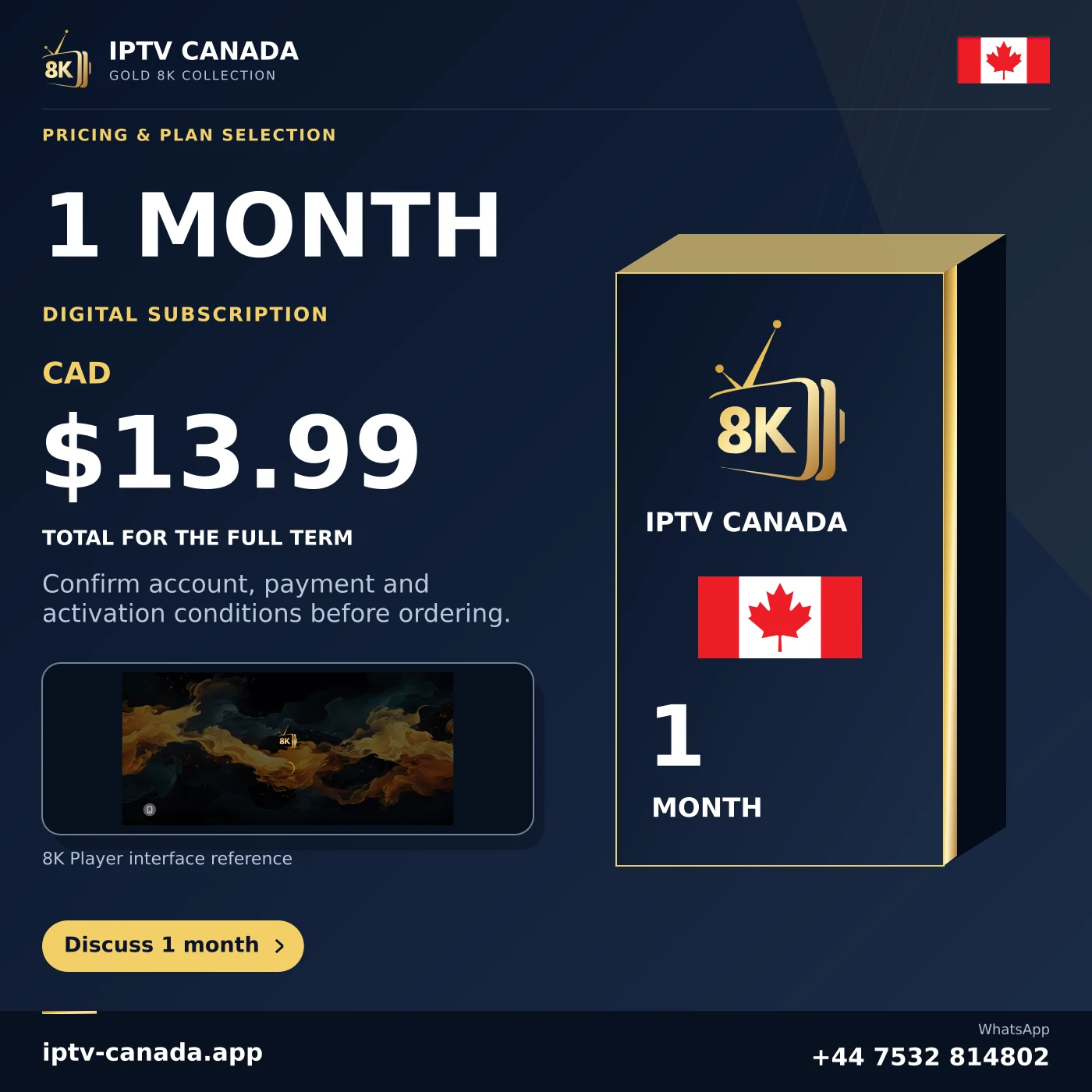
- Confirm player and device compatibility
- Ask for the connection allowance
- Confirm fees, renewal and refund terms
Find a term that suits your plans. Check the player and device first, then ask the questions that matter to your household.
1 month CAD $13.99 · 3 months $34.99 · 6 months $55.99 · 12 months $76.99. Complete-term totals.
Explore streaming subjects. Separate memberships and current availability apply. Explore the guides
Teams, dates and regional feeds make the difference. Explore the guides
Use exact film and series titles when checking current viewing options. Explore the guides
A programme, a language, a match and a screen. Keep those details together when you compare your options.
Write down the channels, titles and audio languages that matter. Regional feeds and separate platform memberships can change the answer.
Smart TVs, mobile devices and streaming boxes use different systems. Check the model before following an installation guide.
Confirm connections, activation, renewal, fees and refund conditions in writing before you commit to a period.
The amounts below cover the complete stated term. Your enquiry starts a conversation about the setup and conditions.
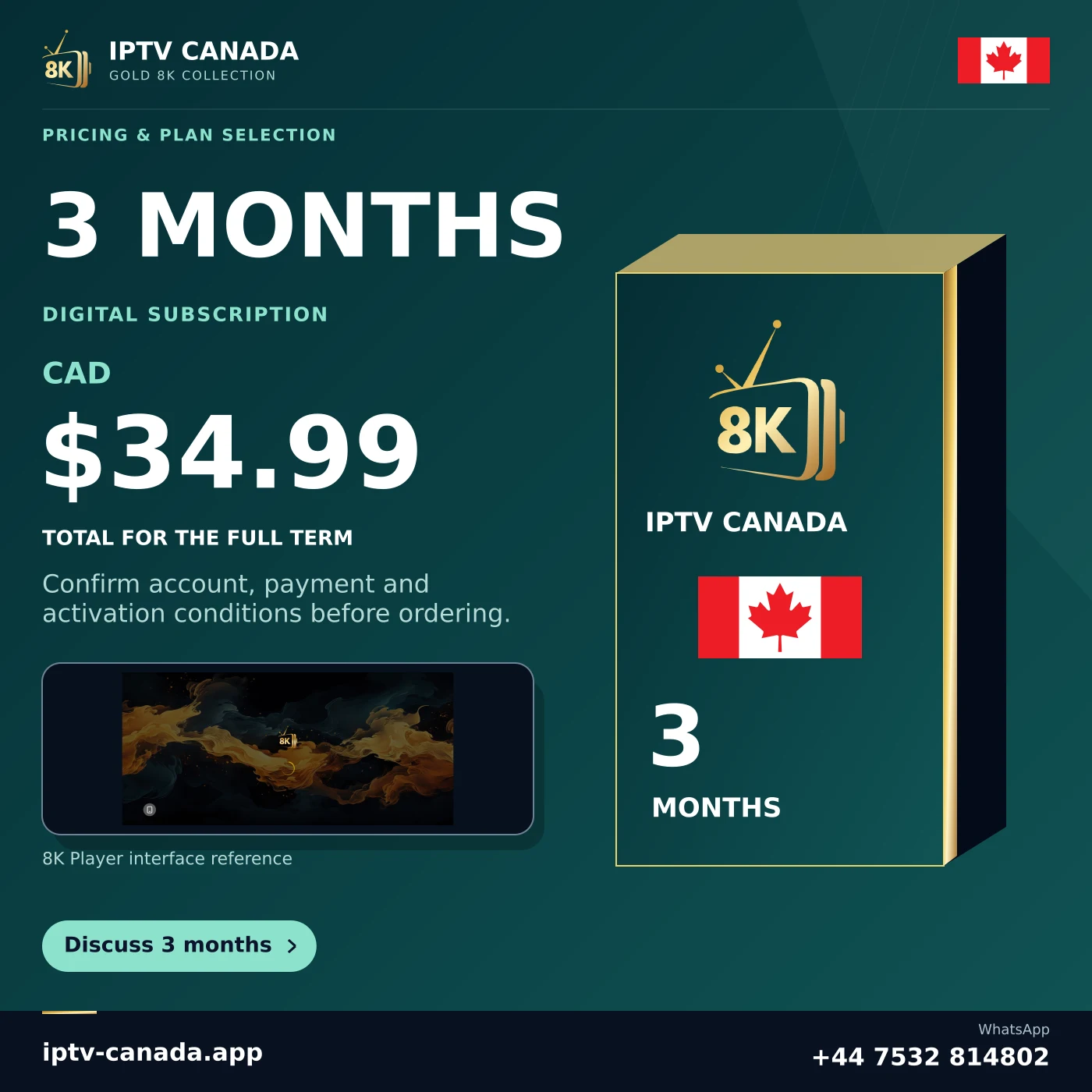
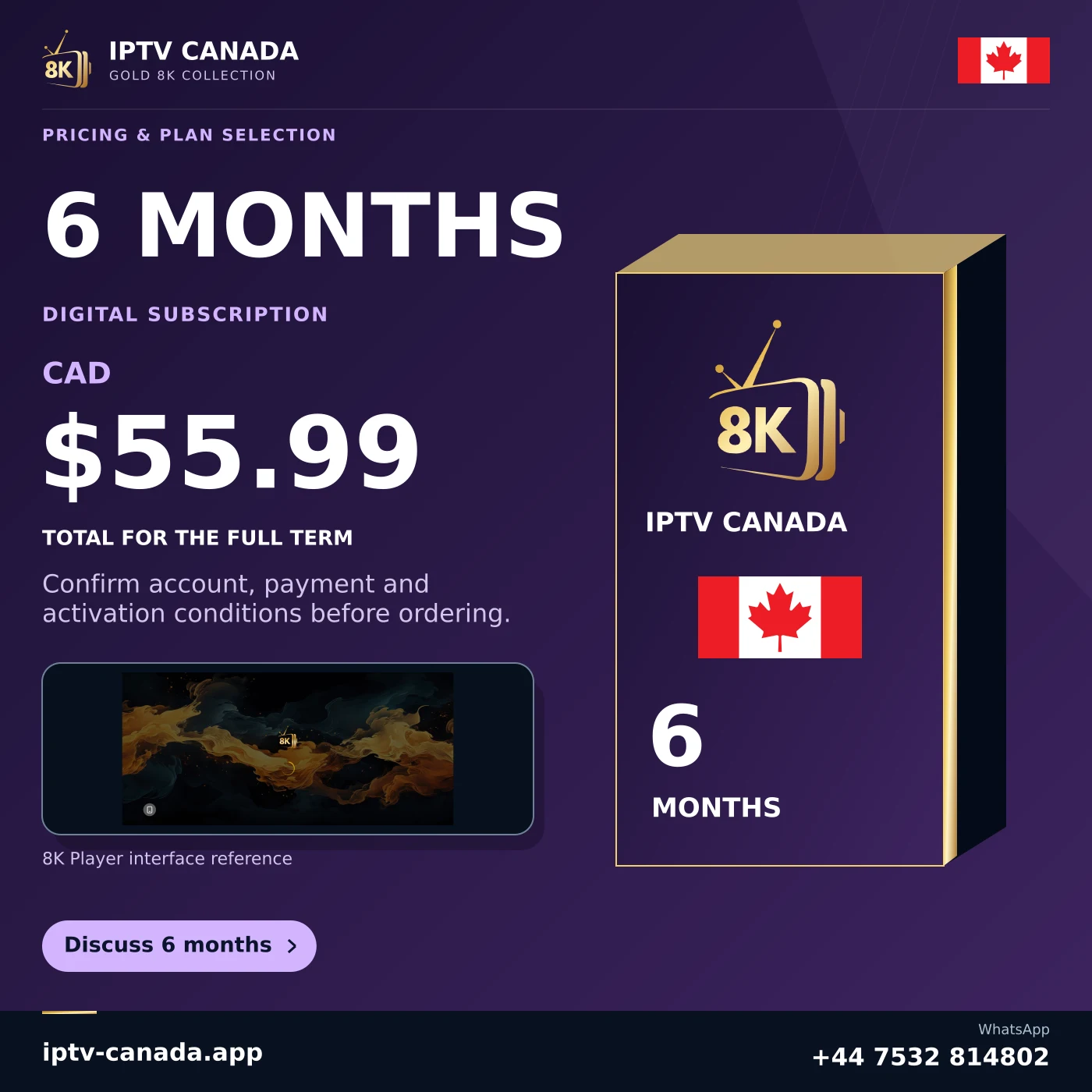
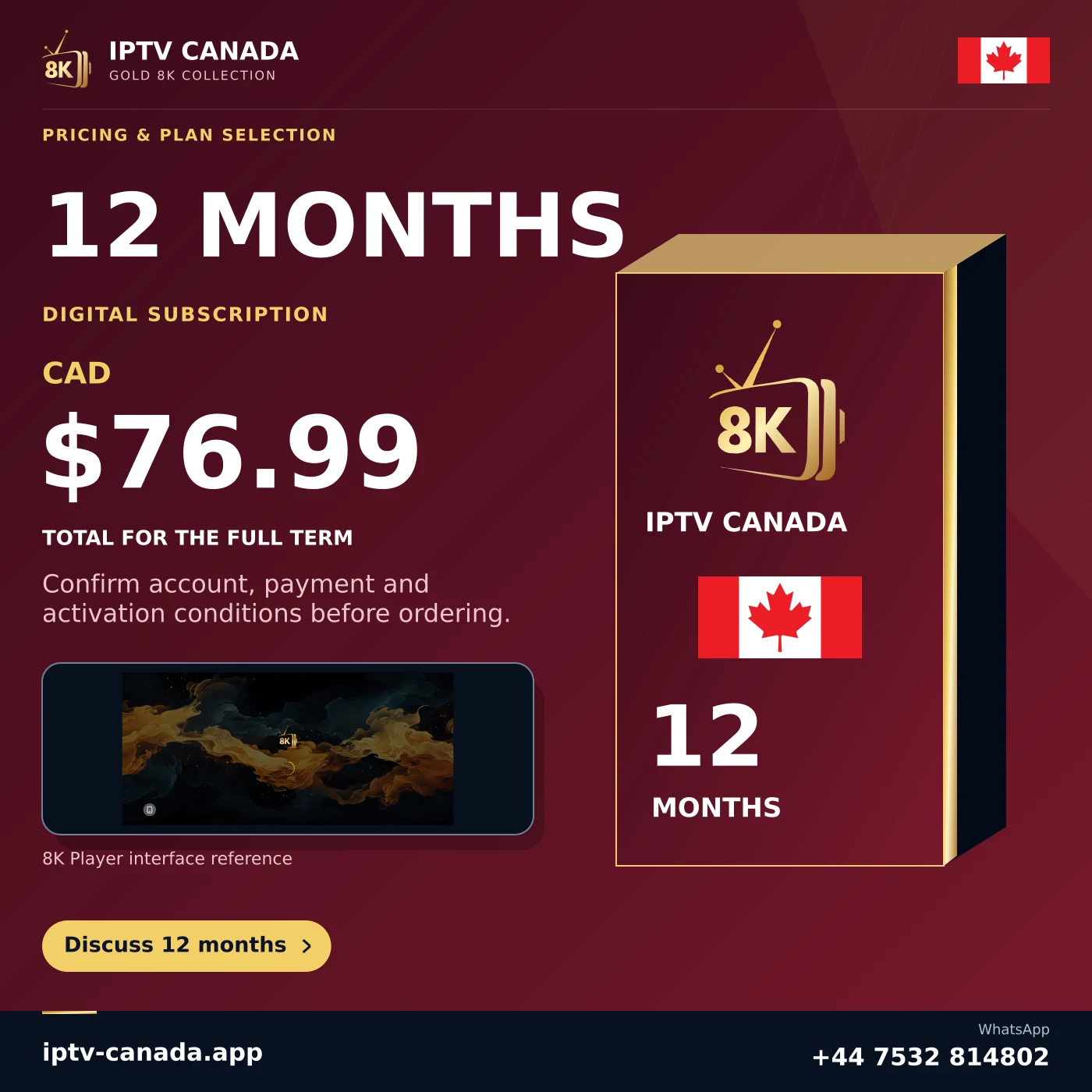
Published complete-term CAD totals. Confirm the final payable amount, taxes or fees, connections, activation, renewal, refund conditions and any independent player charge before payment. Plan links prepare an enquiry.
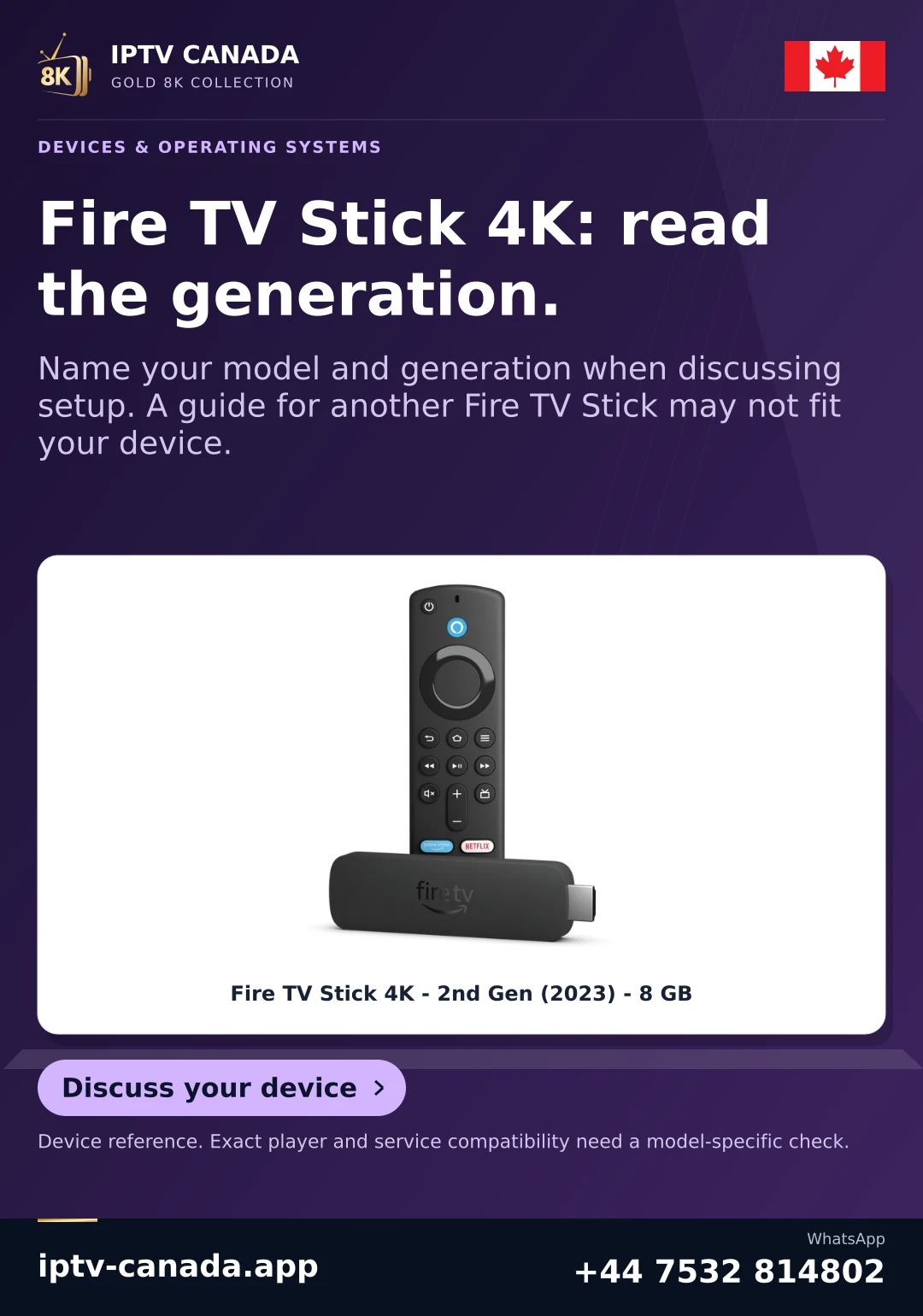
A retail name is only the beginning. Read the model and operating system, then choose the right app route.
Separate Fire OS, Vega OS, Android TV, Google TV and dedicated box platforms.
Check Samsung Tizen, LG webOS or Hisense VIDAA for the actual model and store region.
Use genuine app sources and distinguish local playback from casting.
The 8K Player screens show the application’s native presentation. They do not establish an IPTV Canada account or tested service deployment.

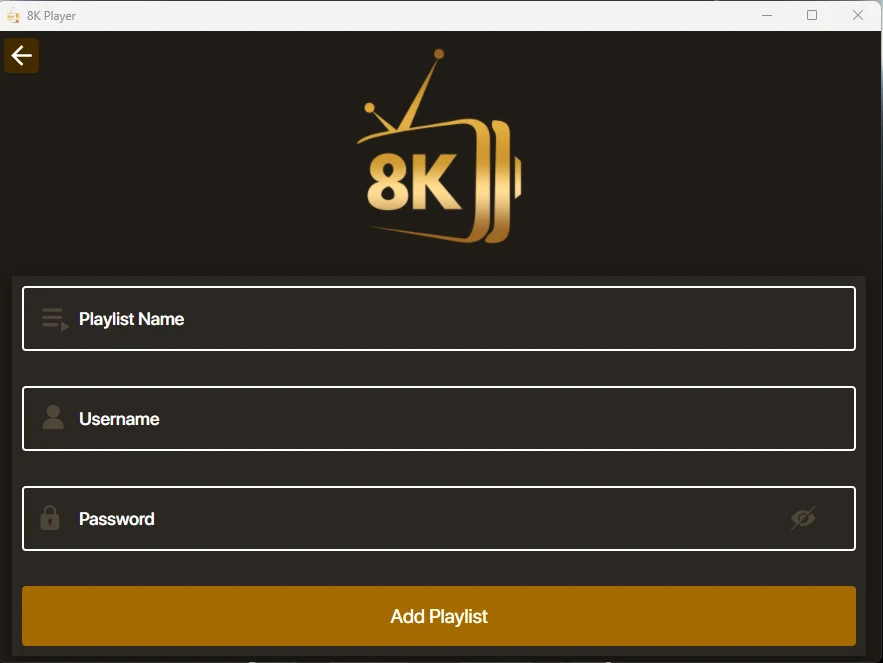
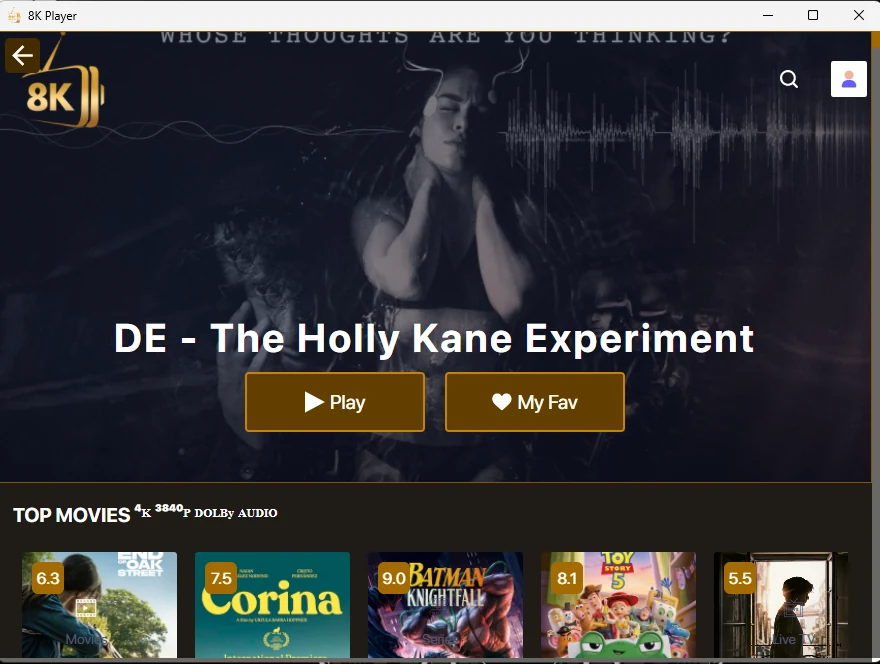
Install a compatible player, request current one-day trial conditions, then evaluate your own screen and network if access is approved.
Device model, app version, connection type and the observed error help narrow the question.
Include the programme, regional feed or language you mean. Keep private login and payment details out of a general enquiry.
Explore language and broadcaster context. Country listings do not confirm that service access is available in each location.
For Canadian viewing, choose the language and regional edition first, then check the actual programme and local time.
Read the guideA US network name is only the start of a viewing check. The local affiliate, East or West feed, live-event rights and Canadian availability can differ even when the logo looks familiar.
Read the guideFor UK programmes, identify the broadcaster and the relevant nation or regional edition before selecting a feed.
Read the guideIrish viewing is easier to organize when English-language and Irish-language programmes are treated as deliberate choices.
Read the guideFor television from France, distinguish a live channel from replay and select the programme version you actually want.
Read the guideGerman public-broadcasting programmes often appear under a broadcaster or regional identity as well as a national collection. Keep those names when comparing a Mediathek result with a live channel.
Read the guideFor Austrian television, keep the regional Bundesland edition separate from the national channel or on-demand programme.
Read the guideSwiss public media is organized across language regions.
Read the guideReseller, wholesale and distributor roles need defined permissions and written commercial terms. A panel image does not grant access.
Explore reseller questions
Separate programme access, player software and device hardware before paying.
Read the guide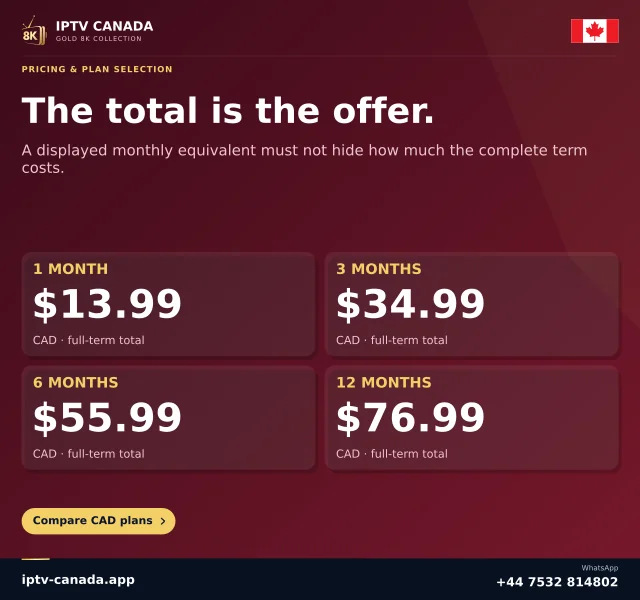
Compare the approved Canada plan totals while keeping renewal, tax and app fees separate.
Read the guide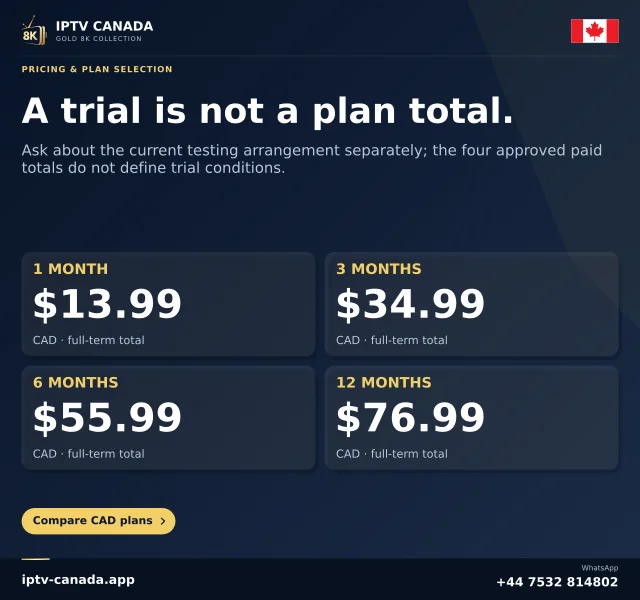
Use a trial to check your real setup without treating a brief success as a long-term guarantee.
Read the guide
Ask about concurrent sessions, transfers and household use as separate account conditions.
Read the guide
Use transparent arithmetic for a household estimate instead of a universal data-per-hour claim.
Read the guide
Understand headroom, changing delivery rates and why a single speed result is not a streaming guarantee.
Read the guideIPTV is television delivered using an internet connection rather than an aerial or satellite signal alone. The viewing experience depends on several separate parts: access to the programming, a player, a suitable device and a working network. Identify which part you are buying before comparing plans or troubleshooting a problem.
Read the related guide.IPTV Canada presents subscription information, player guidance and a support contact. A player is the separate application that opens a supported account or playlist. Installing an app does not itself activate a subscription, and paying for access does not automatically purchase every third-party player licence.
Read the related guide.Identify your device and operating system, choose a trustworthy player that supports the supplied login method, and check your internet connection. Ask support to confirm account details and the permitted connection allowance. Test that combination before choosing a longer term; a compatible-looking logo cannot establish that the whole setup works.
Read the related guide.Internet-delivered live viewing needs an active network connection. Do not expect a saved channel list to contain the video itself. Offline downloads, where offered by a particular authorised application, are a separate feature with their own rules; they should never be assumed to be part of an IPTV plan.
Read the related guide.Live television follows a broadcaster's schedule, while an on-demand title starts when you choose it. Their controls and available information can differ in the same player. A live feed may lack seeking, and an on-demand title may have separate audio or subtitle options. Test both types rather than assuming one successful stream proves everything works.
Read the related guide.No. Branding does not measure a stream's resolution. The source video, account access, player, decoder, display and network all affect the result. Judge a particular stream using available technical information and actual playback. A television's output setting or an 8K logo is not evidence that its incoming video is native 8K.
Read the related guide.A logo identifies a brand; it does not establish the contents of your account. If a channel matters, ask for its exact name, regional feed and current availability. Check it during any confirmed trial, including the time you normally watch. Availability and authorised access must be considered separately from the artwork.
Read the related guide.Do not assume that an IPTV plan includes a separate account with any streaming platform whose logo appears in a guide. Standalone applications have their own developers, subscriptions and access rules. Ask what the purchased access actually provides and keep platform accounts distinct from the credentials used in a television player.
Read the related guide.No. Internet service connects your home or device to the network; television access supplies a separate viewing service. A plan advertised for viewing does not by itself pay your internet provider, remove a data cap or improve Wi-Fi. Include those separate costs and constraints when assessing the overall setup.
Read the related guide.Some players support multiple accounts, but the available formats and account limits depend on the application. Keep each provider's credentials and channel groups clearly labelled. Adding another account does not combine their rights or connection allowances. Check the developer's documentation before buying a player specifically for this purpose.
Read the related guide.Players can organise categories, guide data, favourites and search results in different ways. They may also support different codecs or account features. Compare the exact player version and settings before treating a layout difference as a missing subscription feature. Retain the original login details while testing an alternative supported application.
Read the related guide.No. Programme-guide information describes what is scheduled, while the video stream carries the picture and sound. One can work while the other fails. Report a blank guide separately from a channel that will not play, and include a sample channel and the time shown so the two issues can be investigated accurately.
Read the related guide.No. Device hardware, operating system, app version, source data and account conditions can all limit a feature. Identify the particular feature you need, such as subtitles, guide search or external audio. Check that exact combination before payment instead of relying on a general platform list or a broad compatibility statement.
Read the related guide.Ask for current, dated information about the account you are considering rather than relying on undated catalogue totals. Identify the exact channels, regional feeds, languages and titles that matter to you, then check their availability. A large number is less useful than confirming the programming and features you actually need.
Read the related guide.IPTV describes a delivery technology, rather than blanket authorisation for particular programming. The relevant question is whether distribution and access are authorised for the content, location and intended use. A working feed or familiar logo does not establish those rights. Obtain qualified advice when a legal question affects your situation.
Read the related guide.The displayed subscription schedule lists one, three, six and twelve months. Choose the period after checking your device, player and priority viewing needs. These are subscription durations rather than different hardware packages. Review the displayed full-term total and ask about activation, renewal and other conditions before agreeing to an order.
Read the related guide.A shorter paid period can help when you are still evaluating the everyday setup or expect your needs to change. The listed one-month total is CAD $13.99. Consider the whole amount you pay and any separately confirmed costs; a short term does not remove the need to understand the order conditions.
Read the related guide.The listed three-month total is CAD $34.99. Consider whether your initial testing reflects normal household use, including busy viewing times and your preferred languages. Keep the written order details and check the renewal process. A lower monthly equivalent is only one consideration alongside commitment length and the amount paid in advance.
Read the related guide.A six-month term may suit someone whose setup has already been tested and whose viewing needs are reasonably stable. Its listed full-term total is CAD $55.99. Review the financial commitment and written conditions carefully; several successful sessions do not establish future availability of every channel or identical performance throughout the term.
Read the related guide.The listed twelve-month total is CAD $76.99. Before paying a longer amount in advance, confirm the exact account, activation date, connection allowance and renewal or refund terms. Keep a copy of those conditions. A longer period should follow a satisfactory evaluation, rather than substitute for testing the device and player.
Read the related guide.