
Fire TV
Fire TV: check the operating system before choosing a player
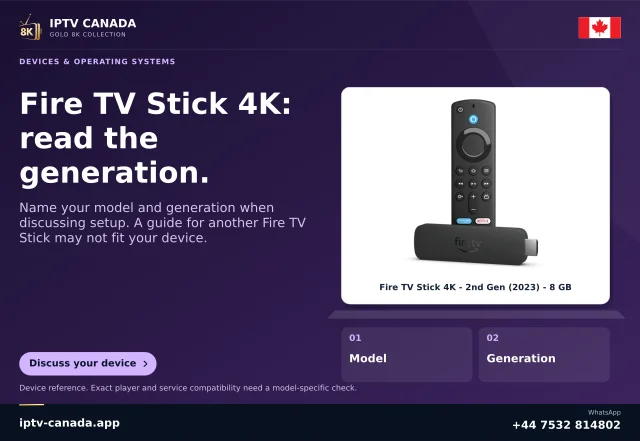
Fire TV is a hardware family with more than one application platform.
Read the guideMatch the actual model and platform before choosing a player or installation route.
22 guides · Page 1 of 1
Fire TV is a hardware family with more than one application platform.
Read the guide
On Google TV, choose the exact television app and verify its remote workflow before treating a phone player or a home-screen recommendation as a working setup.
Read the guide
Choose an Android TV player by its television listing, remote navigation and actual access workflow.
Read the guide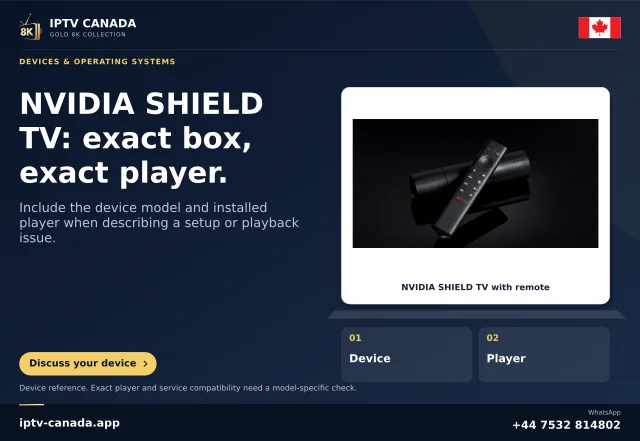
SHIELD TV is an Android TV device with its own model and software history. Use the NVIDIA guide and the television’s Google Play listing to choose a player, then…
Read the guide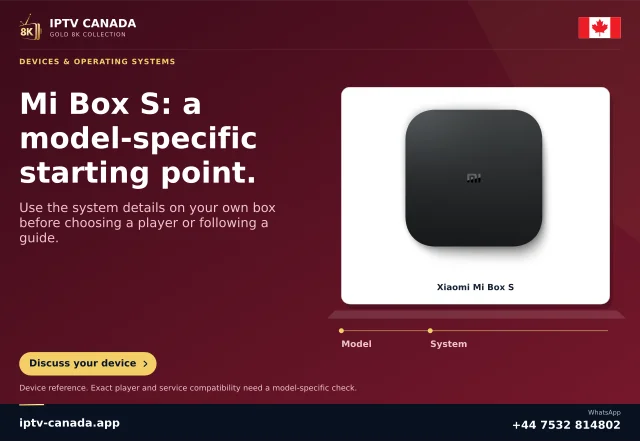
Xiaomi streaming devices are not one interchangeable model. Check the full product name, generation and television interface before choosing an app or following a…
Read the guide
Identify whether your Google streaming device is primarily a Cast receiver or also has a television app interface. That difference determines whether you install a…
Read the guide
Apple TV hardware, the Apple TV viewing app and a subscription are different things.
Read the guide
Use an identifiable iOS player and the access method it supports. On iPhone, app origin, local-network permission and AirPlay capability are separate checks from a…
Read the guide
An iPad can be useful for browsing a programme guide at close range, but its player must still match the account format and iPadOS version. An external screen…
Read the guide
On Windows, choose a player from its identified publisher, then check whether it accepts the authorised media or playlist you have. A desktop installer and a browser…
Read the guide
A Mac can play supported media in a desktop application or a supported web service. Choose a genuine publisher source and treat AirPlay, browser casting and direct…
Read the guide
For Linux, begin with the player’s official distribution guidance and your actual distribution. VLC and Kodi publish Linux routes, but the appropriate package and…
Read the guide
Use the application catalogue offered on the actual Samsung television sold in Canada.
Read the guide
LG webOS has its own television application platform.
Read the guide
A manufacturer name does not identify the television operating system. Check whether your Hisense television runs VIDAA or another platform, then use that platform’s…
Read the guideStart with the Roku Streaming Store for native apps. AirPlay, supported app casting and screen mirroring are alternative paths with model and sender requirements…
Read the guide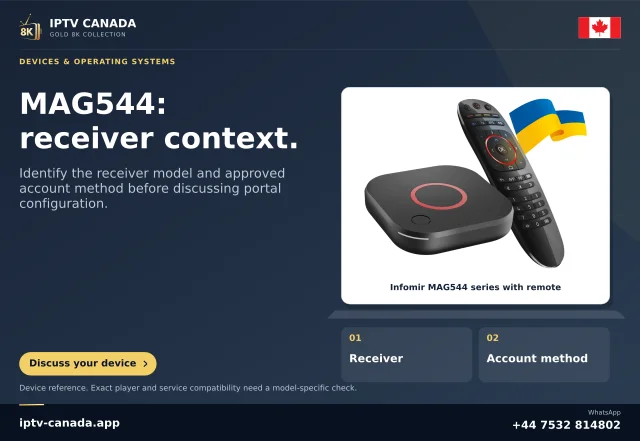
A MAG box connects through model-specific software and portal settings. Obtain the exact access method from the service before entering a portal address, and keep the…
Read the guide
Formuler hardware and MYTVOnline software are separate from the content service. Identify the MYTVOnline version and use the connection type issued for your account…
Read the guide
Use the phone’s supported app store and a player with a clear developer identity. Android phone playback, television playback and service-account access each need…
Read the guideA tablet can make programme browsing more comfortable, but the app must fit the tablet’s operating system and layout. Assess the interface rather than assuming a…
Read the guideA Fire tablet is not a Fire TV stick. Check the tablet model, software and offered app marketplace before following a television or generic Android installation tutorial.
Read the guideA browser can play media only through a supported web implementation. A playlist that opens in a desktop player may not work when pasted into the address bar, and…
Read the guide