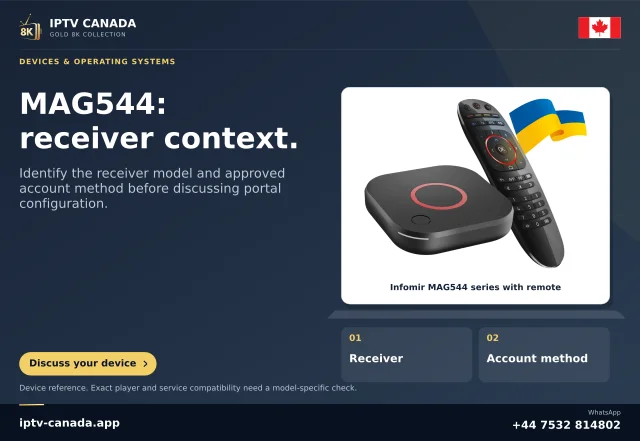
Confirm the hardware family
Record the complete MAG model and installed firmware. Infomir documentation distinguishes device generations and middleware compatibility. Do not treat “MAG” as a universal promise that every portal, app or playlist format will behave identically. A generic Android APK tutorial is not a substitute for the documentation of a Linux/WebKit MAG box.
If the service requests a device identifier, send it only through the approved private support route. Do not post a full identifier beside a portal or account screenshot.
Use the correct portal information
Infomir documents portal settings inside the embedded portal’s System Settings, Servers and Portals area for relevant devices. The address must come from the service for the account you are entitled to use. Do not guess a URL from another brand’s screenshot or alter its path until it happens to load.
A portal loading screen and a valid active account are different results. Note whether the failure happens before the portal interface, after authorisation or only during playback.
Consider middleware compatibility
Infomir’s FAQ describes cases where newer boxes connect to older portal software and need particular compatibility handling. That is a provider/middleware issue to investigate with the actual model. Do not change model compatibility settings at random or flash an unrelated firmware image. Follow the manufacturer’s instructions and retain a safe record of the original configuration.
Check safely before replacing equipment
- Confirm the network connection.
- Recheck the service-issued portal spelling and permitted account state.
- Record the firmware and precise message.
- Ask whether the service supports that MAG model and portal version.
No MAG device or Canadian portal has been physically tested here. The guide identifies the questions needed to establish compatibility rather than certifying it.
Related questions
Can I use a portal copied from a screenshot?
No. Obtain the correct account-specific connection details from the service.
Does a newer MAG always work with an older portal?
Not automatically. Firmware and middleware compatibility require model-specific checks.
Sources and scope
Scope notes distinguish published documentation, supplied information and editorial methods. They do not report a hands-on service test.