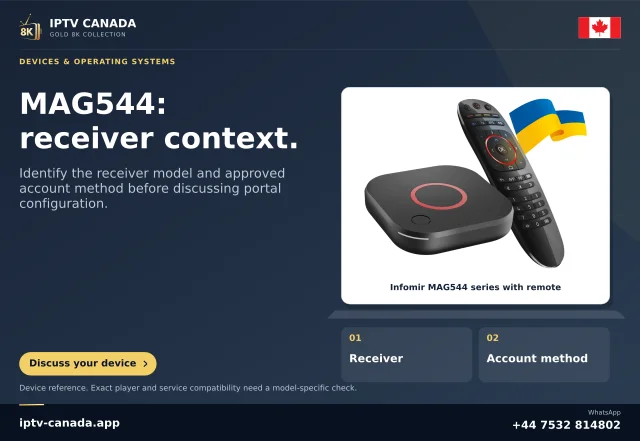
Prepare a recoverable change
Record the exact MAG model, firmware and the current permitted configuration before editing. Do not share account-related device identifiers publicly. Ask the service which portal format and device association are intended. A portal address from a reference screenshot is not a configuration source for your account.
If the box already works with another authorised service, keep a safe private record of the original setup. Do not reset or flash firmware merely because a new address does not load.
Use the relevant embedded settings
Infomir documents the portal area under System Settings, Servers and Portals for its relevant Linux/WebKit embedded interface. Enter the service-issued address in the appropriate portal setting and follow the model’s save/restart guidance. Menu availability and firmware behaviour are model-specific; use the correct Infomir manual if the screen differs.
Observe the connection stages
| Stage | Record |
|---|---|
| Portal loading | Whether the remote interface loads at all. |
| Account authorisation | Whether access is accepted or a specific message appears. |
| Content selection | Whether the expected permitted list is available. |
| Playback | Whether the selected item has picture and sound. |
A failure at one stage does not establish a fault in all four. Send the precise message with model and firmware to the appropriate support route.
Do not improvise compatibility fixes
Infomir documents model/portal-version compatibility cases. Use those instructions only where they match the device and service, and coordinate backend questions with the provider. No MAG firmware, device or IPTV Canada portal has been physically tested for this guide. It is an evidence-led setup outline, not a claim of operational support.
A compatibility notice needs model evidence
Infomir’s FAQ distinguishes situations in which newer set-top boxes connect to older portal software. A visible compatibility message can therefore be more specific than a generic wrong-password problem. Keep the firmware and complete model with that message. Do not copy a compatibility setting from another MAG generation or use an unrelated firmware file to reproduce a tutorial.
The service may need to confirm its middleware version and supported model combination. A customer cannot establish that backend relationship from a logo or a saved panel image. If the embedded settings remain available but the remote portal does not load, preserve that difference as well. It helps support separate local device operation from the remote service stage. Stop before destructive changes when the correct portal, account association or model support is still unresolved.
Related questions
Can I use a portal URL from any MAG guide?
No. Use the service-issued URL and authorised account association.
Should a portal error trigger a factory reset?
Not as a first step. Preserve the existing configuration and identify the failing stage.
Sources and scope
Scope notes distinguish published documentation, supplied information and editorial methods. They do not report a hands-on service test.