Identify the stage that succeeded
If a portal interface or compatibility notice appears, some network and portal communication has occurred. That is different from a box that cannot load the address at all. Write down the message as shown and note whether it appears before account authorisation or after the interface loads. Do not reduce every portal problem to an incorrect password.
Keep account-associated device identifiers and portal details private. A redacted error and the model/firmware usually provide a safer starting point than a public photograph of the full connection screen.
Use the exact generation’s documentation
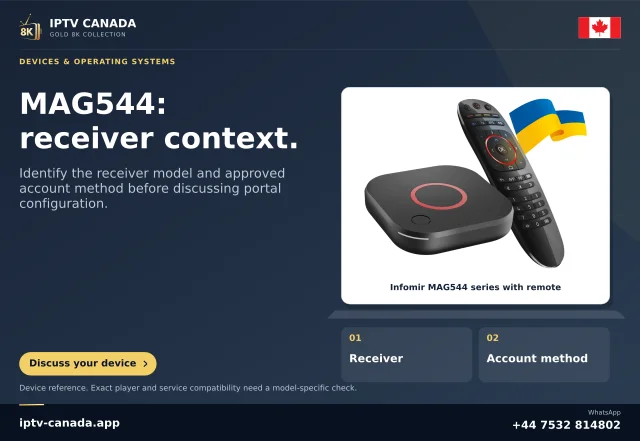
Infomir’s FAQ describes newer MAG boxes encountering older portal versions, including model-specific compatibility handling. This does not mean every MAG should be set to an older model or that a random firmware image is appropriate. The documented condition and device must match before such a procedure is considered.
The operator may need to investigate middleware compatibility. A customer should not be expected to repair an operator backend by repeatedly changing the box’s connection details.
Prepare a controlled support record
- Complete MAG model and installed firmware.
- Whether the embedded interface loads normally.
- Whether the service-issued portal address loads any remote interface.
- The exact compatibility/error message.
- Whether the account ever reached a permitted content list on this configuration.
Describe a historical working state accurately. Do not claim a previous setup proves today’s portal version or entitlement.
Keep recovery safe
Before editing, retain the original permitted configuration privately. Avoid a factory reset or firmware flash as the first response to a single message. Confirm the portal address and ask whether the account and device model are supported. Any firmware change should follow the manufacturer’s instructions and account for the actual box.
This article applies Infomir’s documented compatibility distinction. No MAG box, portal or IPTV Canada account was physically tested, and no current Canadian Ministra deployment is inferred from the supplied media references.
Related questions
Does reaching a portal prove full compatibility?
No. Interface loading, authorisation and playback can fail at different stages.
Should I choose an older compatibility model at random?
No. Follow the matching Infomir procedure only where the actual model and portal condition warrant it.
Sources and scope
Scope notes distinguish published documentation, supplied information and editorial methods. They do not report a hands-on service test.