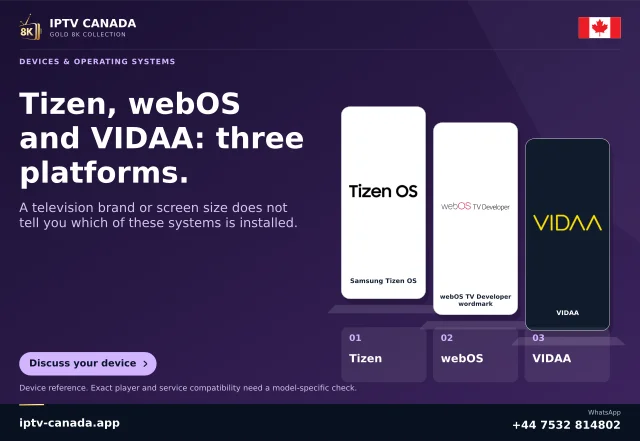
Read the television information
Use the TV’s model and system information to identify its software. Do not assume that instructions for a Hisense Android TV apply to a VIDAA model, or that all TVs sold under one brand accept the same app package. Keep the model number when asking the television manufacturer for support.
VIDAA describes itself as an operating system used by TV manufacturers. Its support guidance directs hardware problems to the manufacturer, which is a useful distinction when an app issue and a TV fault appear similar.
A companion app is not a player installation
VIDAA’s mobile app can be obtained through the QR code shown under the television’s Support and Mobile App settings. That installs the companion software on a phone. It does not install an arbitrary mobile IPTV player on the television. A phone’s iOS or Android edition and a native VIDAA television release are different targets.
Check the native option without guessing
- Find the television’s own app catalogue.
- Match the player name and developer.
- Ask the developer whether your TV model and region are supported.
- Confirm the service access type before paying for a player.
- If no suitable native player exists, assess a compatible external HDMI device.
Do not publish a sideload code or APK instruction as a VIDAA solution without actual developer and platform support.
Keep software maintenance proportionate
VIDAA documents firmware checking through System Settings, Support, System Upgrade and Check Firmware Upgrade. Follow the television manufacturer’s guidance if the menu differs. An update can change software behaviour, but it does not establish rights to content or compatibility with every account. Physical VIDAA playback with IPTV Canada remains untested in this guide.
Related questions
Does the VIDAA phone app install a player on my TV?
No. A mobile companion app and a native television app serve different roles.
Should I follow Android TV instructions on every Hisense?
Only if the actual television uses the relevant Android TV platform and the instructions fit its software.
Sources and scope
Scope notes distinguish published documentation, supplied information and editorial methods. They do not report a hands-on service test.