Begin with system information
Find the model number and operating-system information in the television’s settings or manufacturer manual. Keep the software version as well. A guide written for another model from the same manufacturer can show a different store, account prompt or app package. That is a platform difference to identify before you enter service credentials.
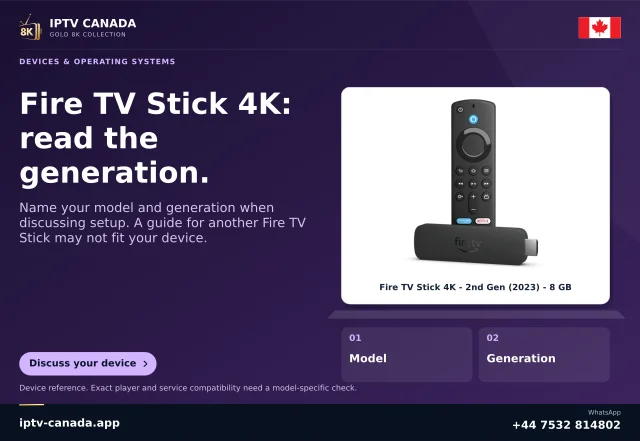
For example, VIDAA describes its operating system as software used by television manufacturers. Amazon’s current Fire TV table also includes sets from several manufacturers. Hardware brand and operating system therefore need separate fields in a useful support record.
Translate the identification into a store route
Once the platform is known, use its genuine catalogue: a webOS Apps/Content Store, a Roku Streaming Store, a Google/Android TV route or the applicable Fire TV store. Search the exact app and developer. A similarly named phone listing is not evidence that a TV release exists.
Avoid describing every Smart TV as Android. “Smart” means the television has networked software functions; it does not define a universal package format or player catalogue.
Ask questions that can actually change the answer
- Which exact television model and year/variant is it?
- Which OS and software version are installed?
- Which player/developer and edition are being considered?
- Does that edition accept the account method offered?
- What happens: missing app, failed launch, rejected login or failed media?
These details turn a broad compatibility question into a specific one. A service cannot establish every combination merely by publishing manufacturer logos.
Choose an alternative only after identifying the mismatch
A documented casting path or a separately compatible external HDMI device can provide another option, but each has its own requirements. An external Google TV device, for example, supplies another platform rather than replacing the television’s OS. Check the actual app before buying hardware and keep account connection allowances separate.
This article follows manufacturer/platform documentation checked on 4 November 2026. It does not report a physical television test or certify IPTV Canada on every product sold by a named manufacturer.
Related questions
Are all televisions from one brand the same platform?
Do not assume so. Check the actual model and system information.
Does an OS logo prove service support?
No. It identifies a platform, not a tested service/player/device combination.
Sources and scope
Scope notes distinguish published documentation, supplied information and editorial methods. They do not report a hands-on service test.