Read the qualification with the instruction
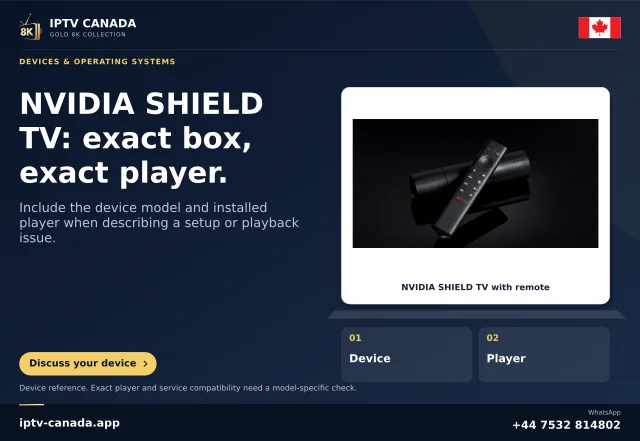
Google's generic Android TV storage guidance qualifies its procedure by television model. NVIDIA's SHIELD guide separately lists several supported filesystems and distinguishes removable storage from device storage.
These are not interchangeable claims. A platform help example should not erase a manufacturer's explicit model documentation, and a SHIELD capability should not be applied to every Android TV.
Identify the storage purpose
Determine whether the drive holds ordinary media, app storage or another supported function. Device storage can involve formatting and encryption; removable media follows another arrangement.
A filesystem recognised for media access does not necessarily mean applications can be installed there. Keep those requirements separate before making a change.
Inspect before formatting
Record the model, port, drive identity and present format through supported tools. Preserve wanted files elsewhere before any destructive action. A missing drive can also concern connection, port role or power, so format is only one possible question.
Do not repeatedly reformat the only copy of media merely to try different names.
Ask a model-specific question
Give the manufacturer the exact model and intended use and ask which formats and capacities are supported. If the device recognises the drive but one player cannot open a file, inspect the file requirement separately.
A generic4K label does not establish a filesystem, storage mode or app-movement feature.
Keep the evidence bounded
A successful drive test applies to the stated arrangement. It does not prove every drive size or every application works.
No storage device was tested here. This article explains documentation scope using the official SHIELD example and does not recommend a purchase or certify an IPTV service. The useful outcome is a requirement tied to the actual manufacturer and task.
Keep the generic-source limit explicit
The SHIELD manual is evidence for its documented hardware family, not a replacement universal Android rule. A successful NTFS media test on one SHIELD would not prove an unidentified television can adopt an NTFS drive for apps. State the actual model, storage purpose and result together. This level of specificity avoids both directions of overclaim: falsely excluding supported formats and falsely promising them on unrelated devices.
Sources and scope
Scope notes distinguish published documentation, supplied information and editorial methods. They do not report a hands-on service test.
- NVIDIA SHIELD TV guide — Official current guide excerpts: microSD removable/device storage, display modes and experimental frame-rate matching; model/software qualifications retained.