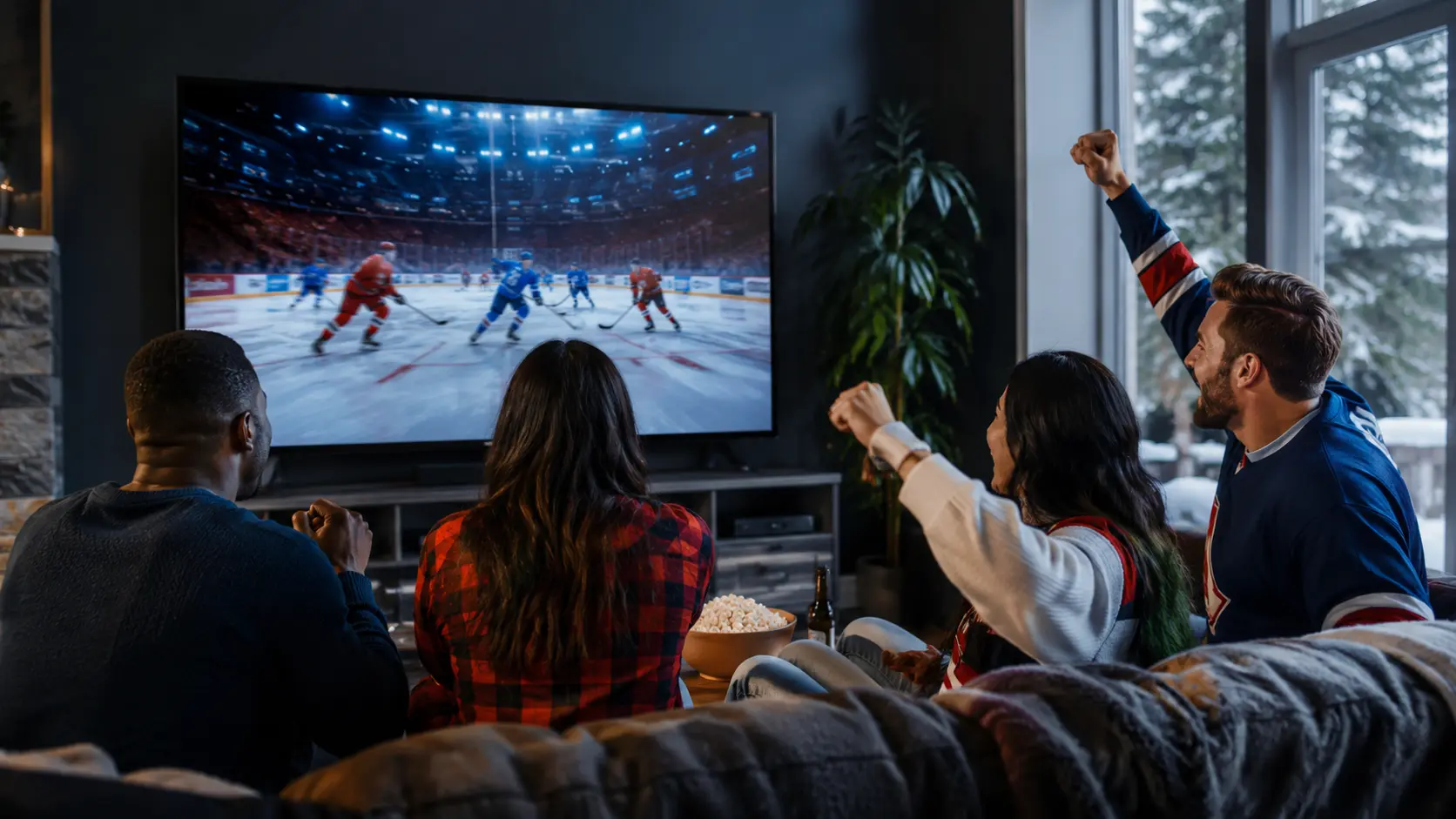
Sports are a demanding IPTV test because motion, timing and peak-event traffic expose weaknesses quickly. Instead of relying on a list of league or network names, use a trial to check the actual sports categories, event schedule, picture quality and device performance you need.
Create an event checklist
Write down the sports, languages and time zones you follow. Include regular-season viewing, special events, pre-game coverage and replay needs. Catalogs change, and a broad “sports included” claim does not confirm one specific event.
Test close to a real event time
A quiet replay at midday does not reproduce the conditions of a major evening event. During the trial, test live sports when possible and switch between several feeds. Watch long enough to inspect motion, audio sync and whether the player recovers cleanly after a brief network change.
Judge motion, not only resolution
Fast camera pans and ice, grass or crowd detail reveal compression more clearly than a static menu. A stable Full HD feed can look better than an unstable stream carrying a 4K label. Check frame pacing, sharpness in motion and the delay after changing channels.
Verify programme guide timing
Canadian households may browse feeds from several time zones. Confirm that the device and player use the correct local zone and that event listings match the stream. Event channels may appear shortly before the start and may not have permanent EPG data.
Prepare the home network
- Use Ethernet for the main television where practical
- Pause game and system downloads before important events
- Keep a lower-resolution feed available for troubleshooting
- Restart the device well before the event, not at kickoff or puck drop
- Confirm that household use stays within the plan’s connection limit
Understand source and rights limitations
IPTV technology can be used by authorized and unauthorized services. Choose lawful access, confirm that you are entitled to view the programming and avoid claims of affiliation with leagues, teams or broadcasters unless the provider can substantiate them. This website does not claim affiliation with Canadian sports networks.
Report a sports issue precisely
Send support the event time, category, exact feed label, device, player and whether alternative feeds work. “Sports not working” is difficult to diagnose; a precise report helps distinguish one feed from a player, account or home-network problem.
The useful decision rule
If sports are your priority, let sports performance drive the trial. Verify the events you care about, at realistic viewing times, on your main screen. Treat catalog labels as a starting point rather than a guarantee of permanent availability.
Use a repeatable live-event log
For each priority sport, record event start time, selected feed, device, connection, picture quality, audio language, guide accuracy and any interruption. Test at least one event with fast motion and one during a busy household period. A ten-second preview of a quiet studio segment does not represent live play.
| Test | What to observe | Why it matters |
|---|---|---|
| Motion | Puck, ball, camera pans and frame cadence | Exposes bitrate or decoder limits |
| Audio | Sync, language and channel selection | Confirms usable commentary |
| Timing | EPG zone and actual event start | Prevents missed coverage |
| Recovery | Reconnect after a brief network change | Tests everyday resilience |
Plan around changing schedules
Sports rights, feeds and event channels can change. Check the current catalog close to the event and do not assume a logo or old list is a permanent promise. If one event is essential, maintain a lawful backup viewing option. The purpose of the trial is to measure the current experience, not to guarantee every future fixture.
Responsible-use note: IPTV is a delivery technology. Use services and content you are authorized to access. App availability, catalogs, EPG, catch-up and picture quality can change and should be checked on the current service.