Smart TV setup depends on the television’s operating system, not only the brand printed on the frame. Samsung commonly uses Tizen, LG uses webOS, and many Sony, TCL, Hisense and other models use Android TV or Google TV. Start by identifying the platform and model year.
Identify the television platform
Open Settings, Support or About and note the exact model, operating system and software version. App availability can differ by country, model year and store region. A guide written for Android TV will not match a Samsung Tizen television even if both devices are “Smart TVs.”
Choose an app that supports your account method
Search the television’s official app store for a compatible IPTV player. Before installing, check the supported login type, update date, EPG tools, subtitle controls and any separate app licence. The player is normally a viewing interface; it does not include a content subscription by itself.
Samsung and LG televisions
On Samsung or LG, install a compatible player from the television store, open it and follow its account activation process. Some players use a device identifier and an online playlist-management page; others accept a server login directly. Use only the official website named inside the app and double-check the domain before entering credentials.
Android TV and Google TV
Open Google Play on the television and select a supported player. Android-based televisions often provide more player choices and may handle larger guides better than older proprietary platforms, but performance still depends on storage, memory and processor capability.
Load and organize the catalog
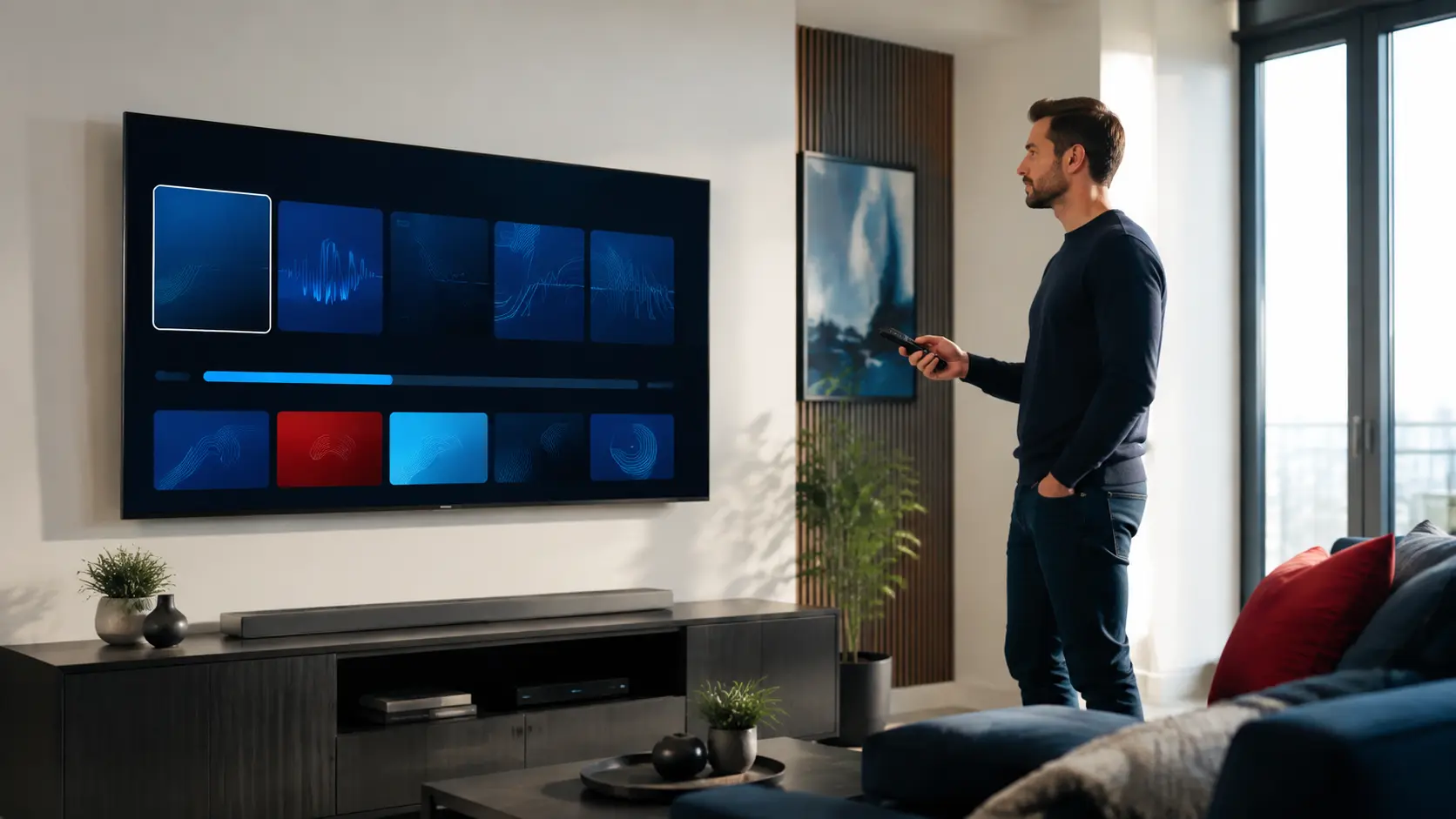
After login, allow the live, movie, series and EPG data to finish importing. Hide groups you do not use where the player supports category management. Add favourites for common channels and confirm the time zone if programme listings appear shifted.
Improve performance on older televisions
- Use Ethernet when the TV has a reliable wired port
- Close unused background apps
- Keep several hundred megabytes of free storage
- Lower stream quality when the TV struggles with high bitrate video
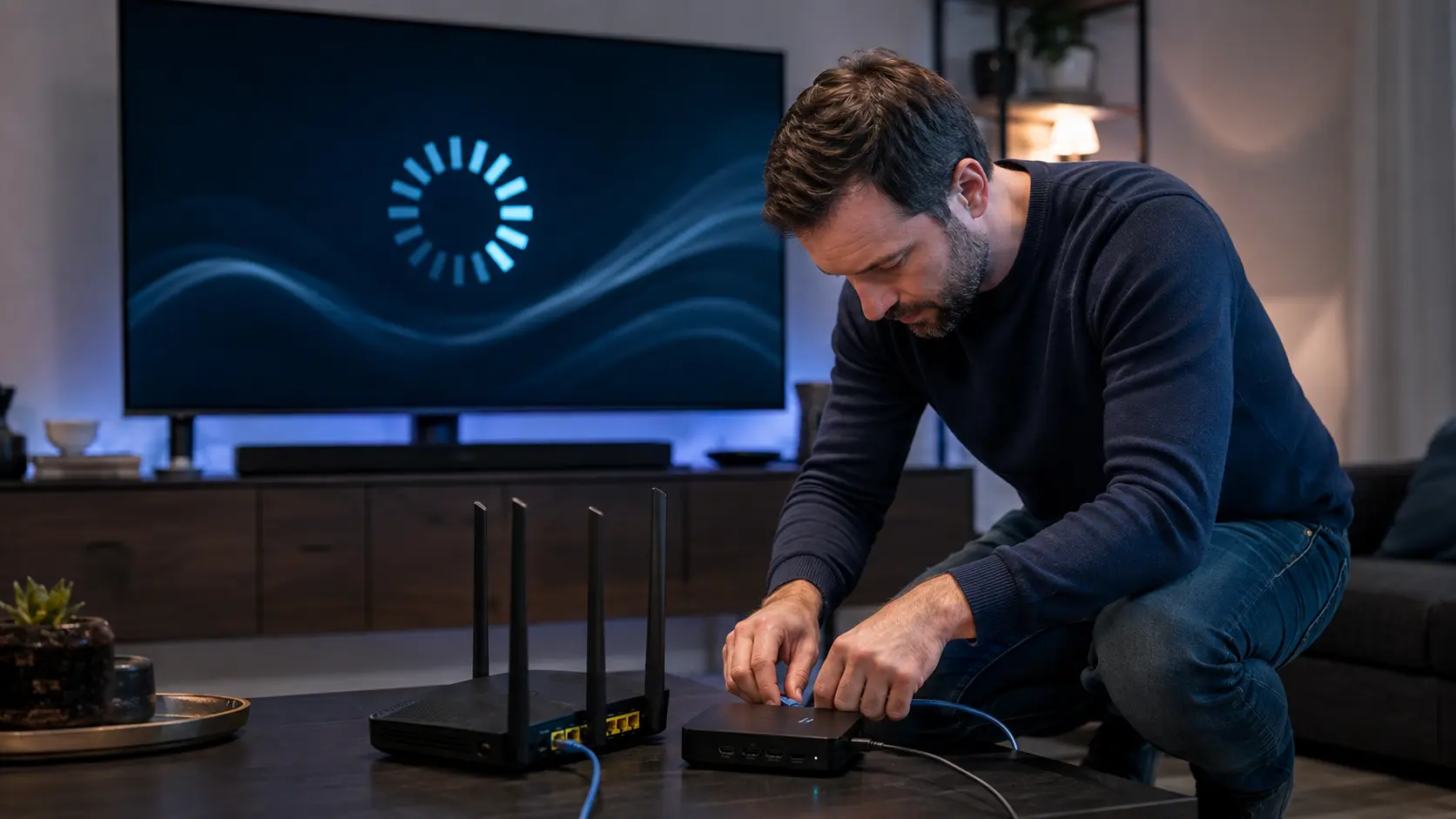
- Restart the television fully rather than only turning the screen off
- Consider a current external streaming box if the built-in platform is no longer updated
When an external device is the better answer
A television can have an excellent panel but an outdated app platform. If the player crashes, the app store no longer offers updates or the TV cannot decode common video formats, a supported Fire TV, Android/Google TV or Apple TV device may provide a more maintainable interface without replacing the screen.
Protect account information
Do not photograph or share your full login. Install apps from trusted sources, update the television and remove access before selling or giving the device away. Use only content and services you are authorized to access.
Check the store region before paying for a player
Two televisions with the same brand can show different app catalogs because of model year, operating system and country setting. Search the official store on the exact TV, open the developer listing and confirm that the app still receives updates. Do not change the television region casually: it can affect other apps, terms and local services.
Run a ten-minute living-room test
- Cold-start the television and open the player.
- Move from home to a live group with the remote.
- Open the EPG and verify local time.
- Search for a film and a series.
- Change audio or subtitles where supplied.
- Return to the television home screen without a crash.
Repeat after the player has imported the full catalog. A lightweight demonstration can feel fast before the EPG and artwork are present. The complete test exposes memory, storage and navigation limits that matter in everyday use.
Know when to add an external streamer
An external box is reasonable when the built-in app is no longer maintained, the television cannot decode the required format, storage is too limited or remote navigation remains unreliable. Keep the screen if its picture is good; replace only the computing layer. Compare the extra HDMI input, power, remote and cost with the benefit of a current, supported platform.
Responsible-use note: IPTV is a delivery technology. Use services and content you are authorized to access. App availability, catalogs, EPG, catch-up and picture quality can change and should be checked on the current service.