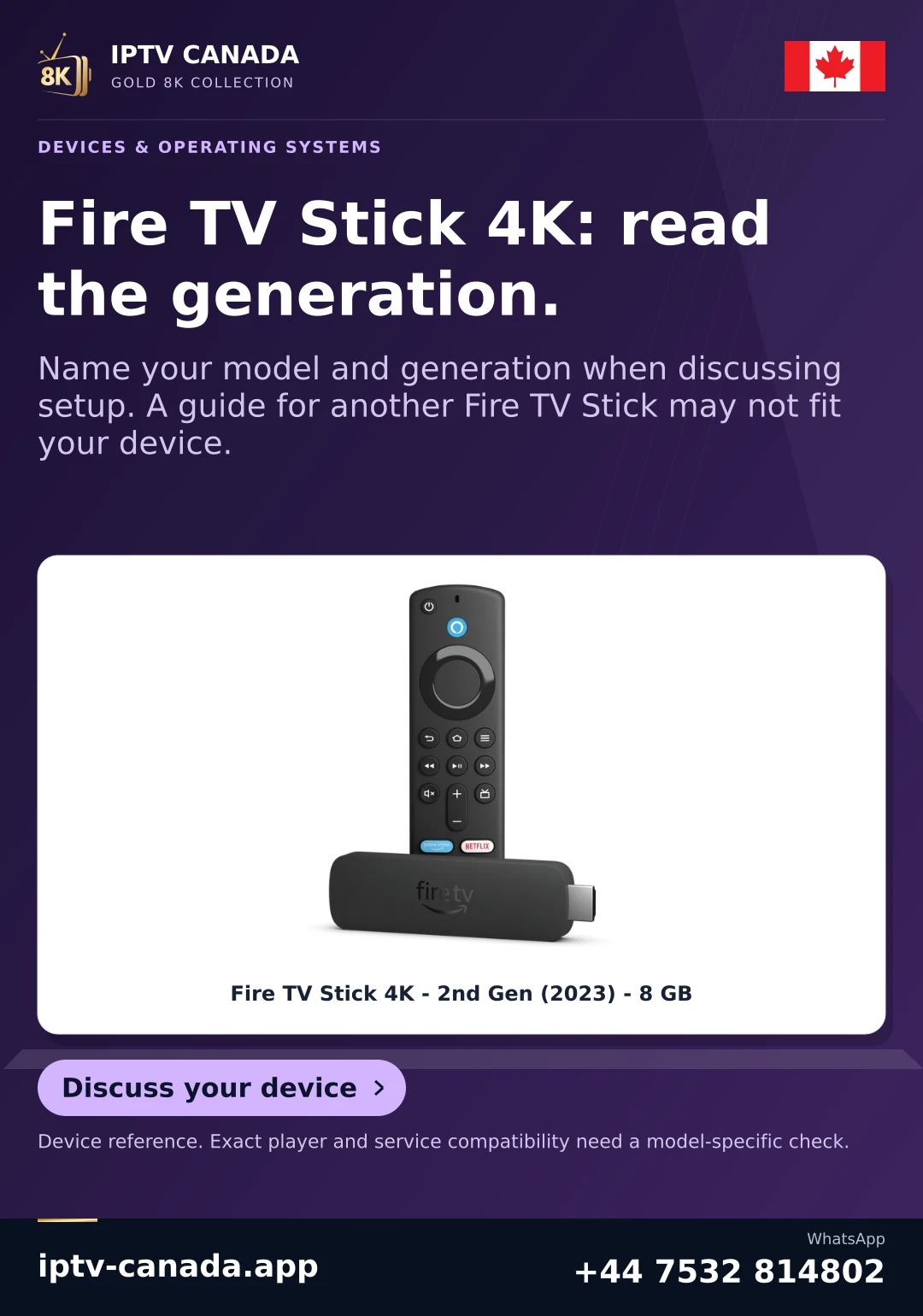
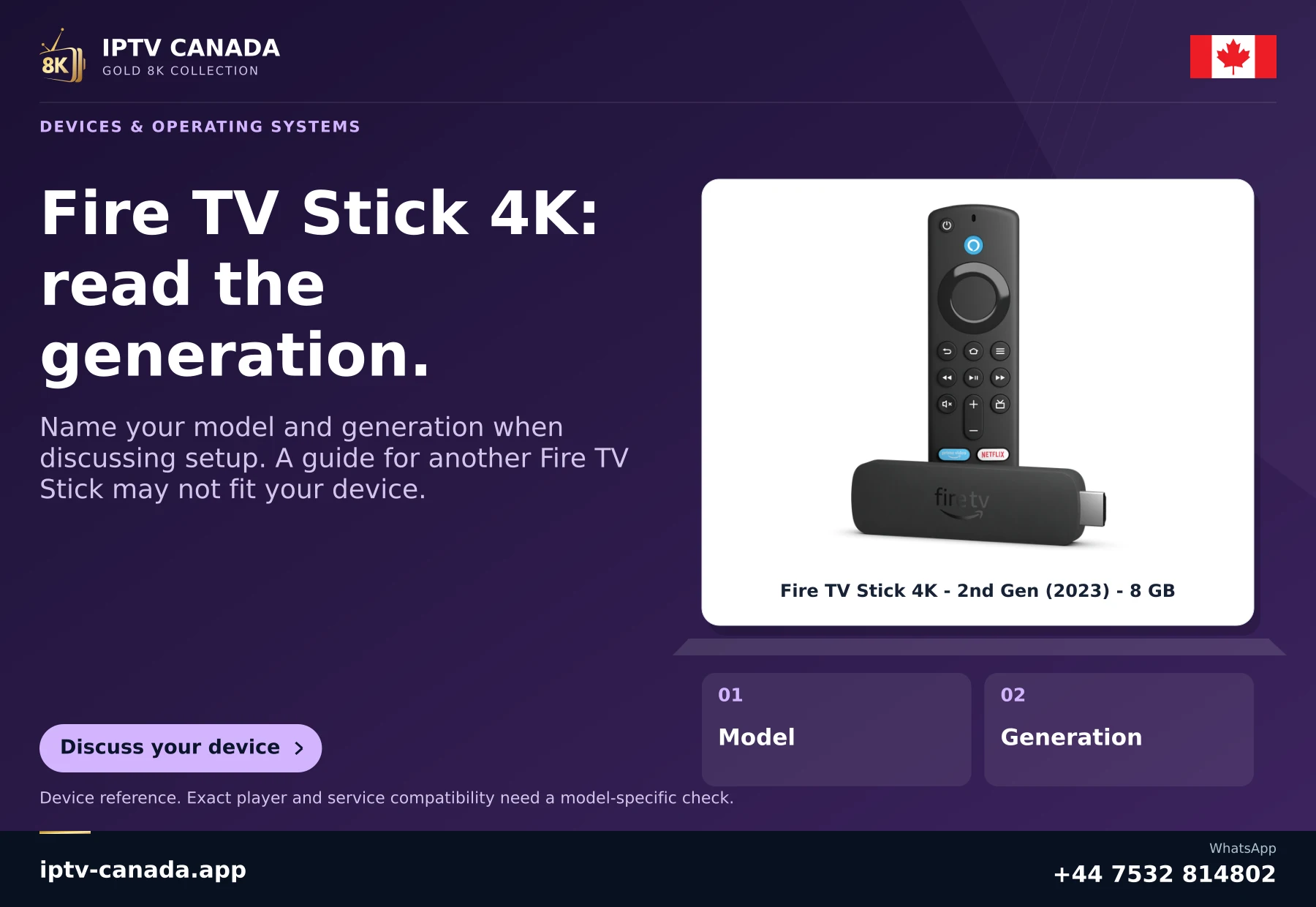
Fire TV Stick 4K: read the generation.
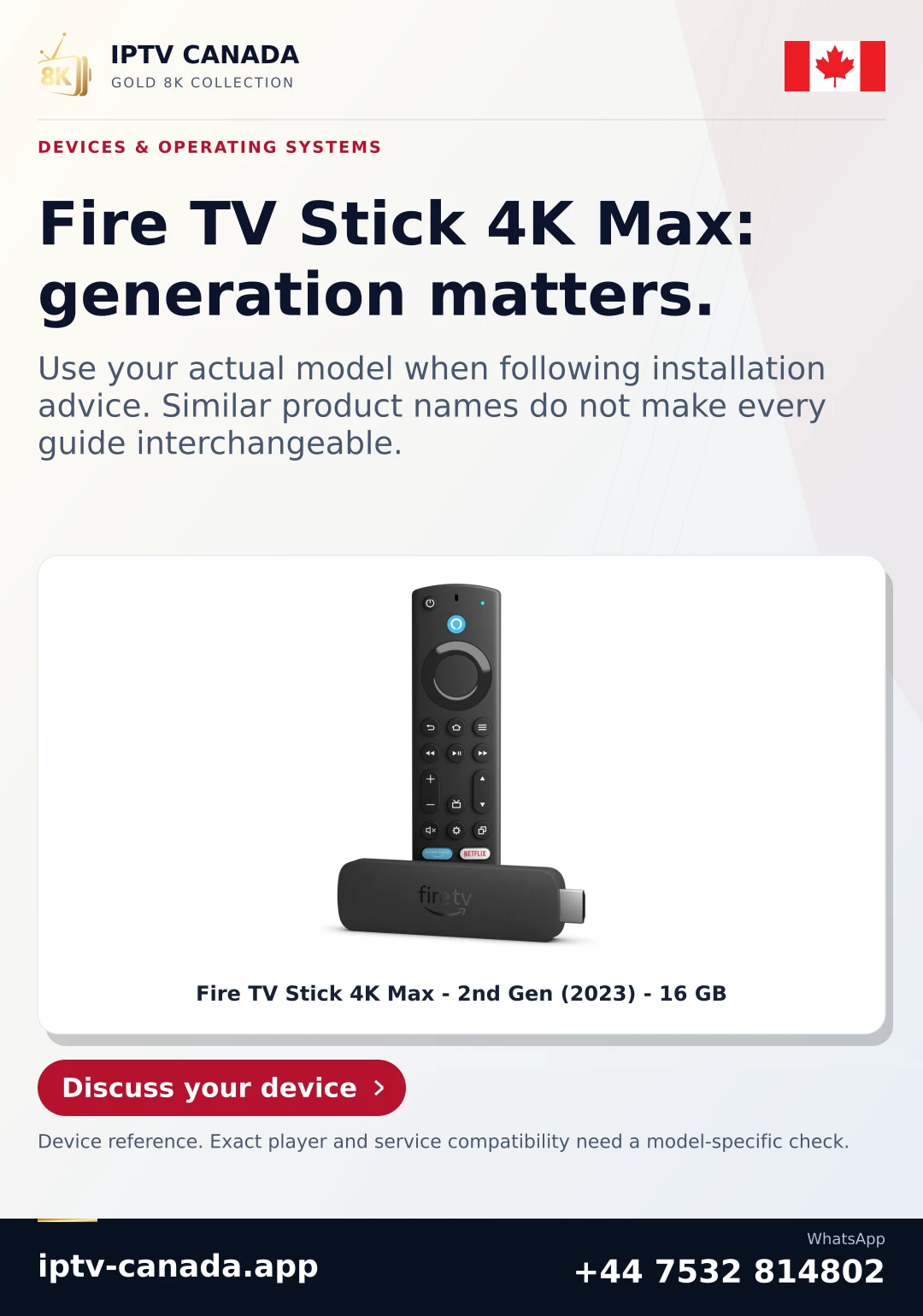
Name your model and generation when discussing setup. A guide for another Fire TV Stick may not fit your device.
Desktop artwork · Mobile artworkChoose a subject to inspect the complete illustration. Current service access and independent memberships require separate confirmation.
Name your model and generation when discussing setup. A guide for another Fire TV Stick may not fit your device.
Desktop artwork · Mobile artwork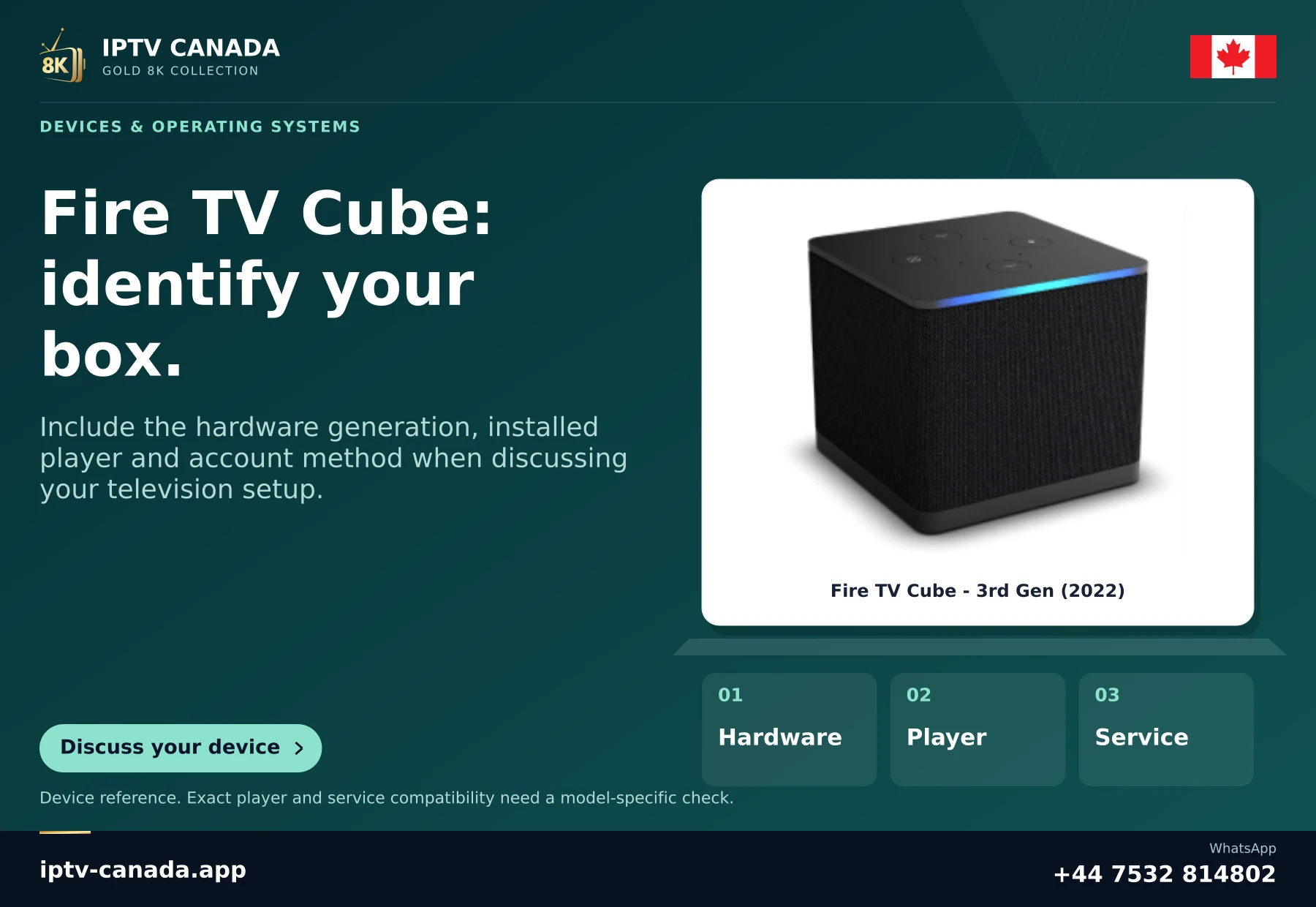
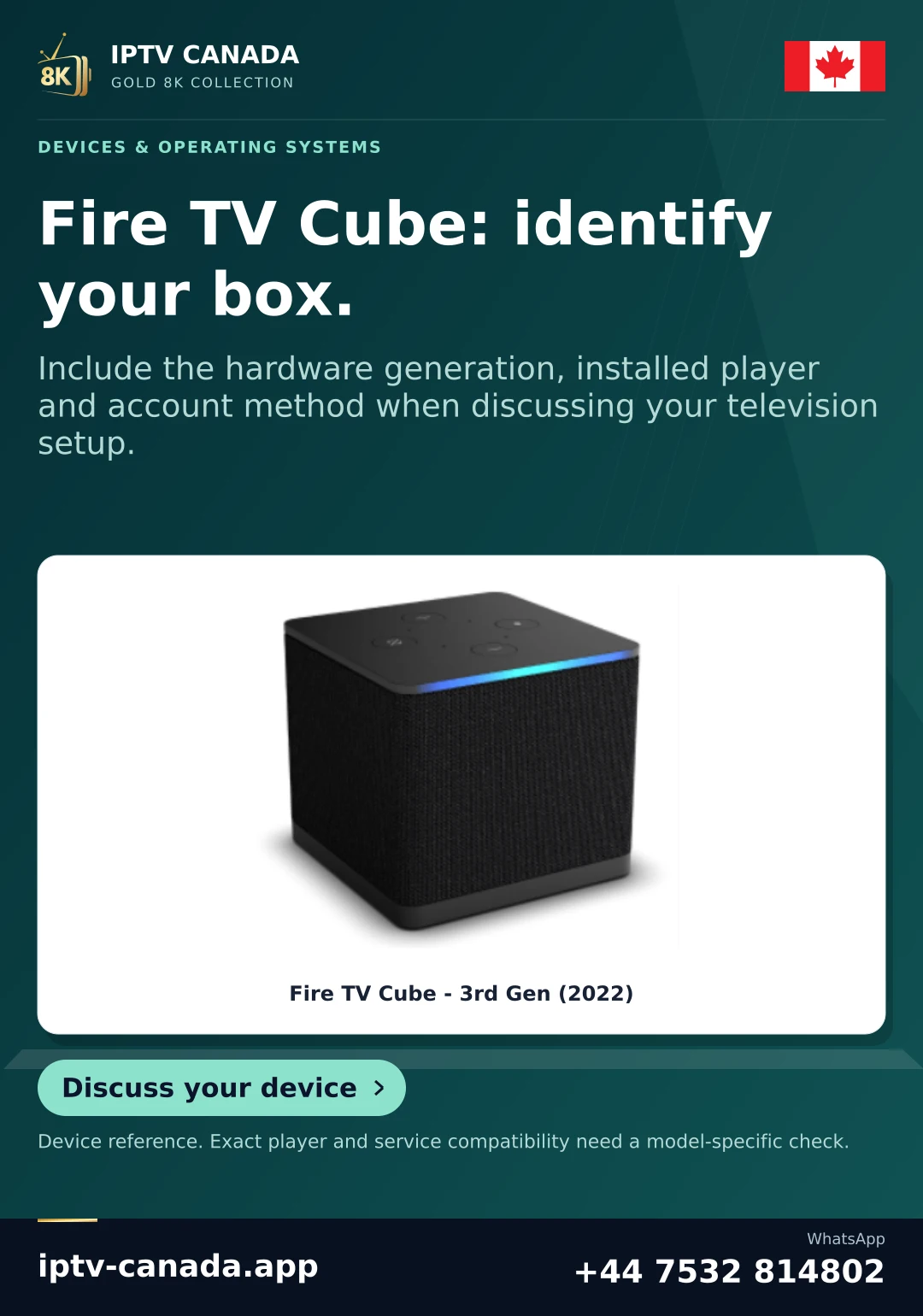
Include the hardware generation, installed player and account method when discussing your television setup.
Desktop artwork · Mobile artwork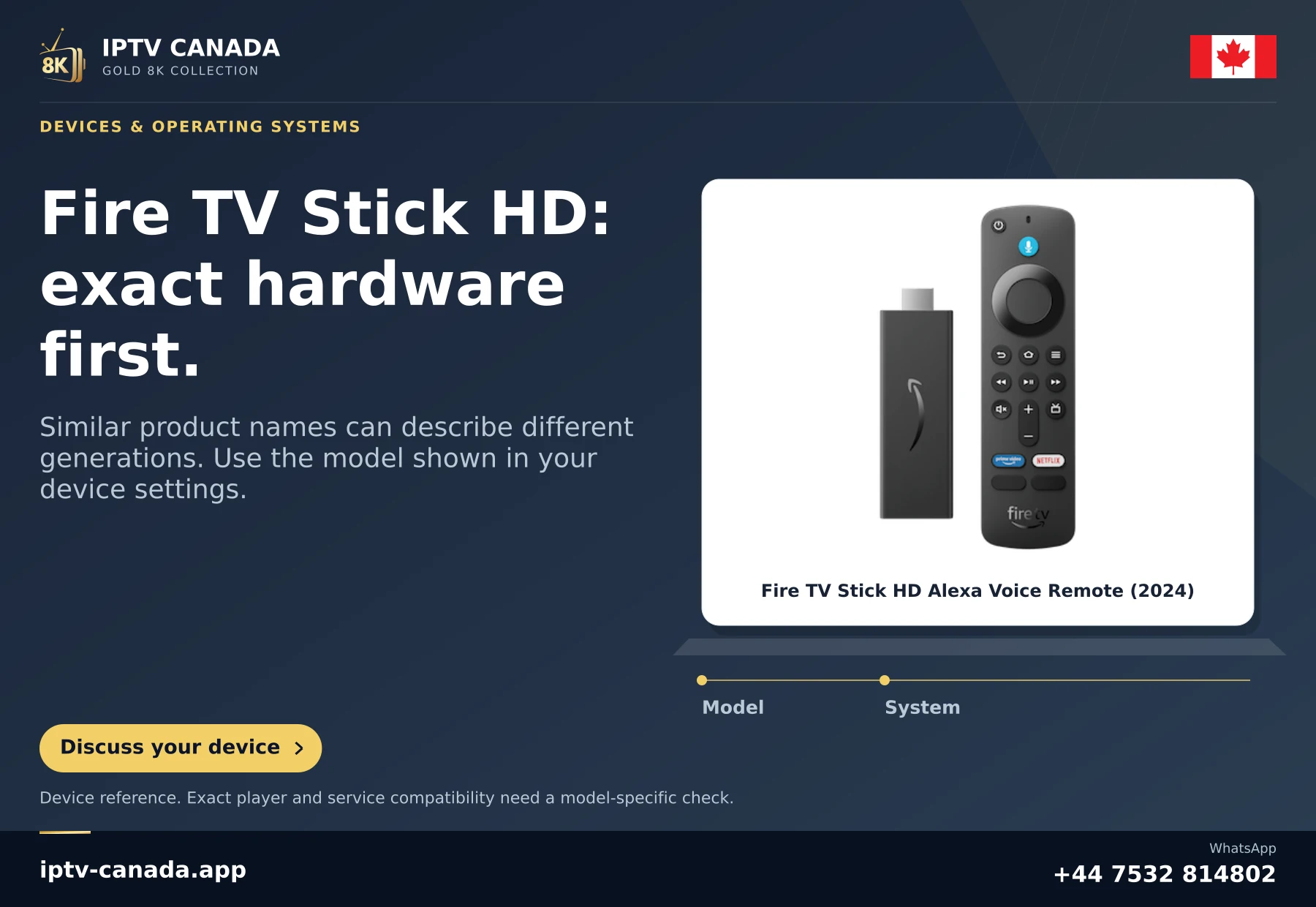
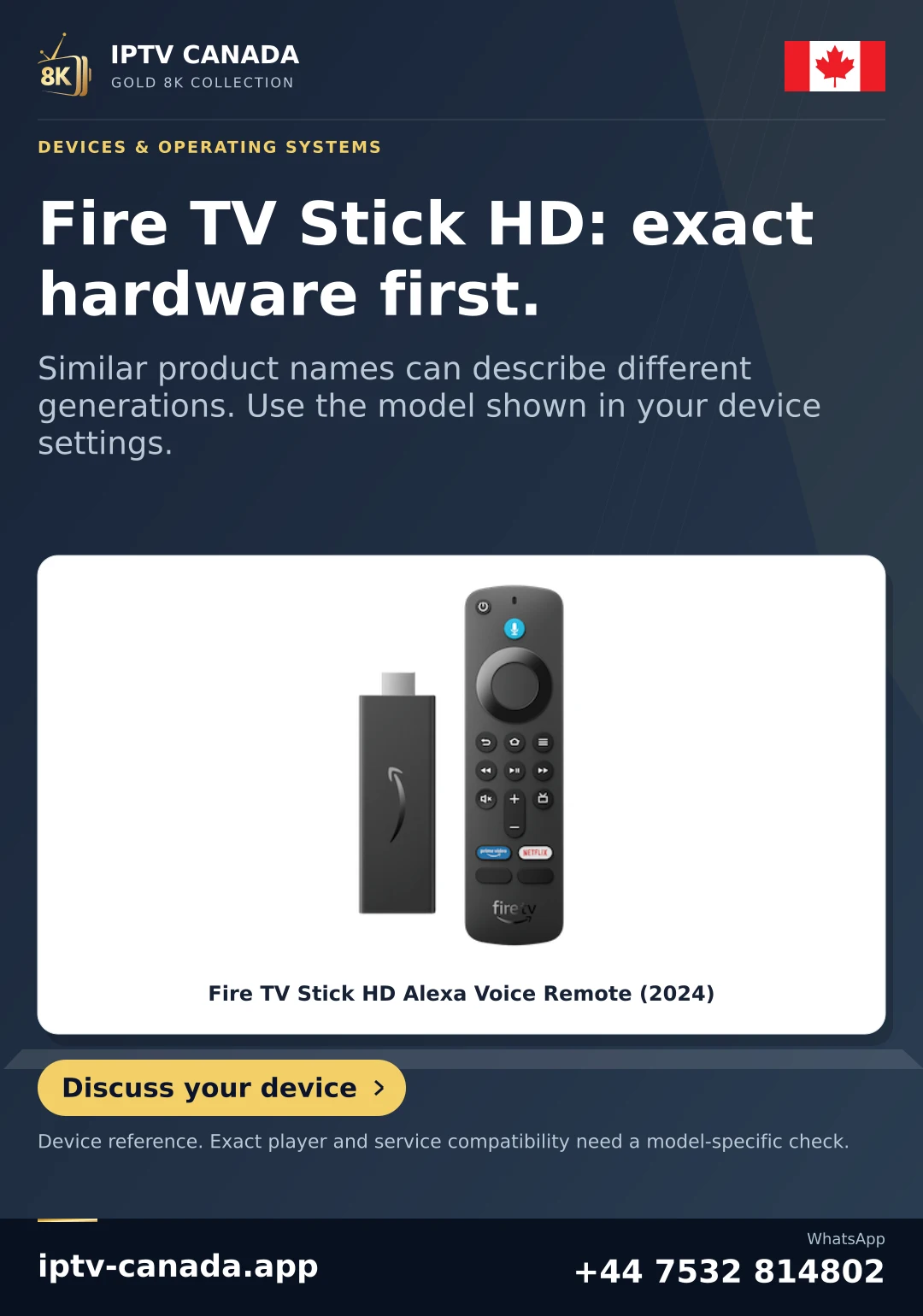
Similar product names can describe different generations. Use the model shown in your device settings.
Desktop artwork · Mobile artwork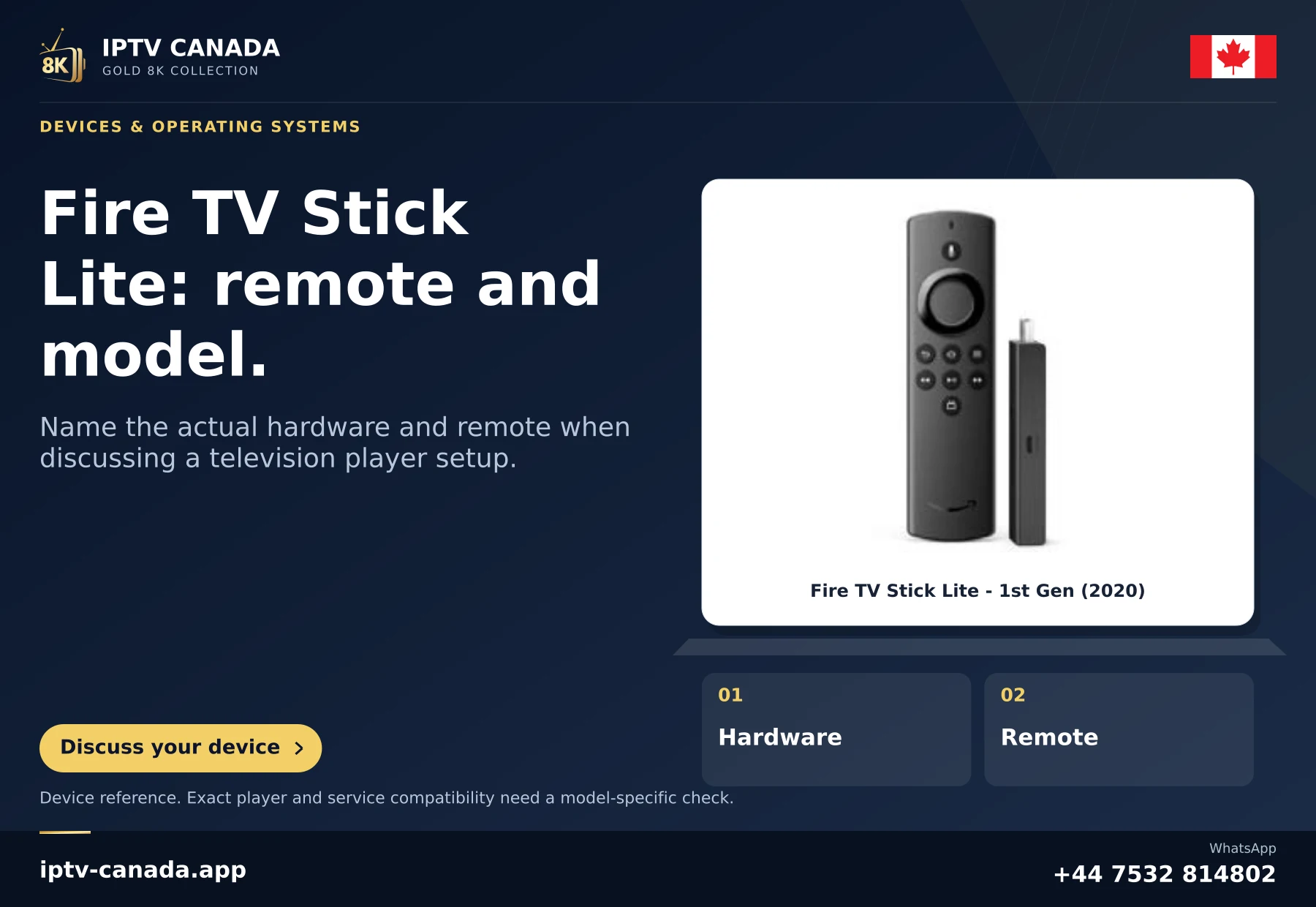
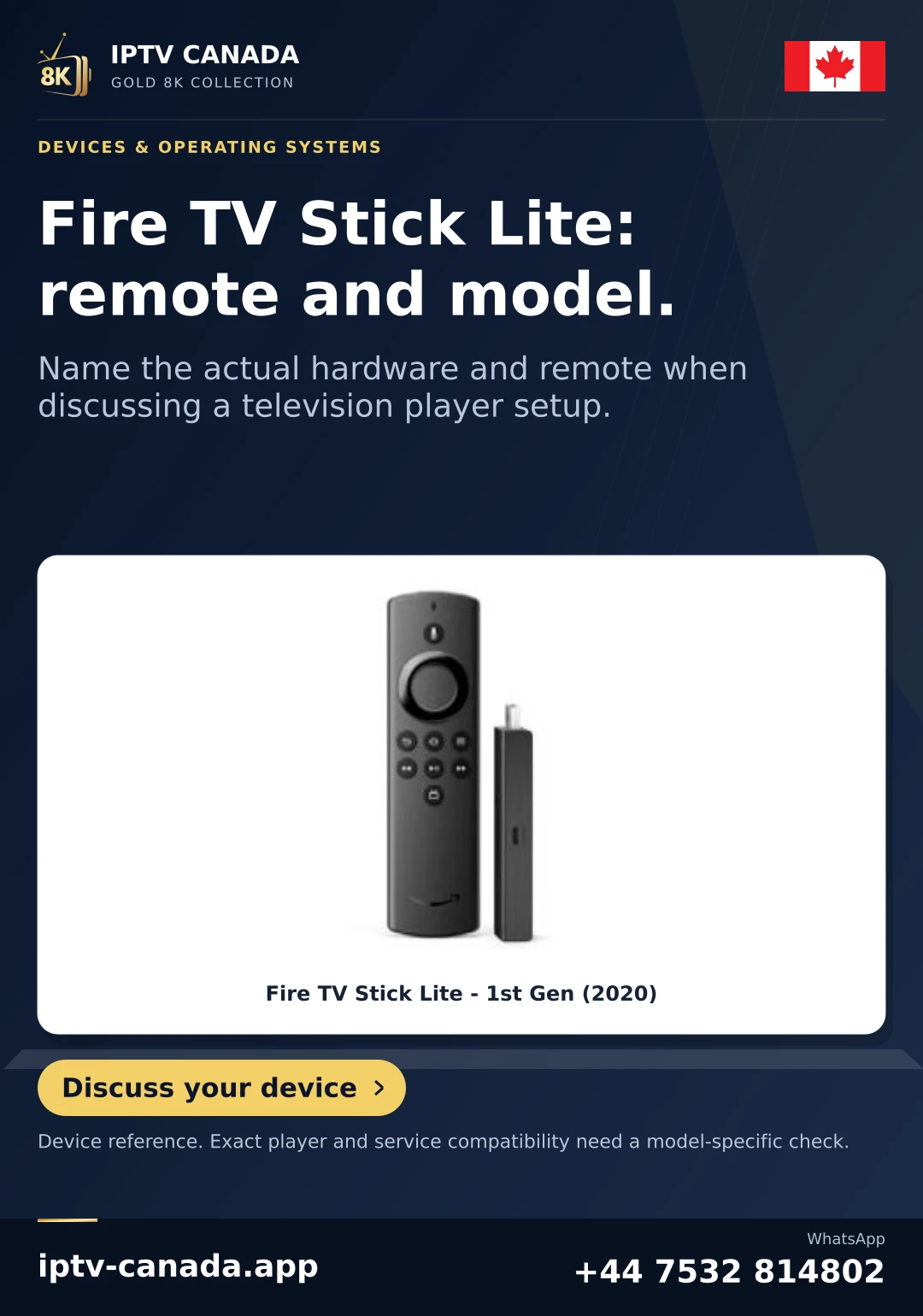
Name the actual hardware and remote when discussing a television player setup.
Desktop artwork · Mobile artwork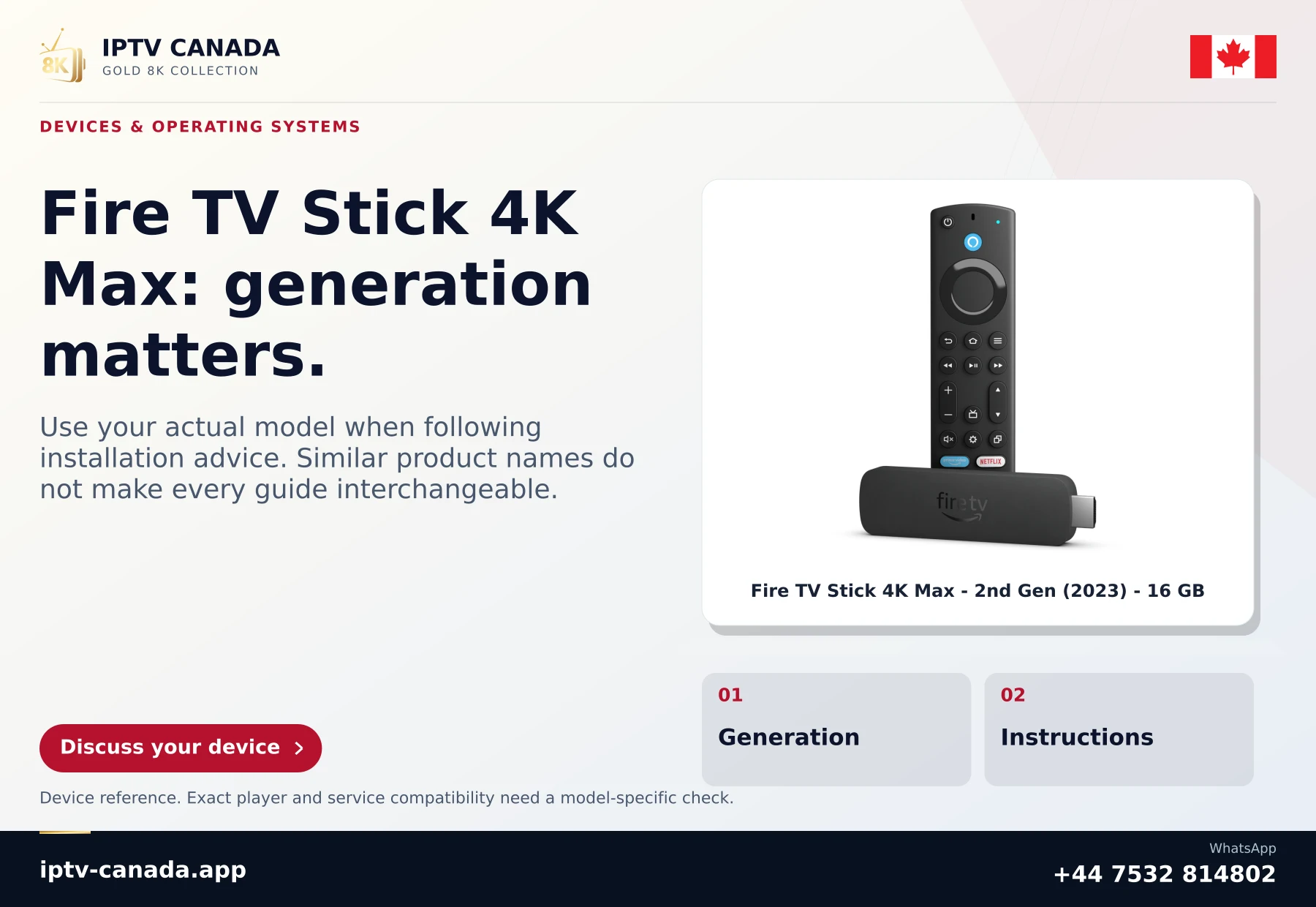
Use your actual model when following installation advice. Similar product names do not make every guide interchangeable.
Desktop artwork · Mobile artwork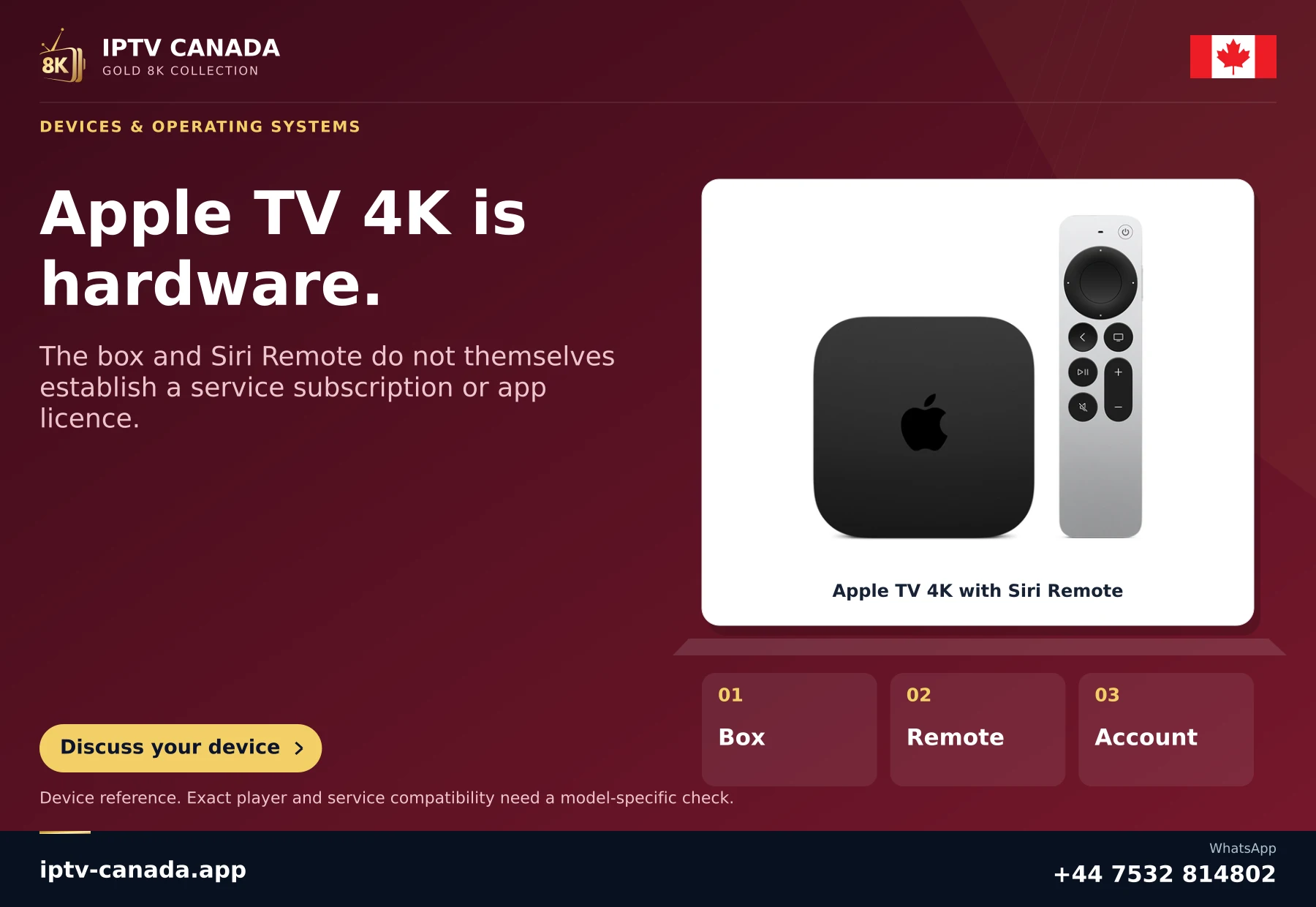
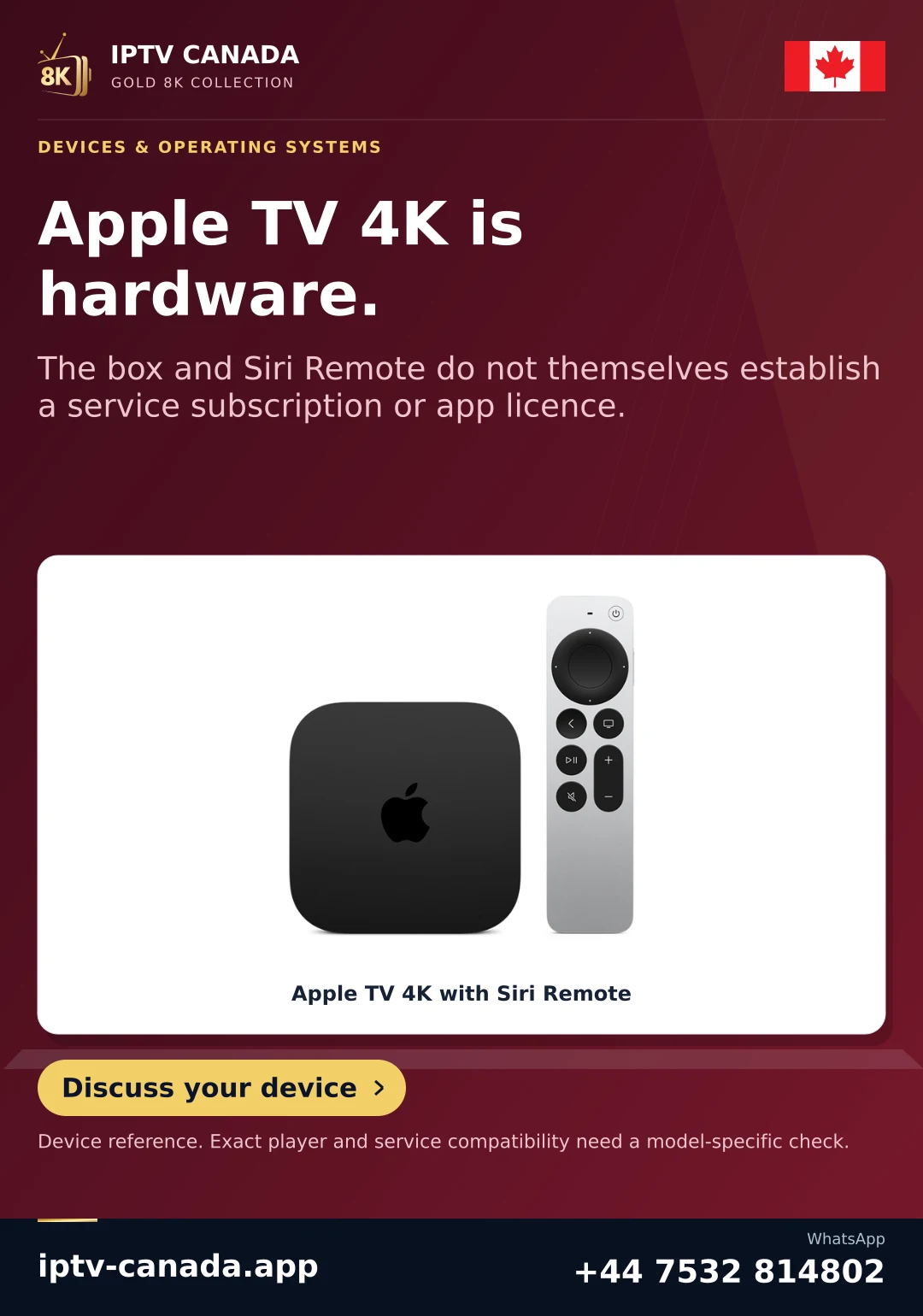
The box and Siri Remote do not themselves establish a service subscription or app licence.
Desktop artwork · Mobile artwork
A television app listing is different from an Android APK or a desktop installer.
Desktop artwork · Mobile artwork
The iOS platform and the application are separate details in a useful support request.
Desktop artwork · Mobile artwork
Include the tablet platform and app name rather than copying an Android installation guide.
Desktop artwork · Mobile artwork
Keep macOS separate from a receiver's MAC address when discussing activation or installation.
Desktop artwork · Mobile artwork
A desktop application and an Android package are different file types and installation routes.
Desktop artwork · Mobile artwork
A mobile interface and a remote-controlled TV interface may need different applications.
Desktop artwork · Mobile artwork
Discuss the app's TV listing and navigation instead of assuming a phone app fits the screen.
Desktop artwork · Mobile artwork
Name the actual streaming box or television as well as the interface when asking for setup help.
Desktop artwork · Mobile artwork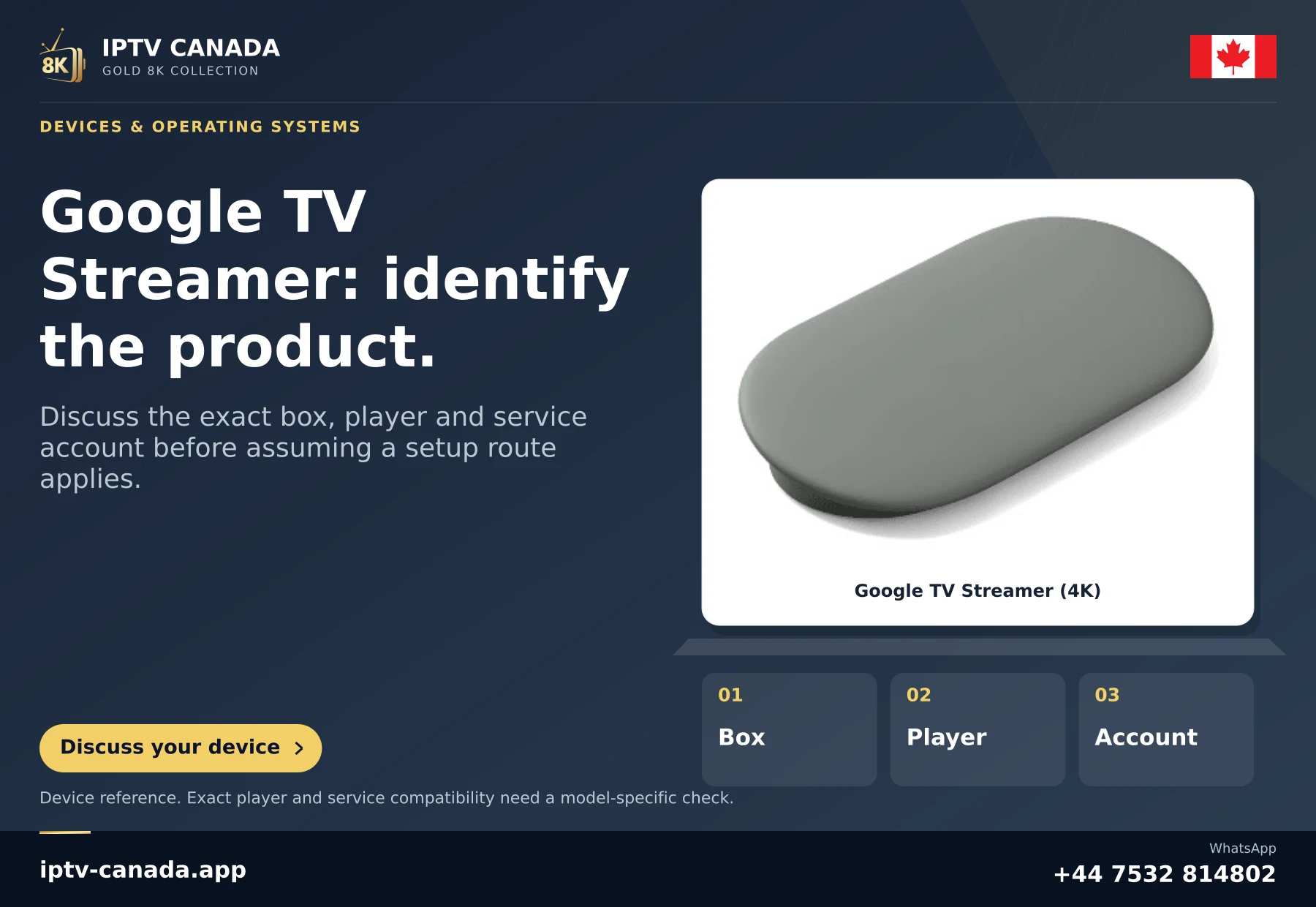
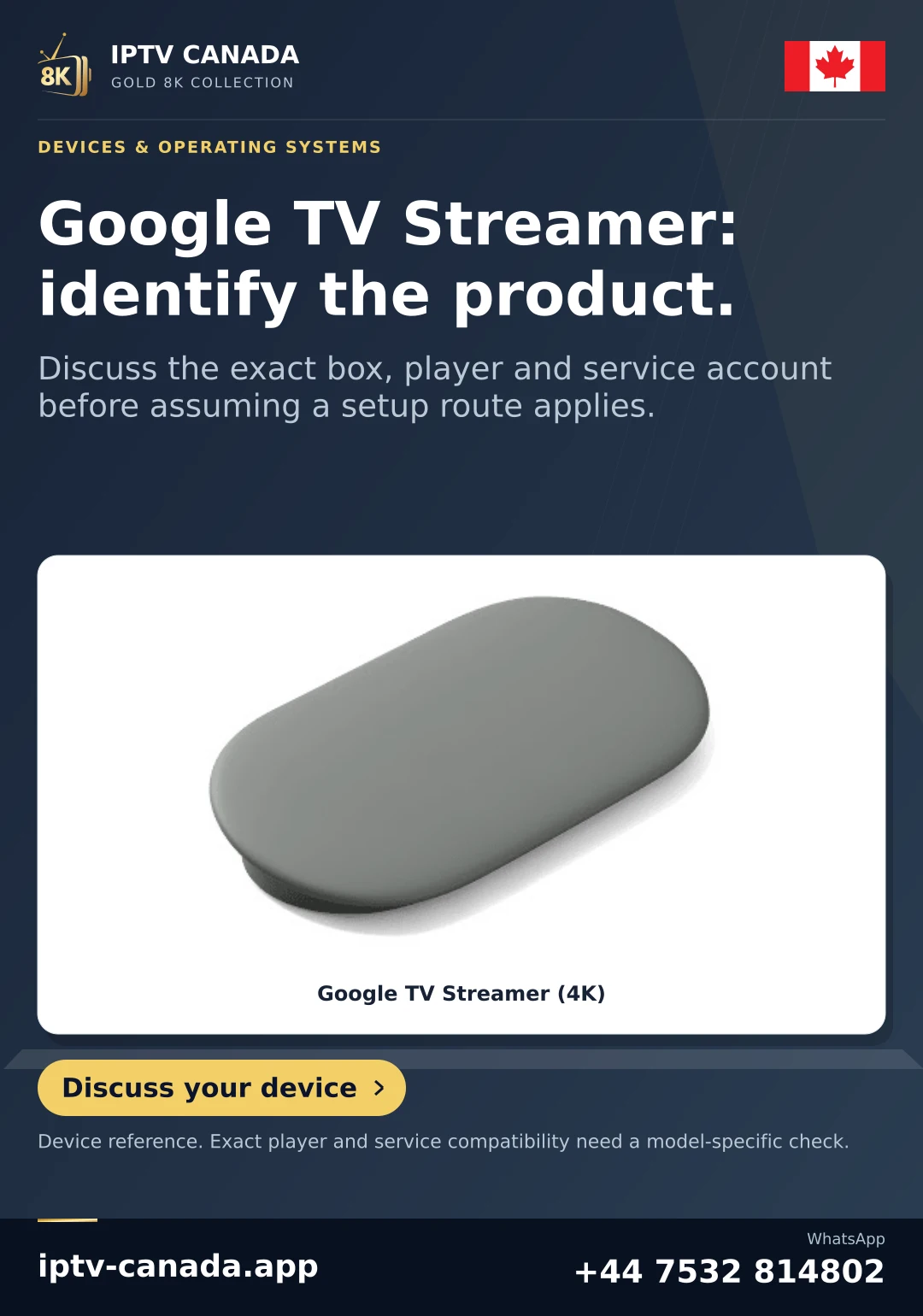
Discuss the exact box, player and service account before assuming a setup route applies.
Desktop artwork · Mobile artwork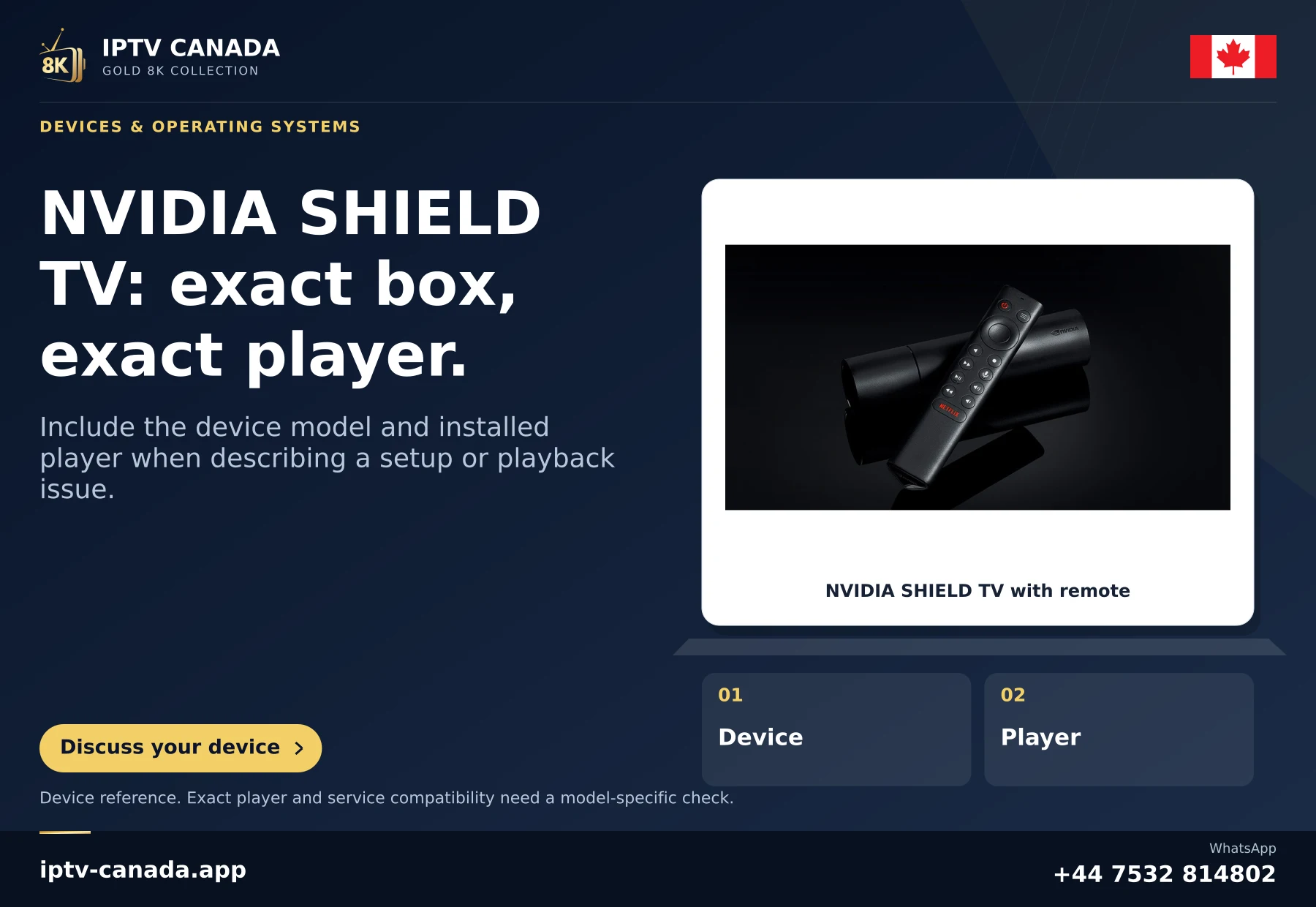
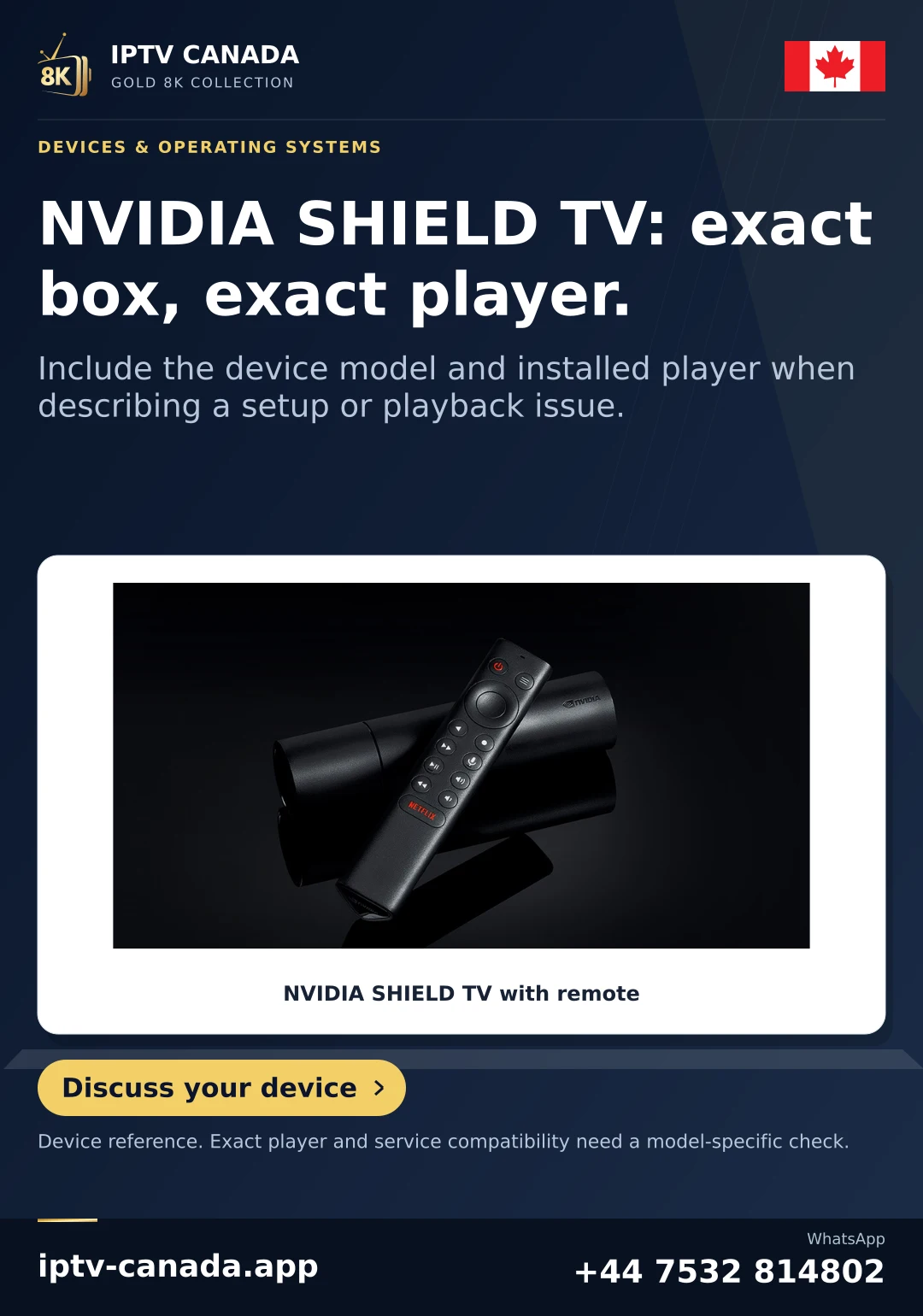
Include the device model and installed player when describing a setup or playback issue.
Desktop artwork · Mobile artwork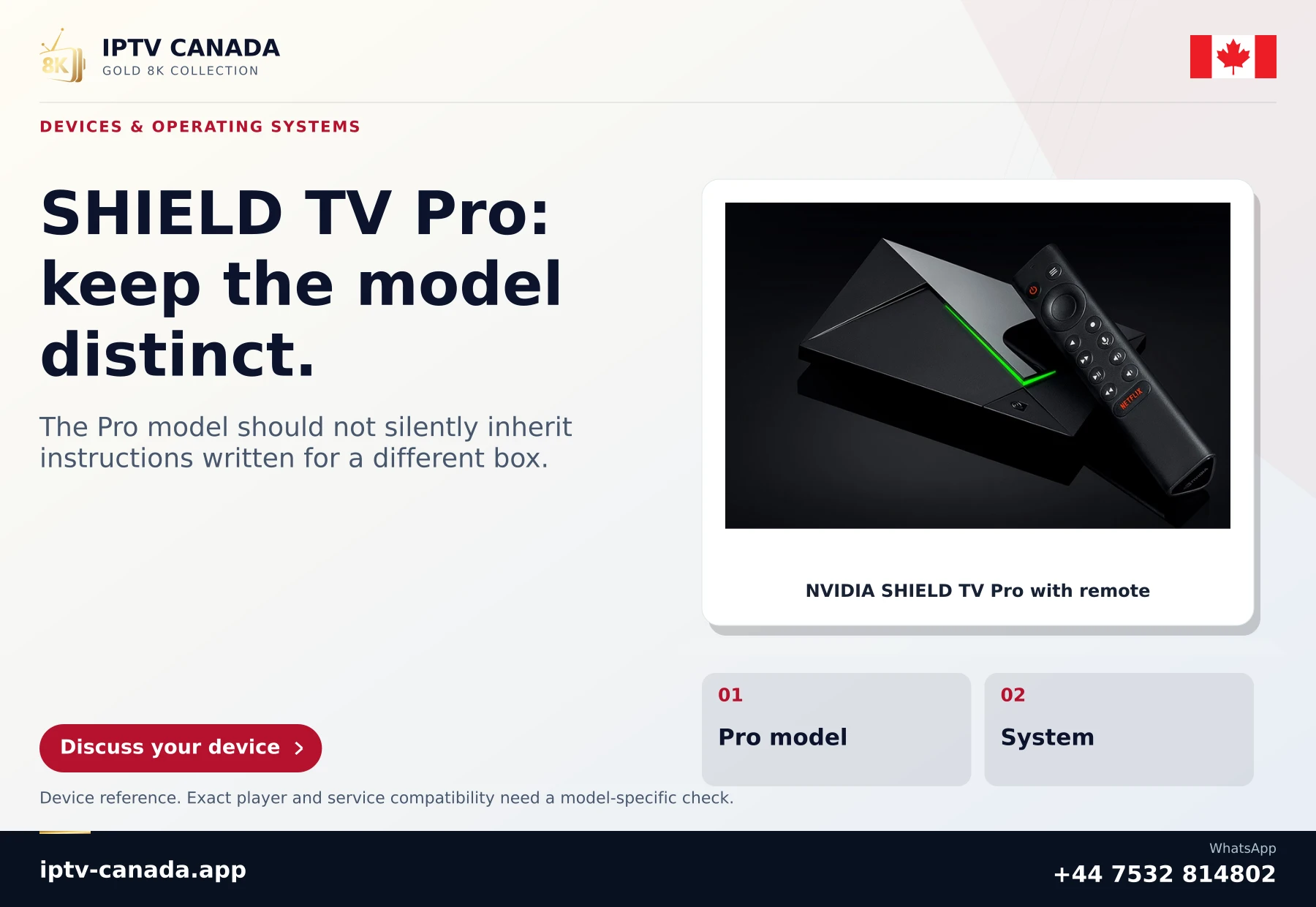
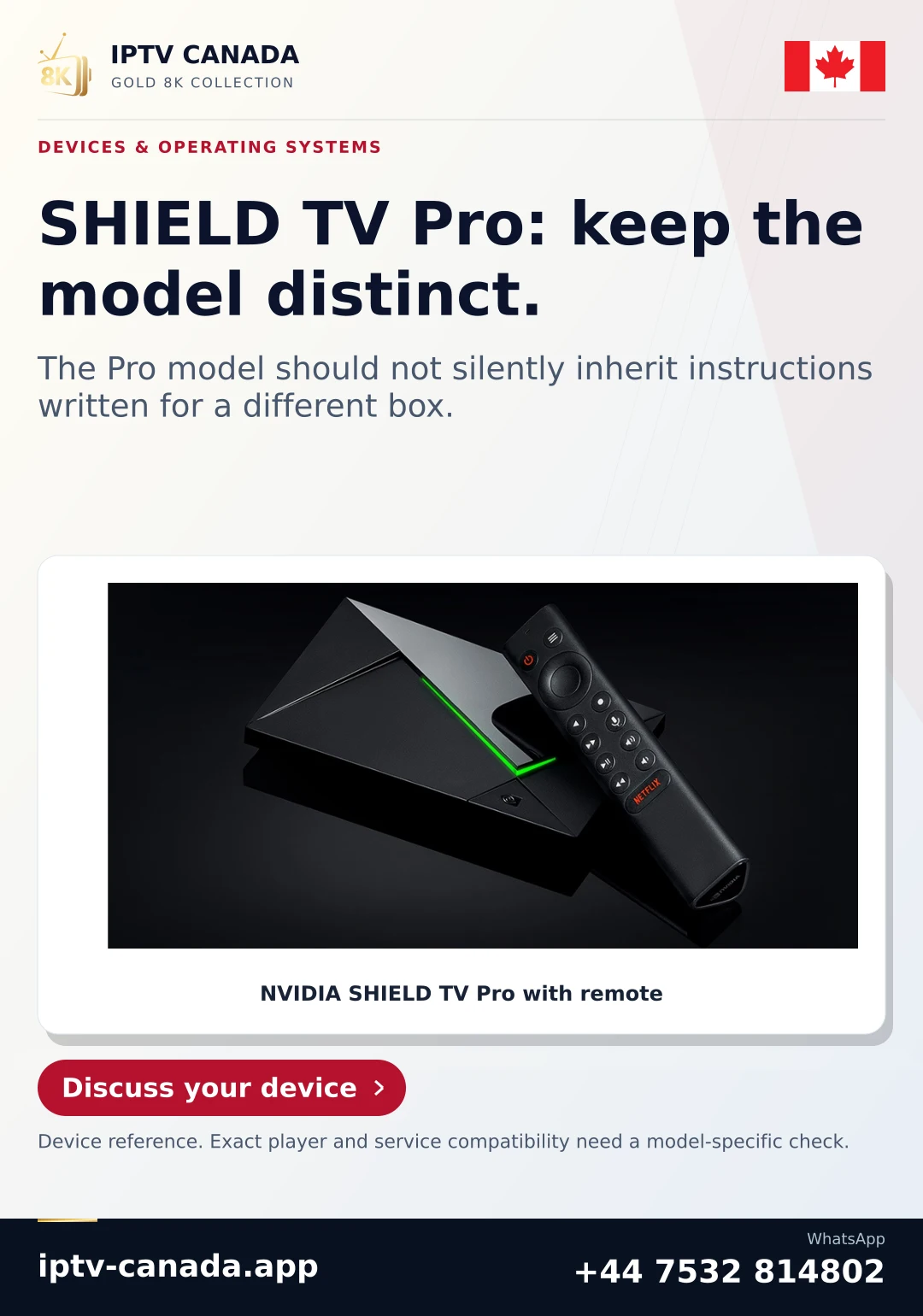
The Pro model should not silently inherit instructions written for a different box.
Desktop artwork · Mobile artwork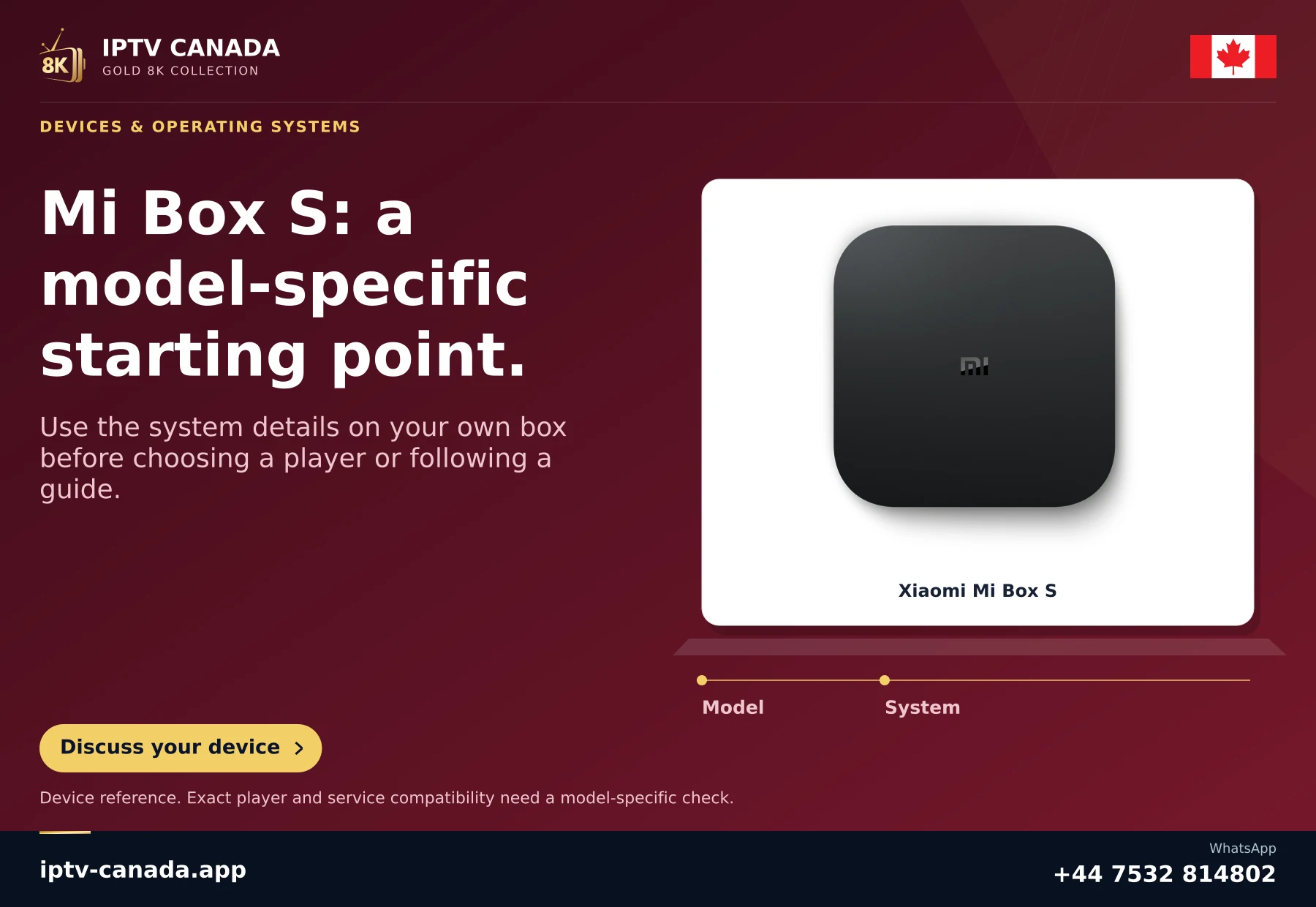
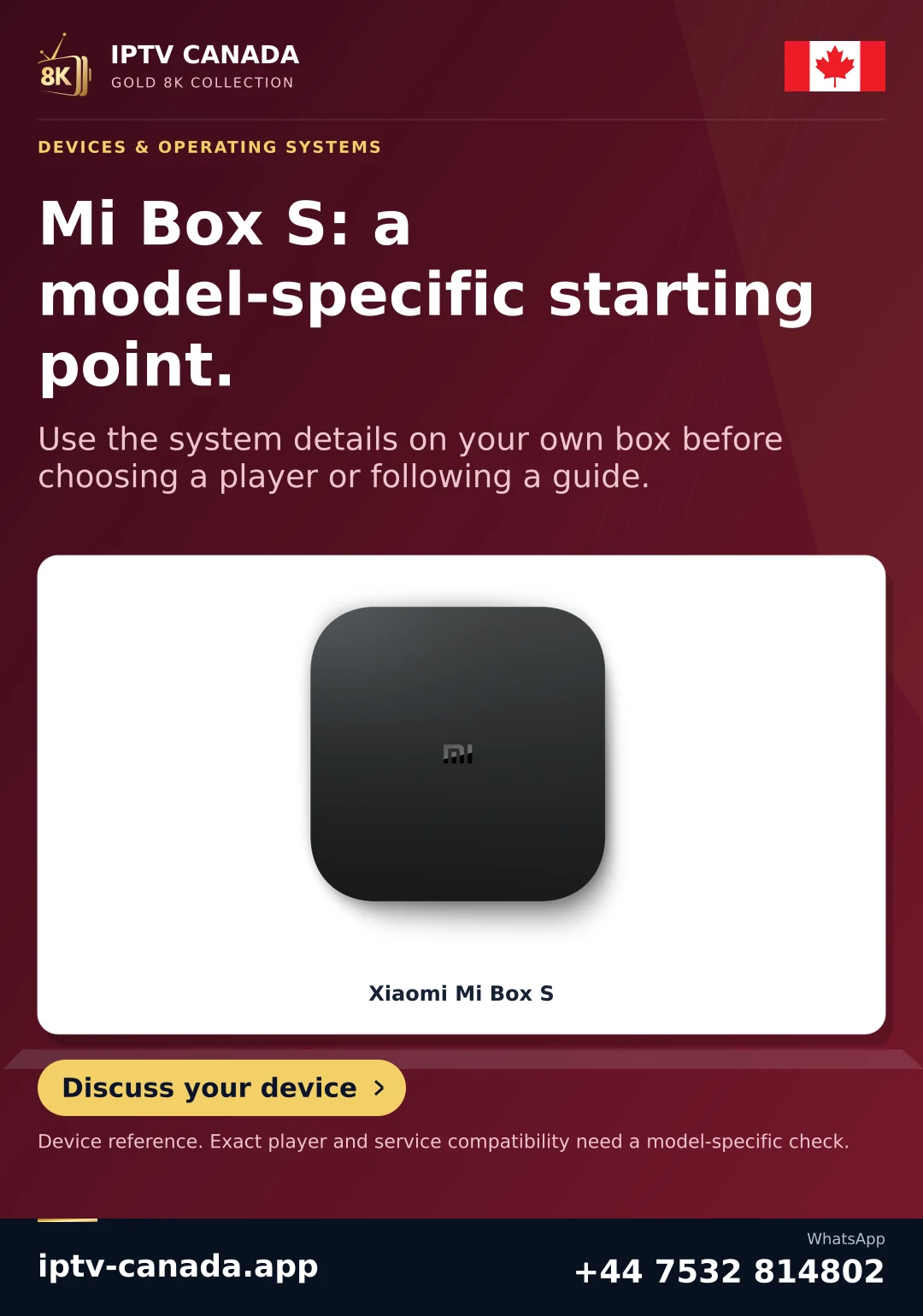
Use the system details on your own box before choosing a player or following a guide.
Desktop artwork · Mobile artwork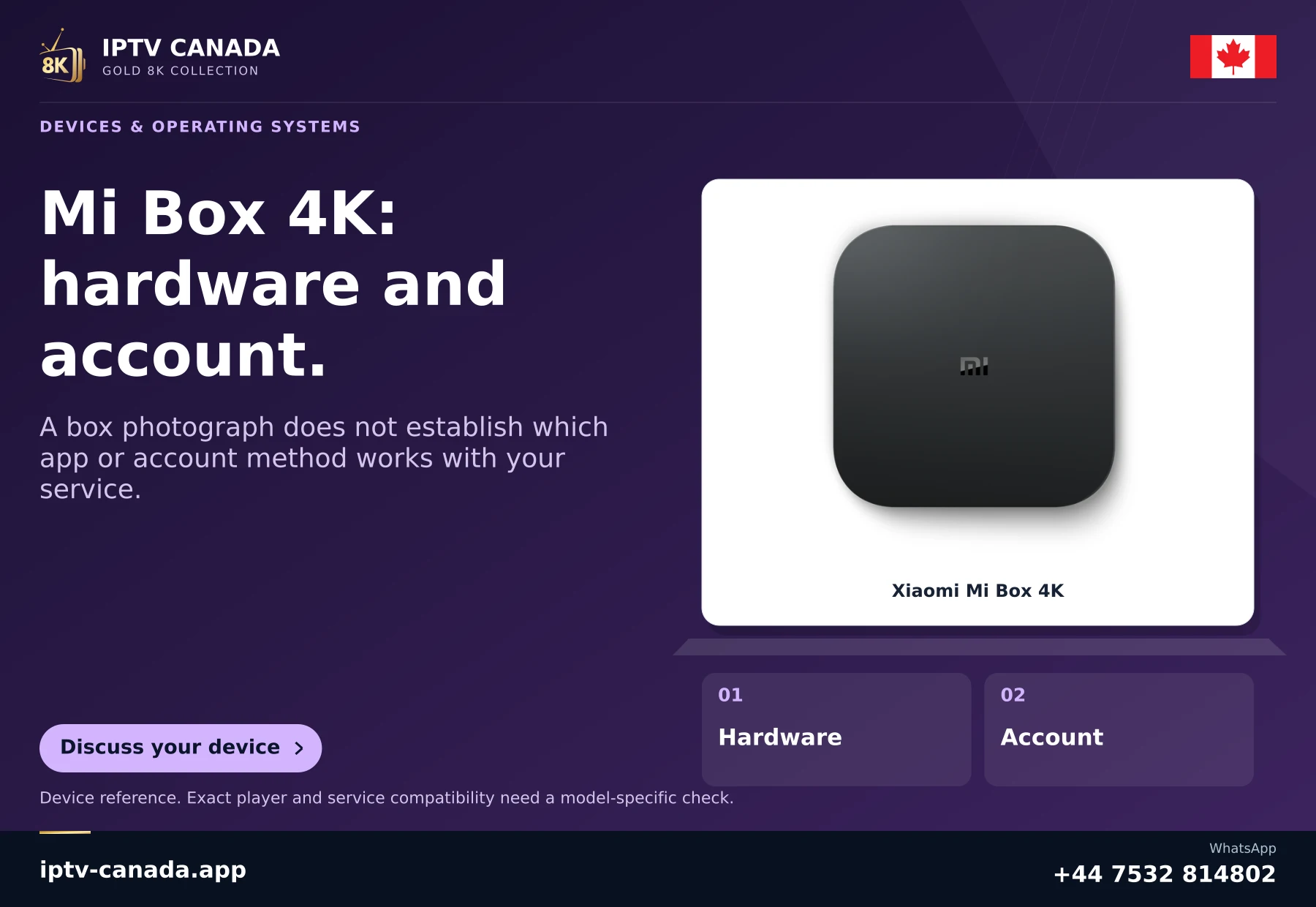
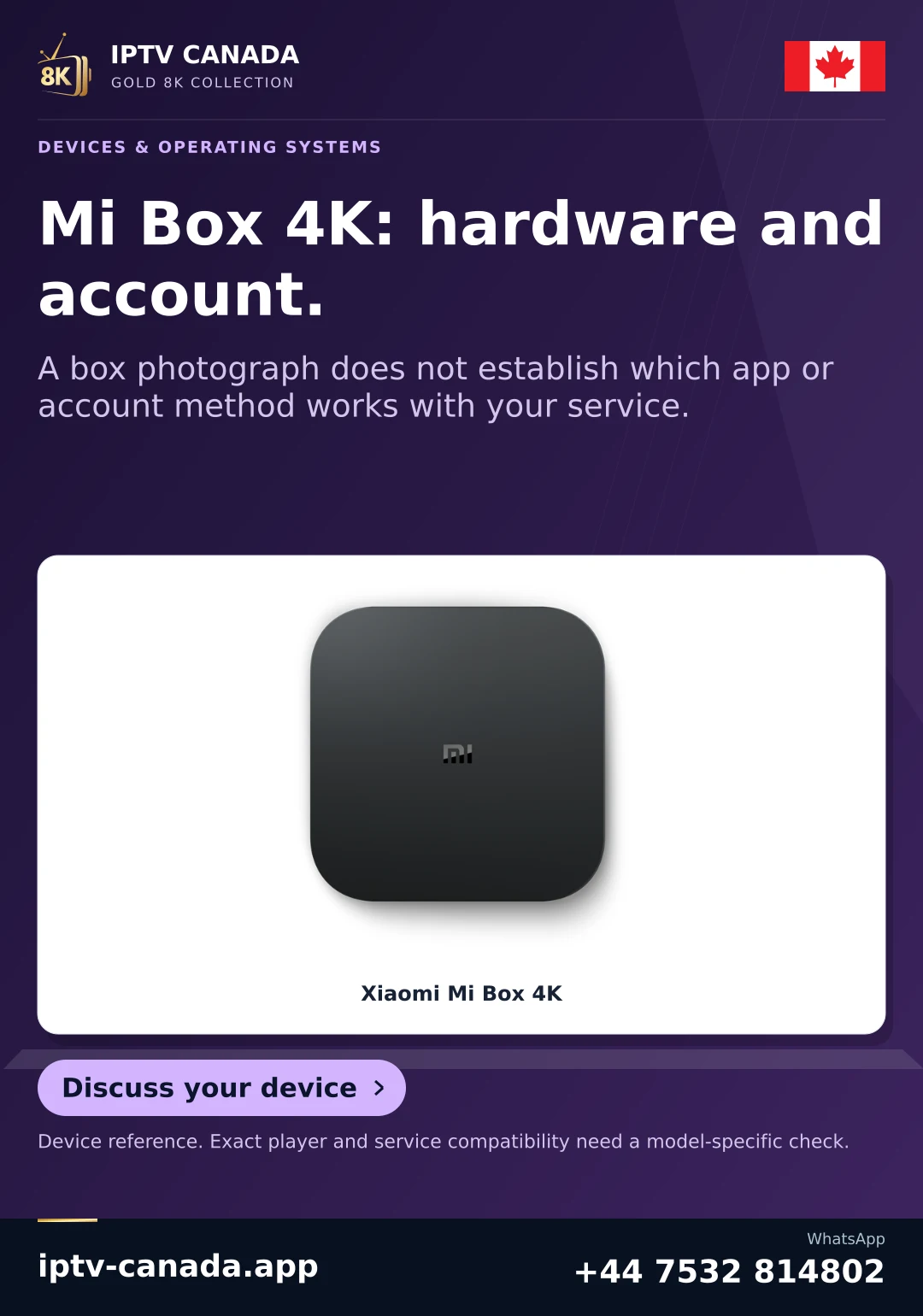
A box photograph does not establish which app or account method works with your service.
Desktop artwork · Mobile artwork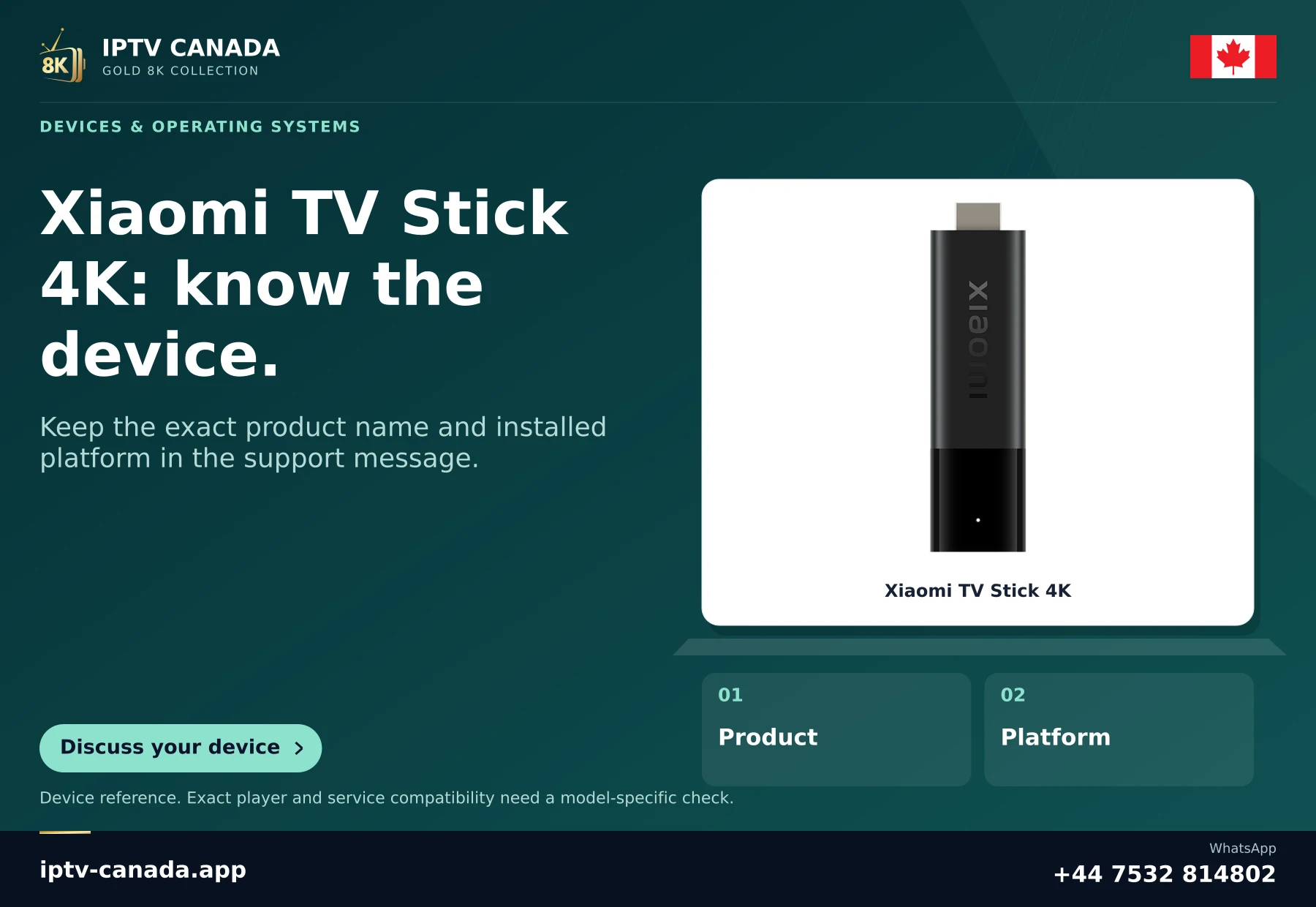
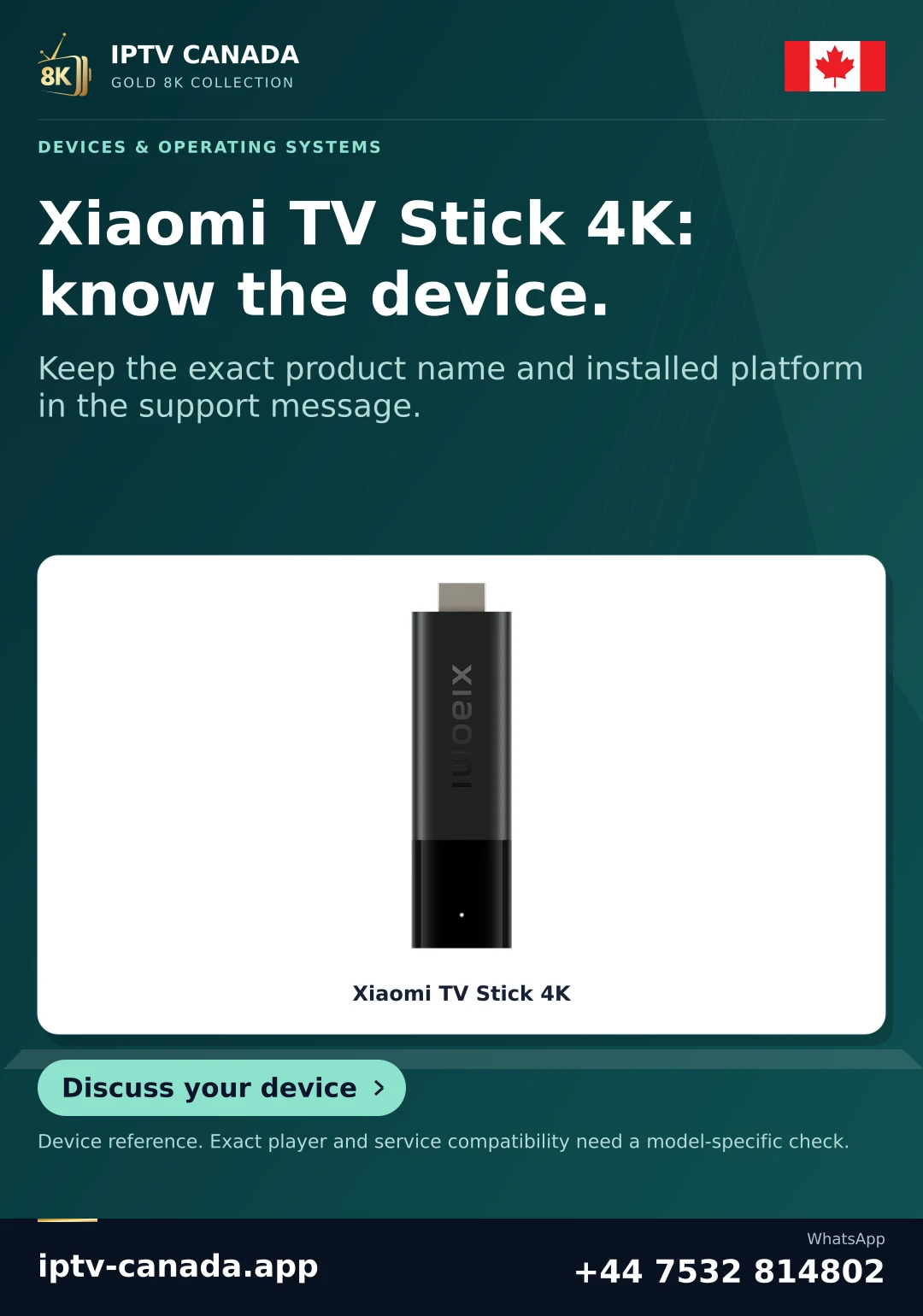
Keep the exact product name and installed platform in the support message.
Desktop artwork · Mobile artwork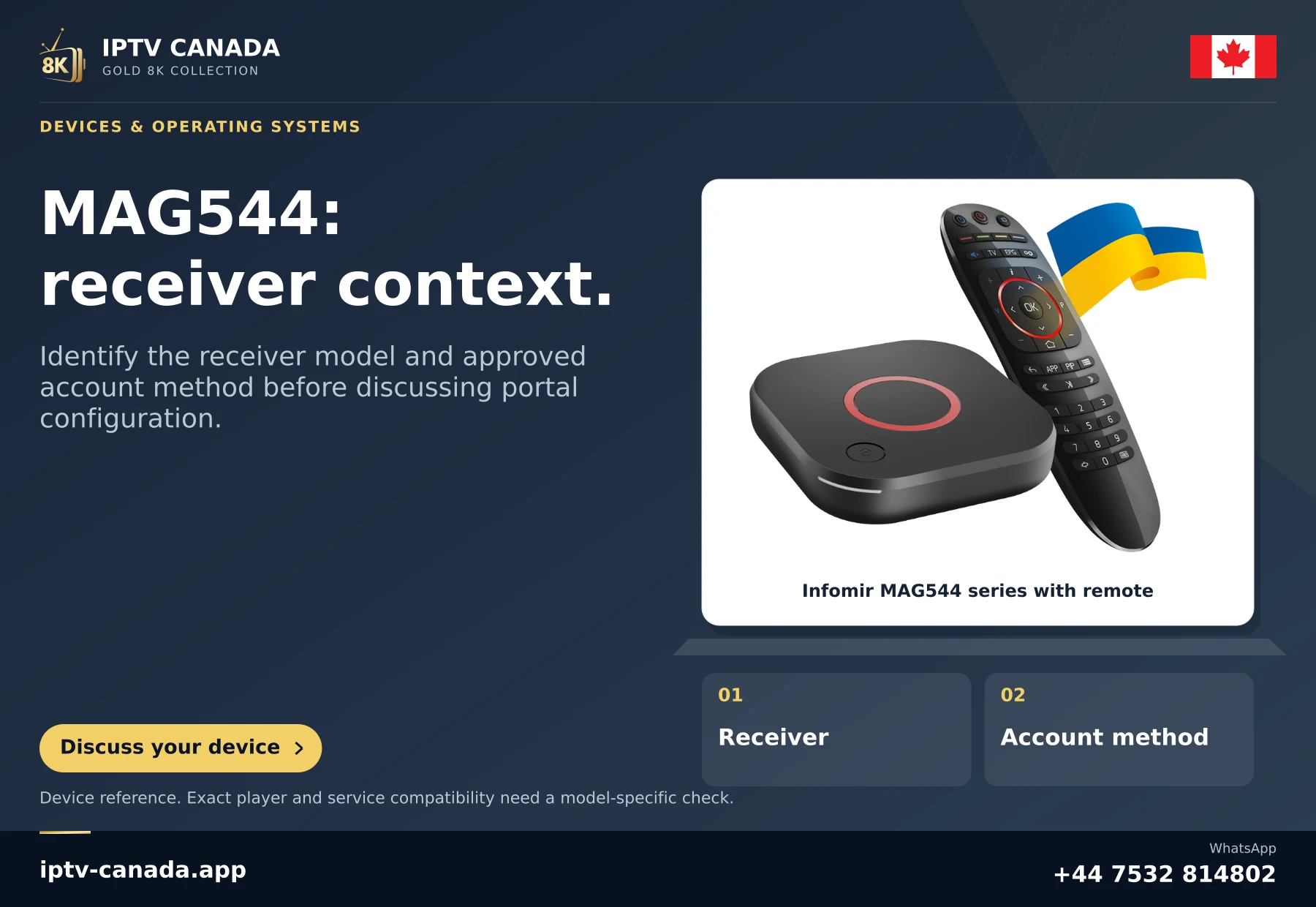
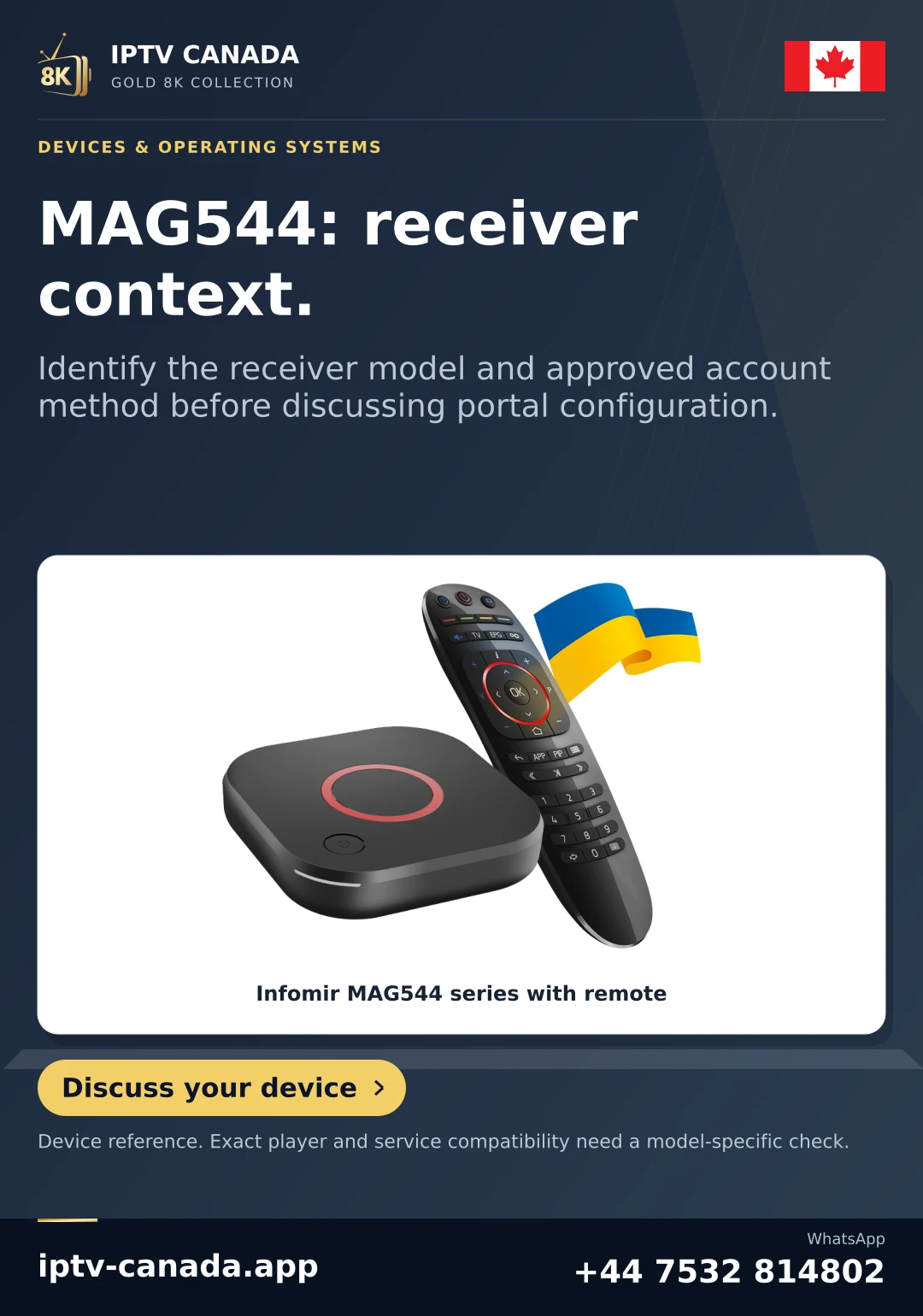
Identify the receiver model and approved account method before discussing portal configuration.
Desktop artwork · Mobile artwork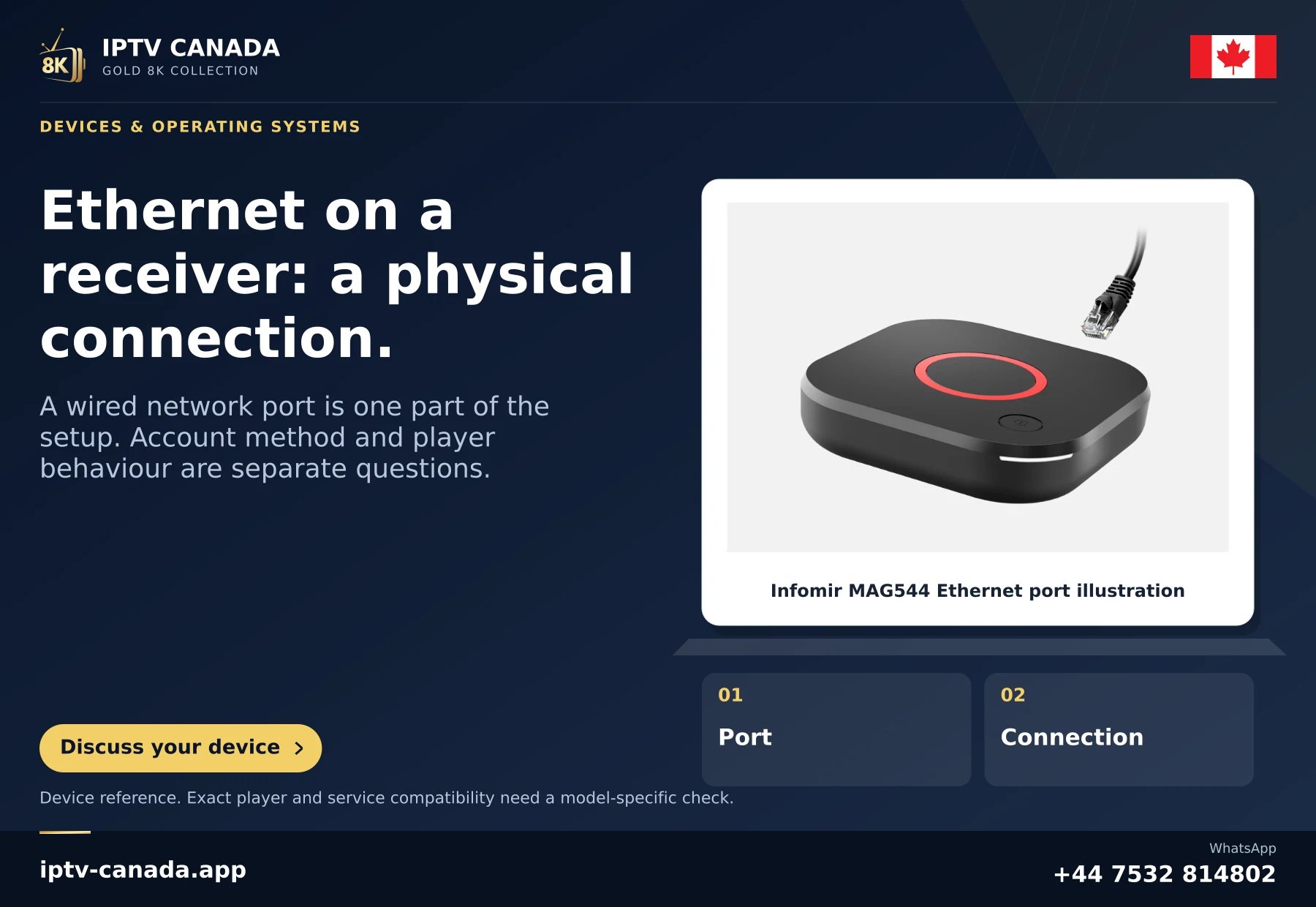
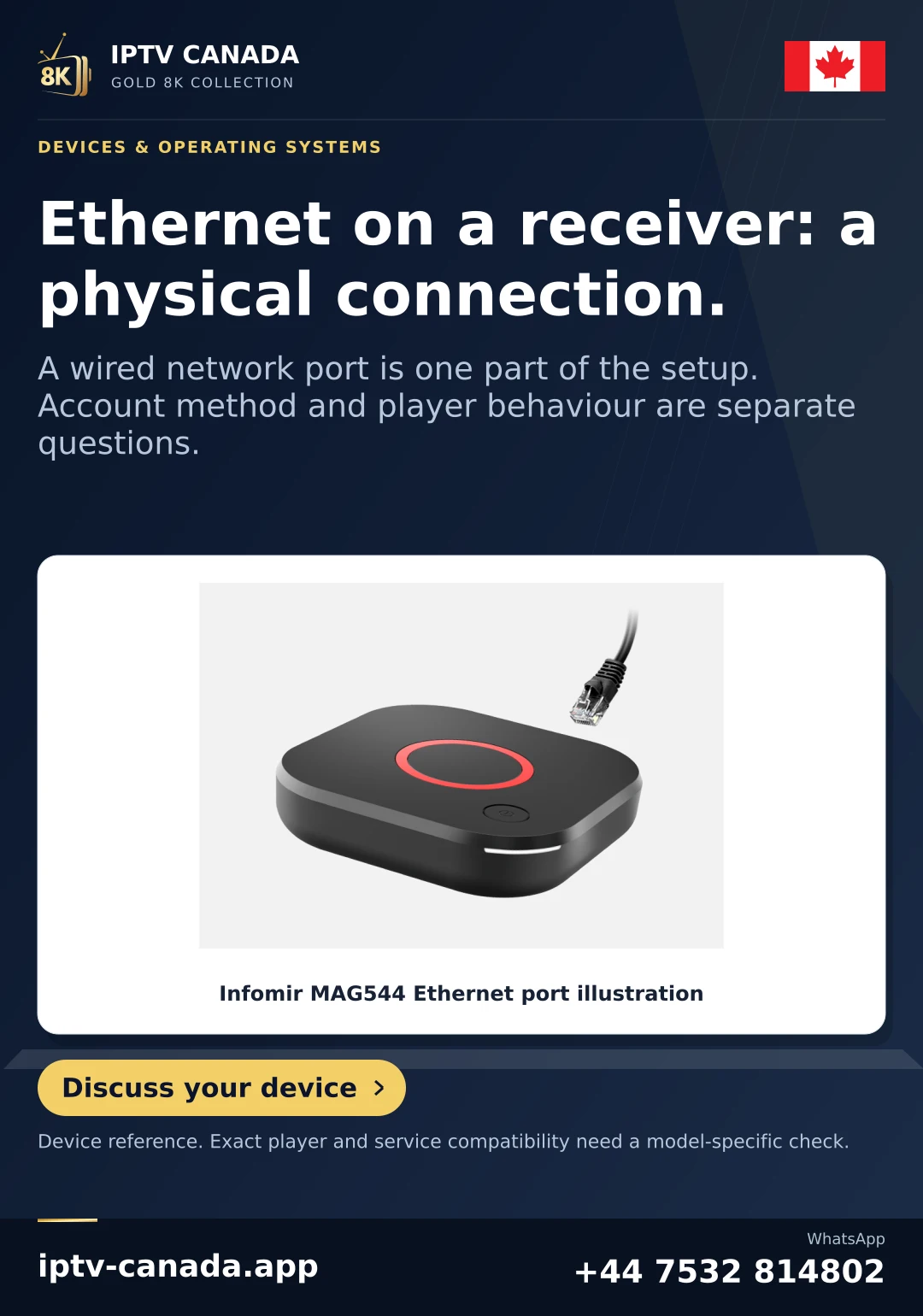
A wired network port is one part of the setup. Account method and player behaviour are separate questions.
Desktop artwork · Mobile artwork
A device-brand mark cannot identify the model, system version or player on your own box.
Desktop artwork · Mobile artwork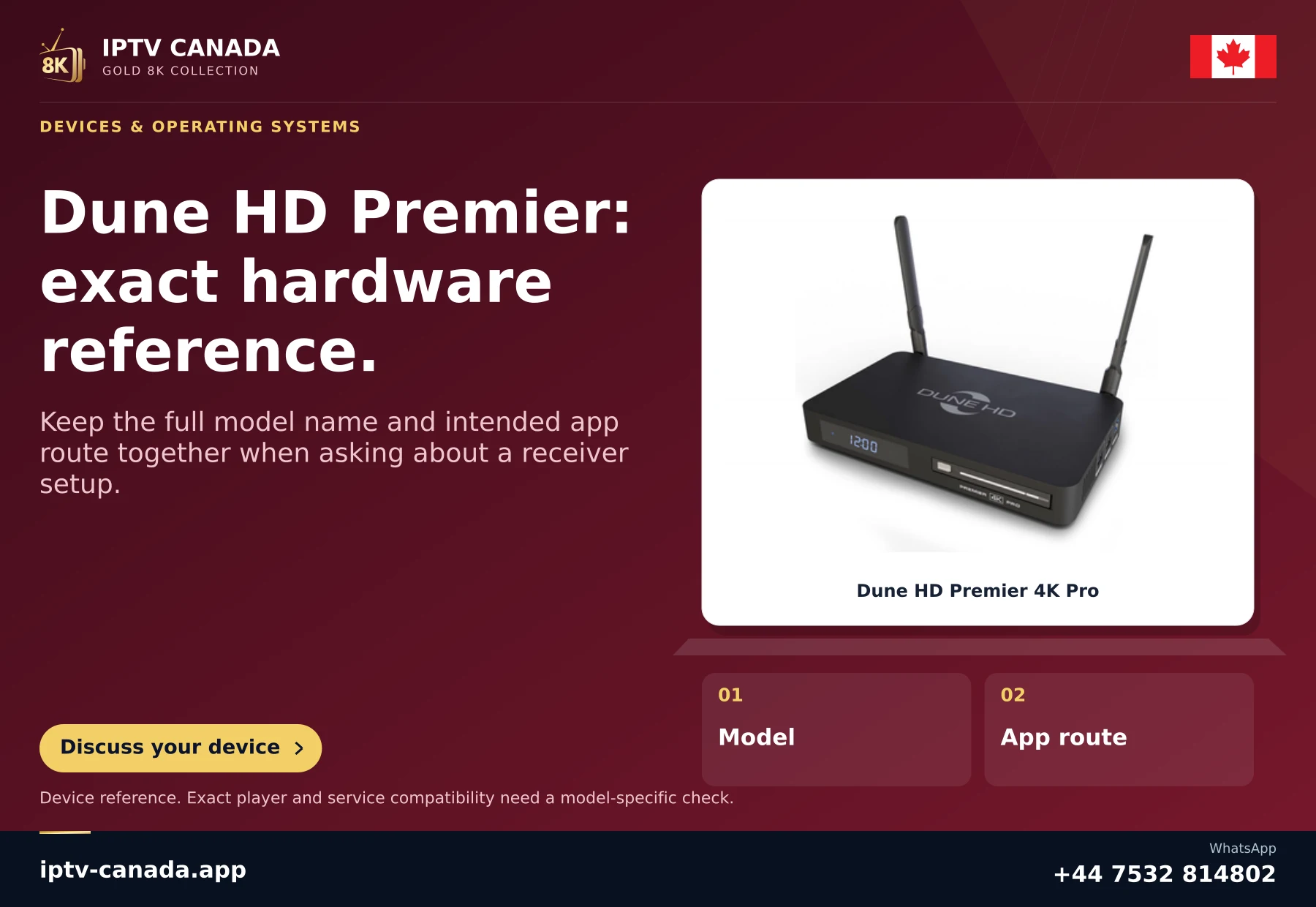
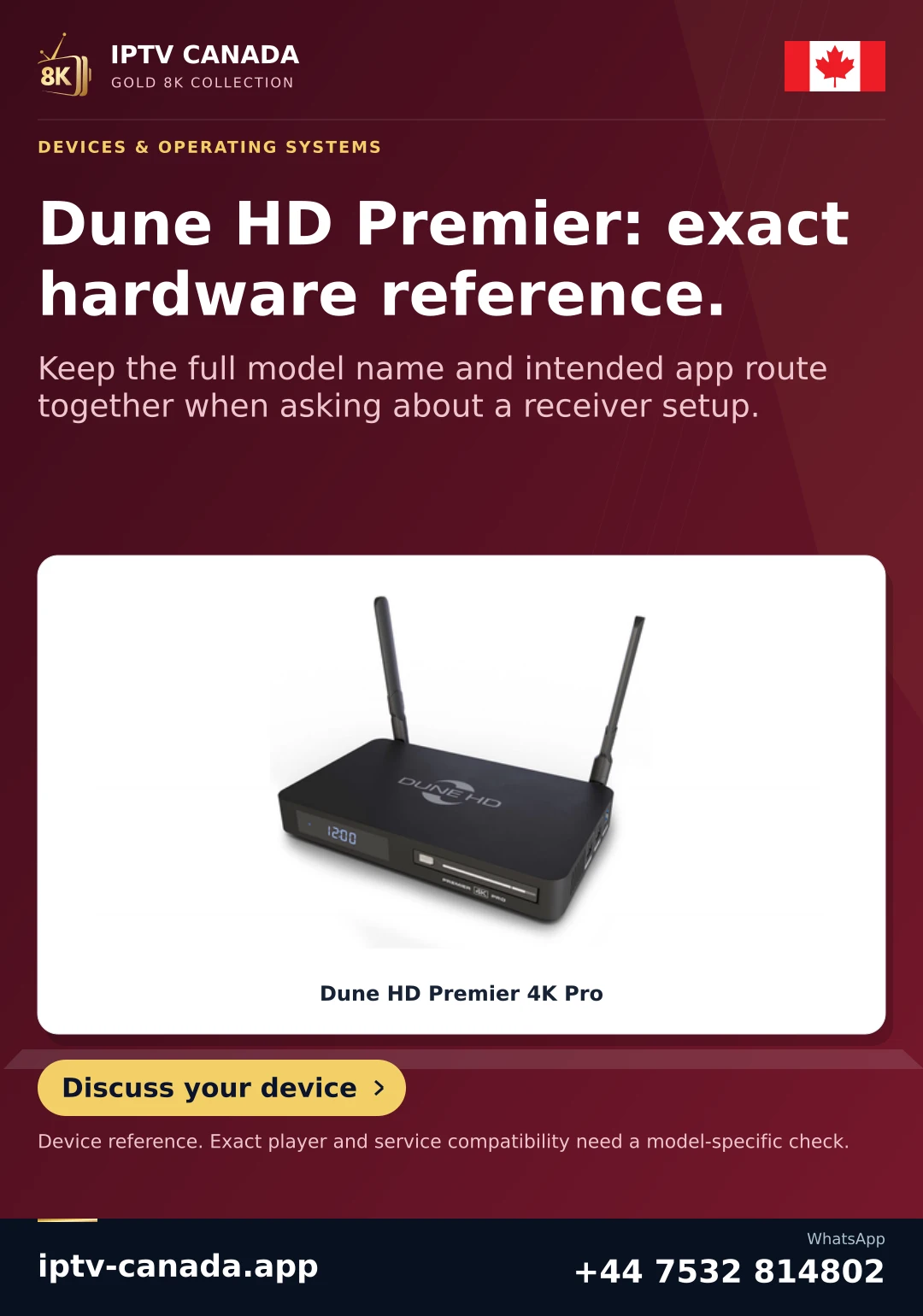
Keep the full model name and intended app route together when asking about a receiver setup.
Desktop artwork · Mobile artwork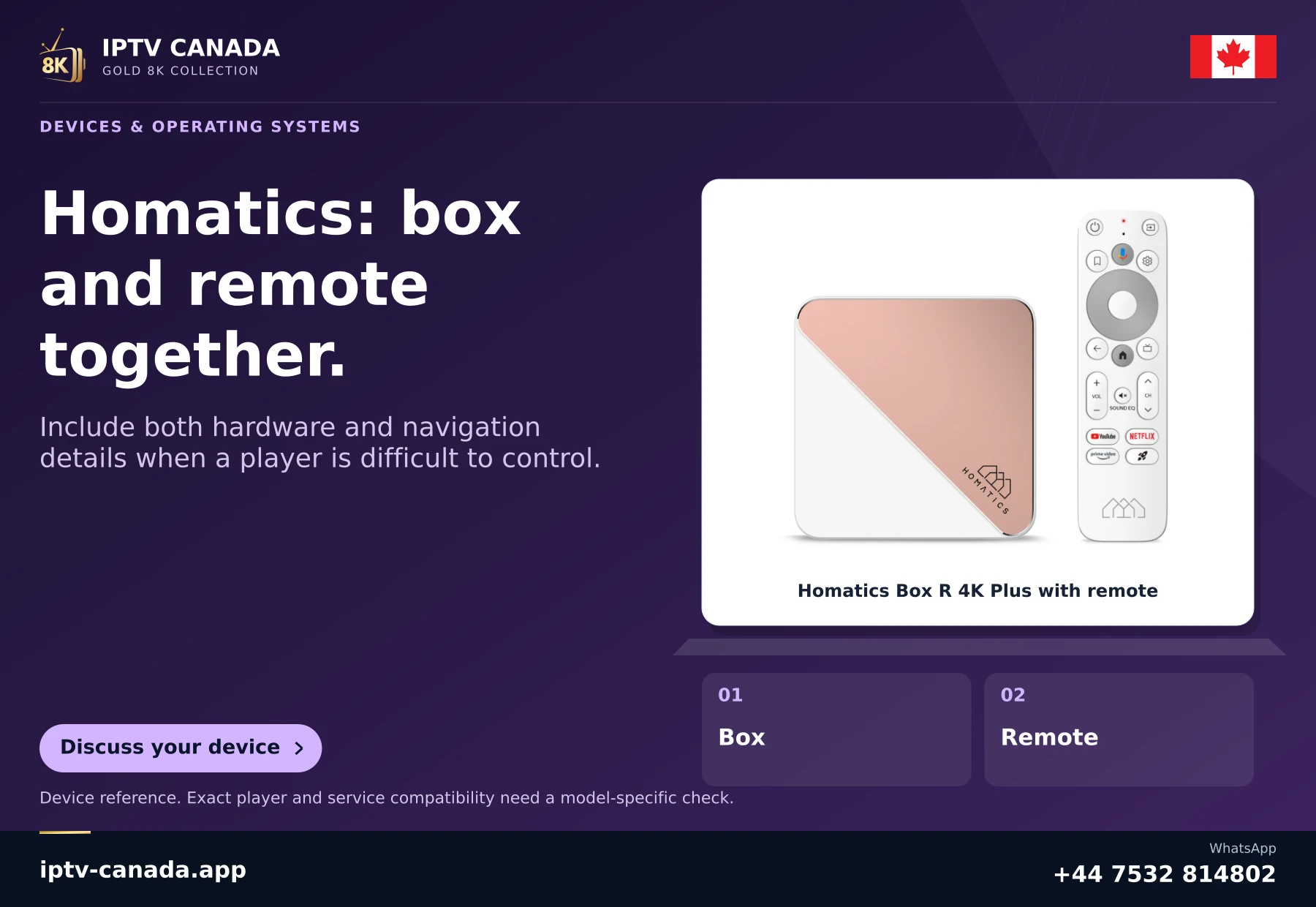
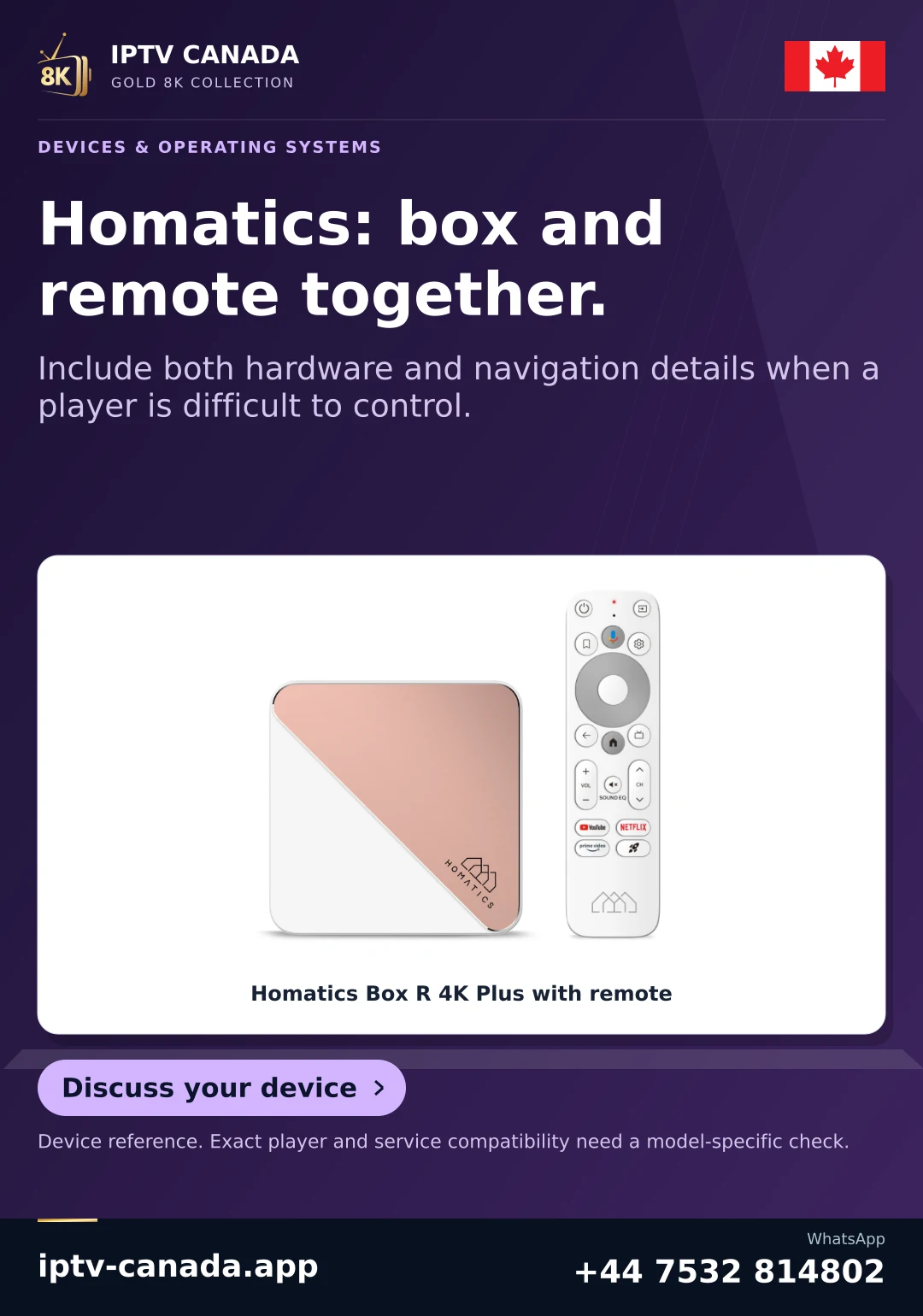
Include both hardware and navigation details when a player is difficult to control.
Desktop artwork · Mobile artwork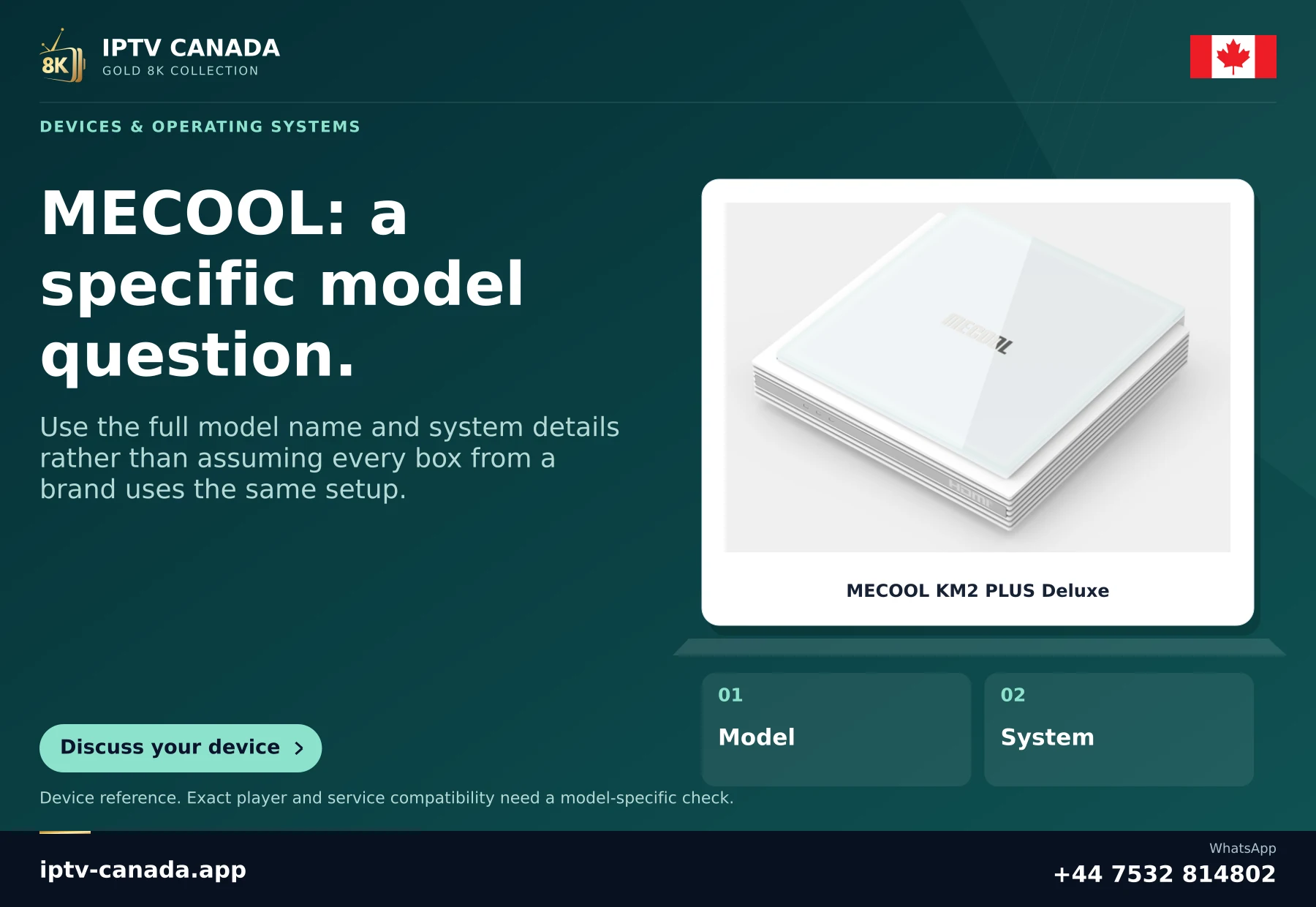
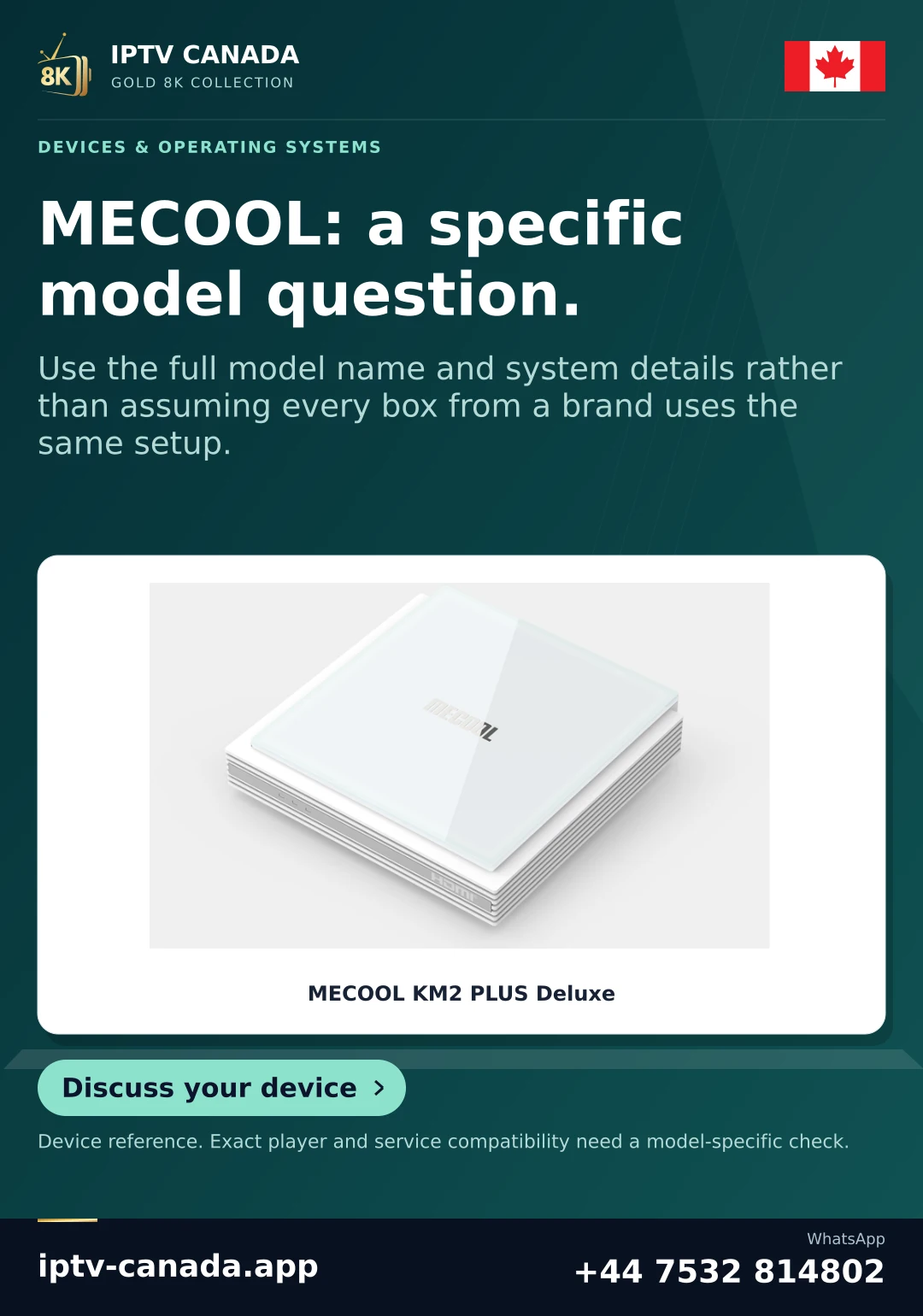
Use the full model name and system details rather than assuming every box from a brand uses the same setup.
Desktop artwork · Mobile artwork
A platform logo is not proof that a particular app exists for every television model or region.
Desktop artwork · Mobile artwork
Use the TV model and app listing before assuming an Android guide applies.
Desktop artwork · Mobile artwork
The brand of a TV and its operating platform are separate details worth recording.
Desktop artwork · Mobile artwork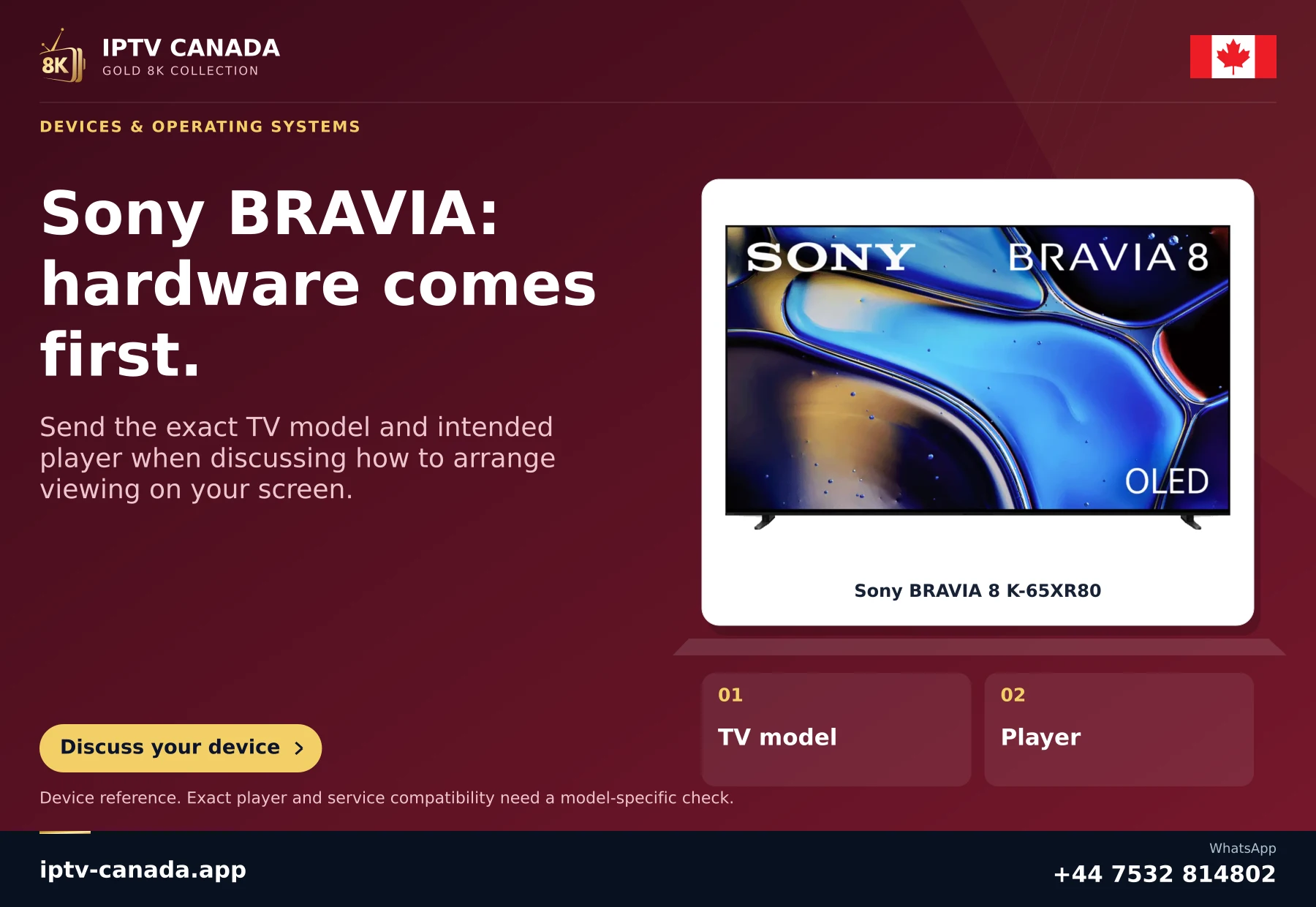
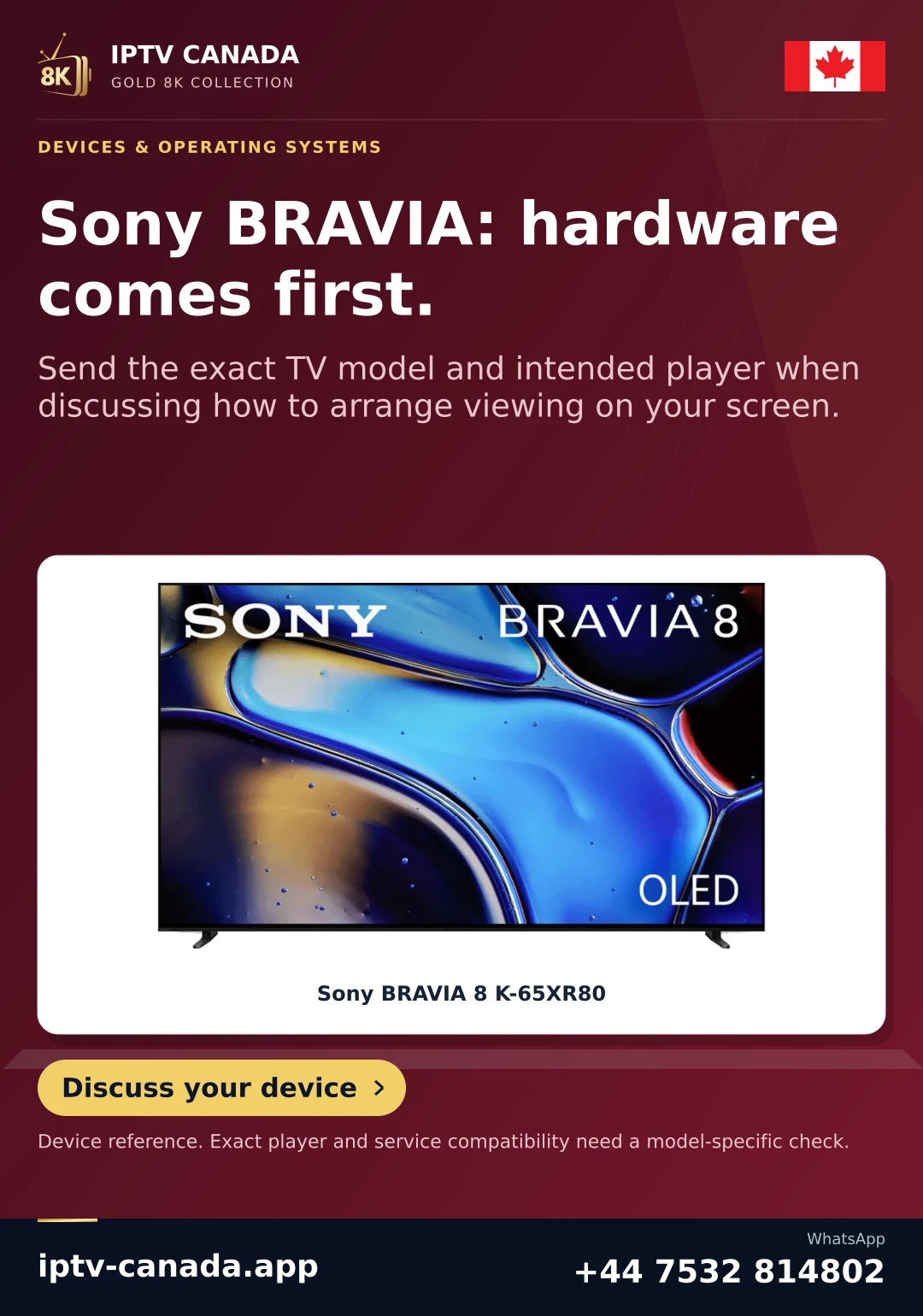
Send the exact TV model and intended player when discussing how to arrange viewing on your screen.
Desktop artwork · Mobile artwork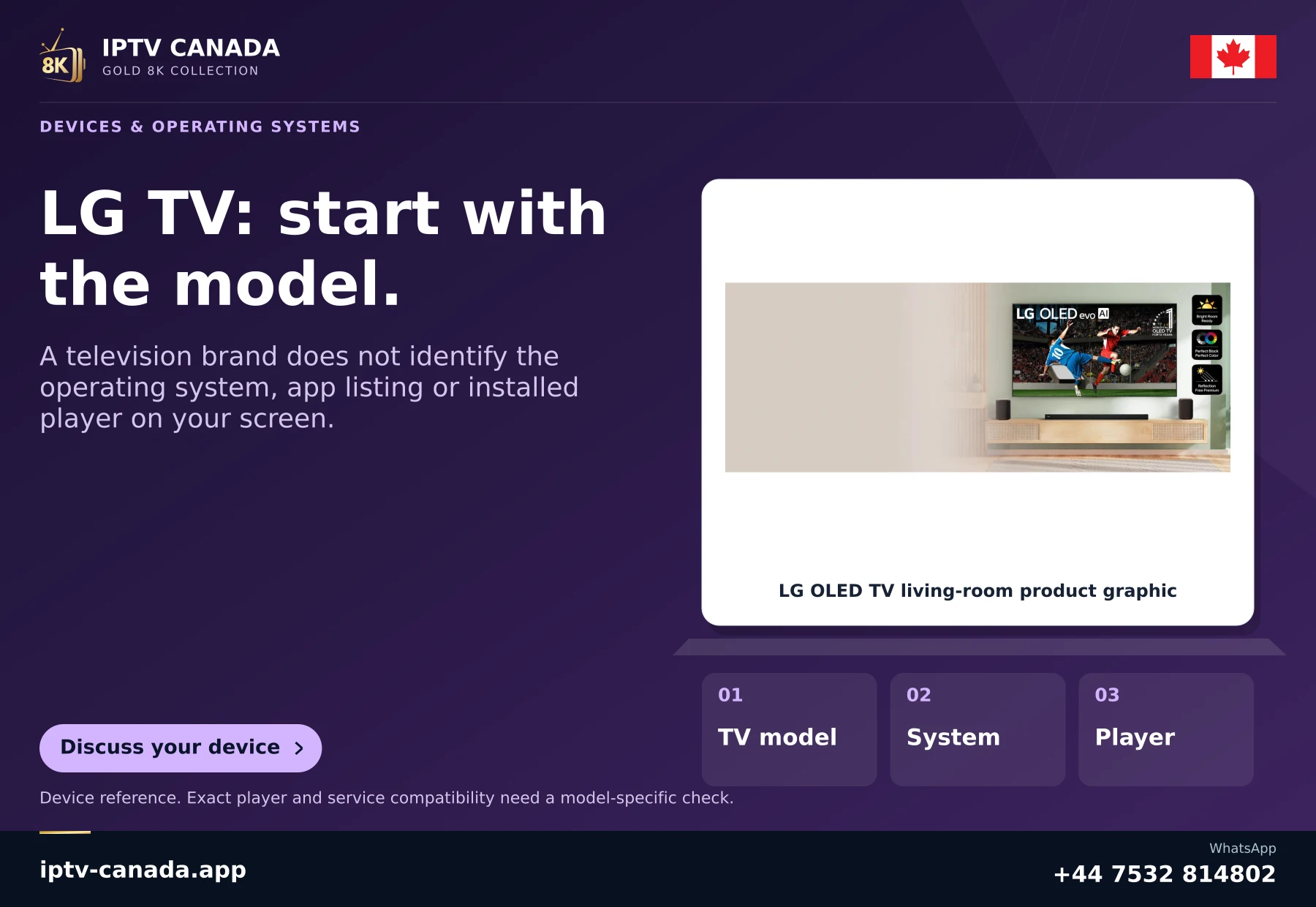
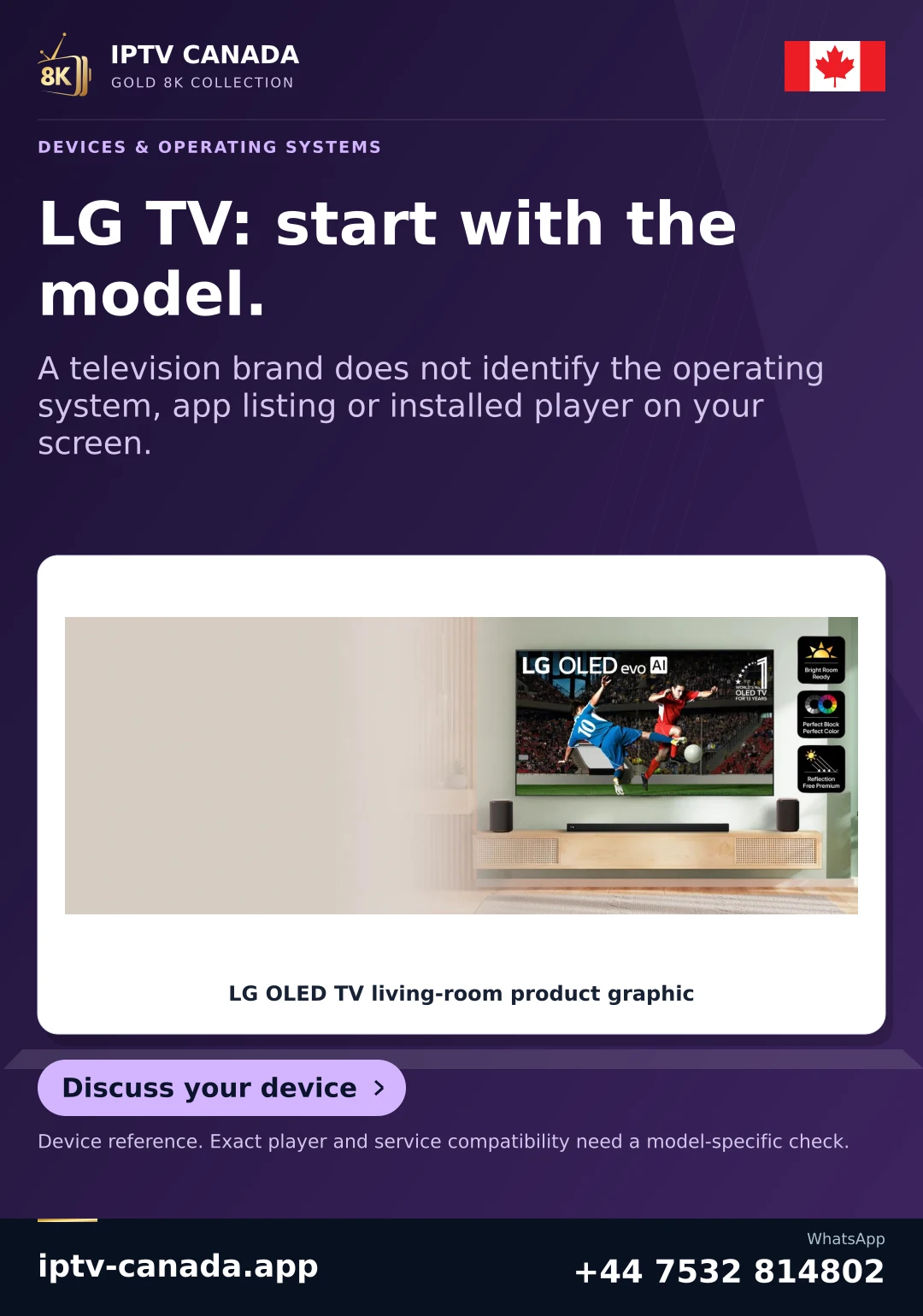
A television brand does not identify the operating system, app listing or installed player on your screen.
Desktop artwork · Mobile artwork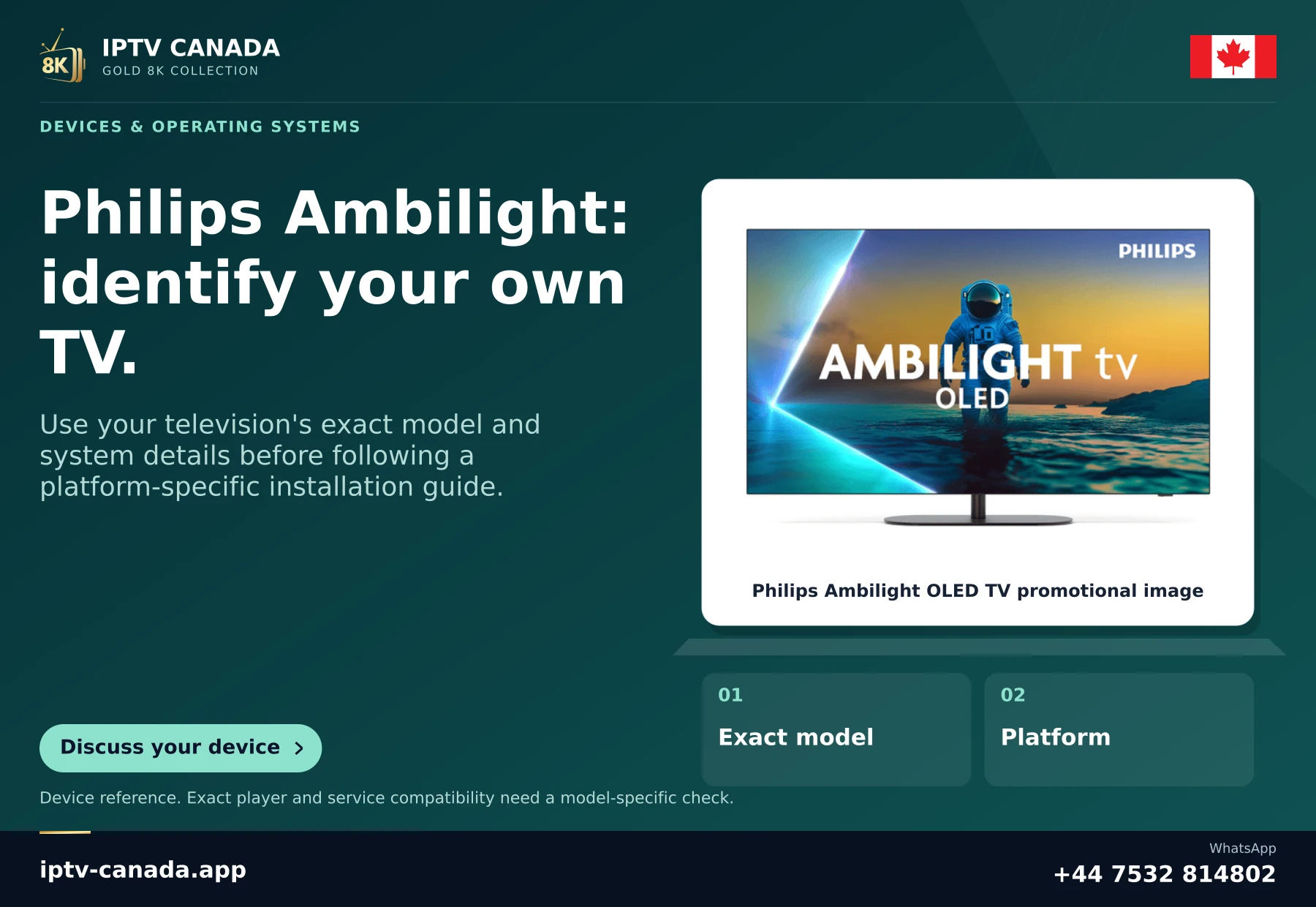
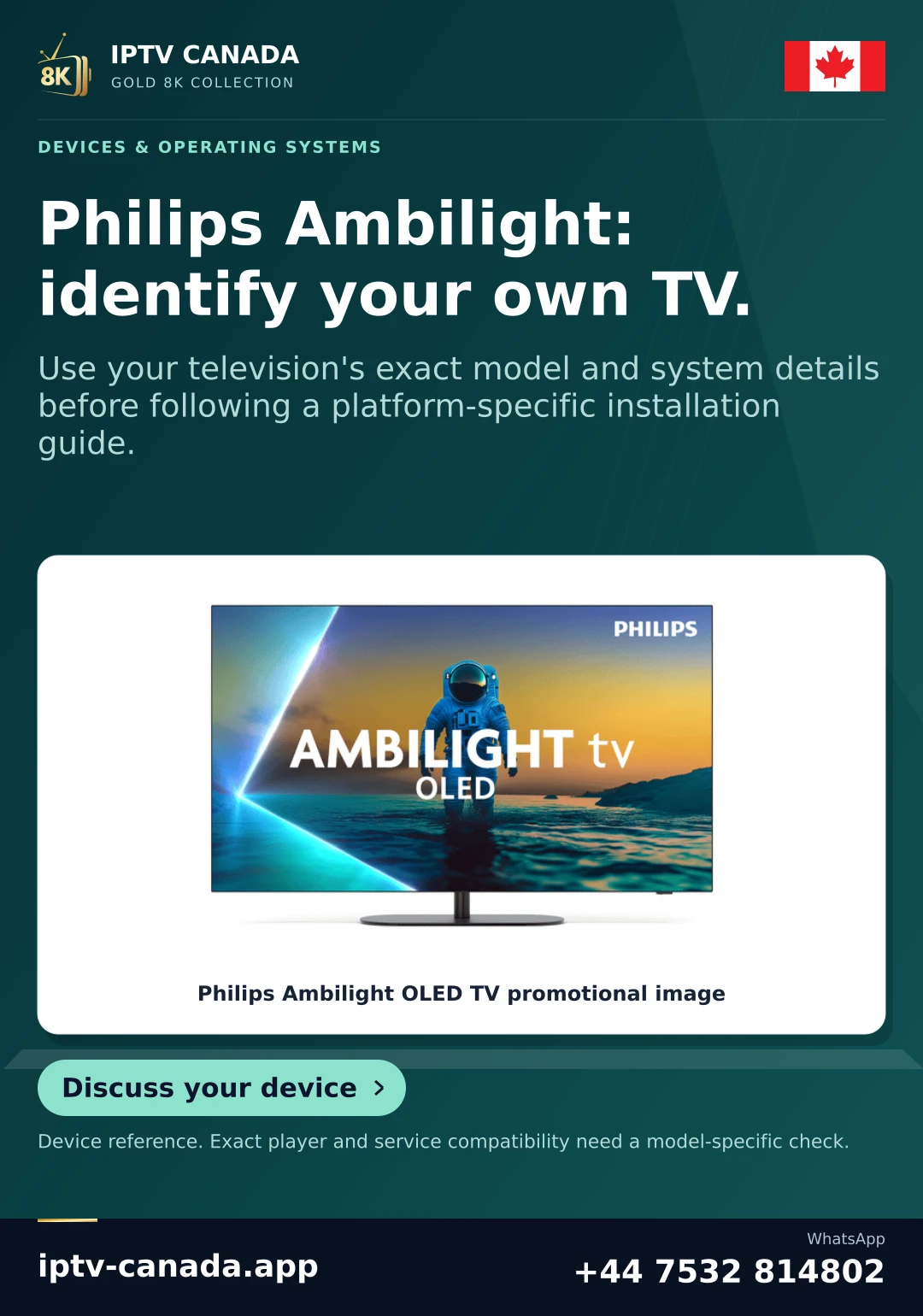
Use your television's exact model and system details before following a platform-specific installation guide.
Desktop artwork · Mobile artwork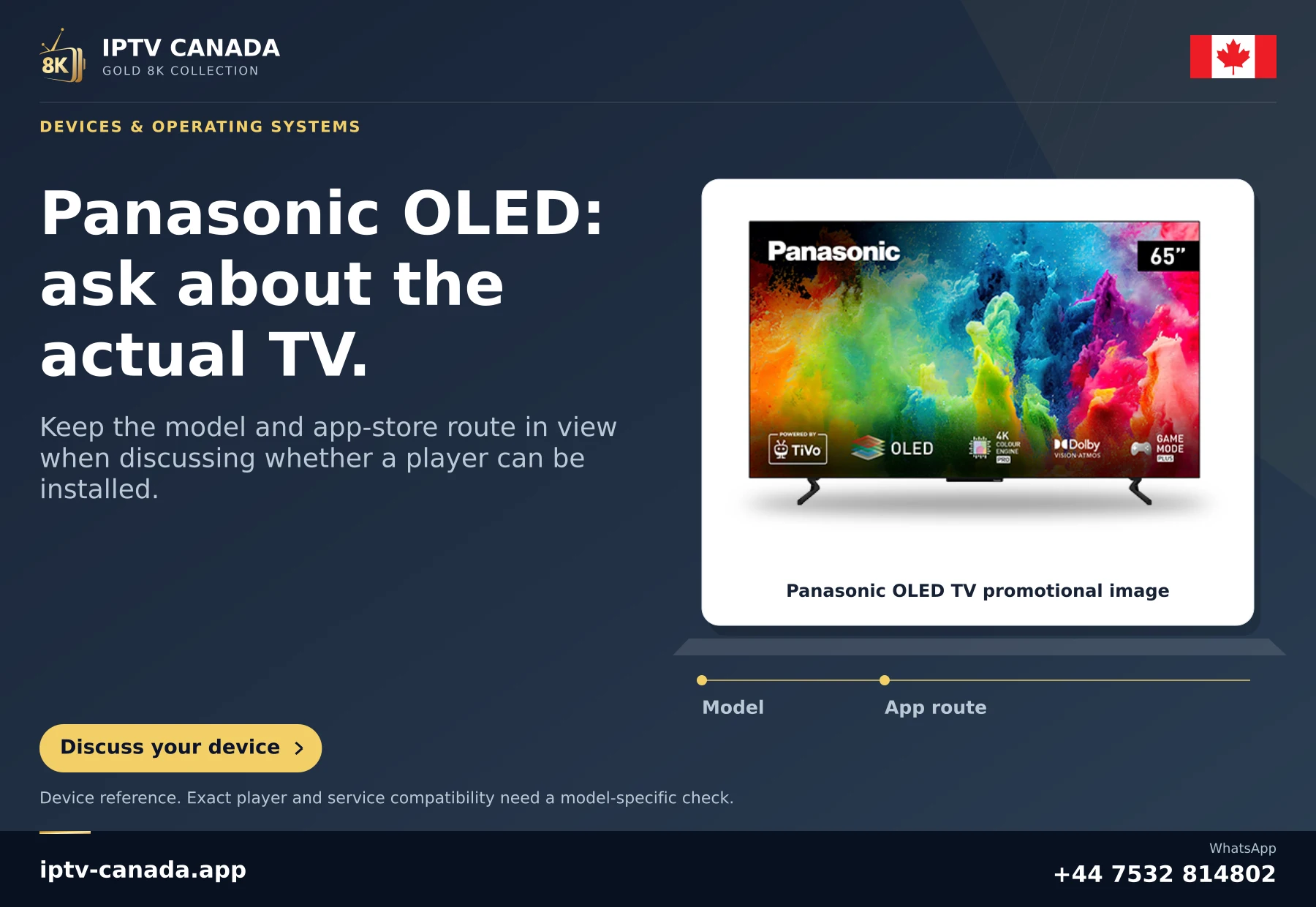
Keep the model and app-store route in view when discussing whether a player can be installed.
Desktop artwork · Mobile artwork
Audio casting and video casting are different questions. Discuss the sender and destination device you actually use.
Desktop artwork · Mobile artwork
A casting setup involves both the sending device and the destination screen.
Desktop artwork · Mobile artwork
Use the intended platform's app route; one installer cannot be assumed to fit both systems.
Desktop artwork · Mobile artwork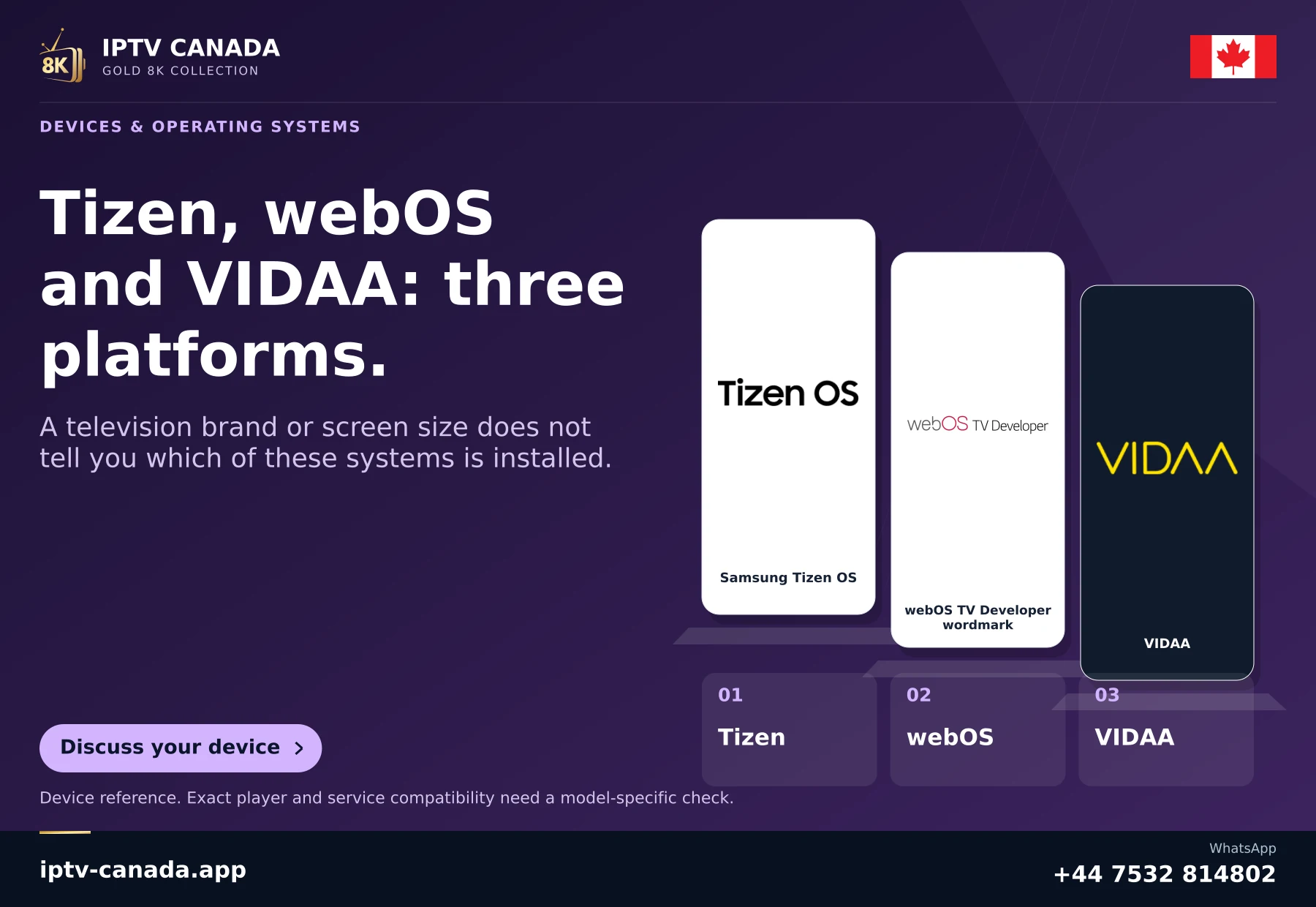
A television brand or screen size does not tell you which of these systems is installed.
Desktop artwork · Mobile artwork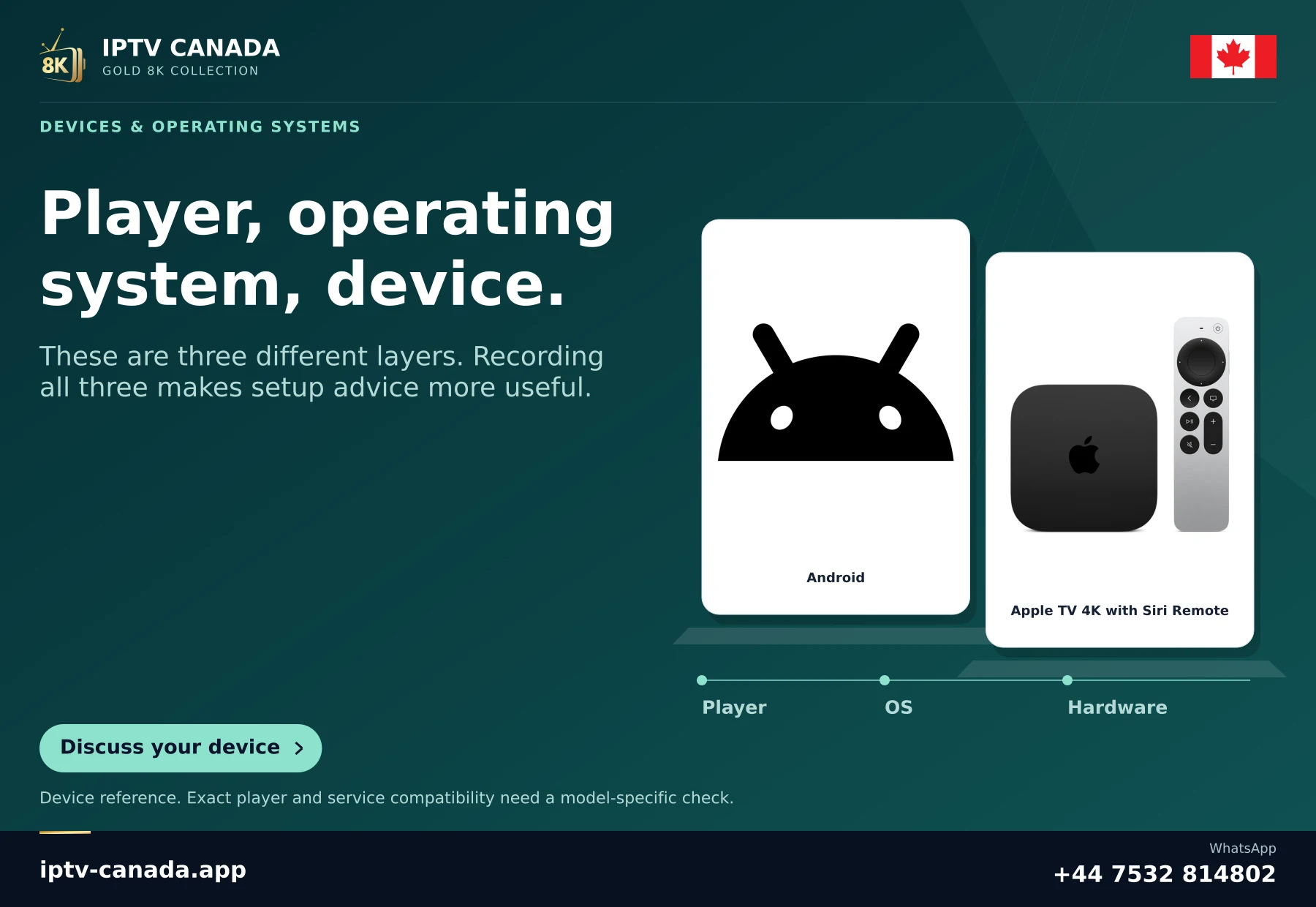
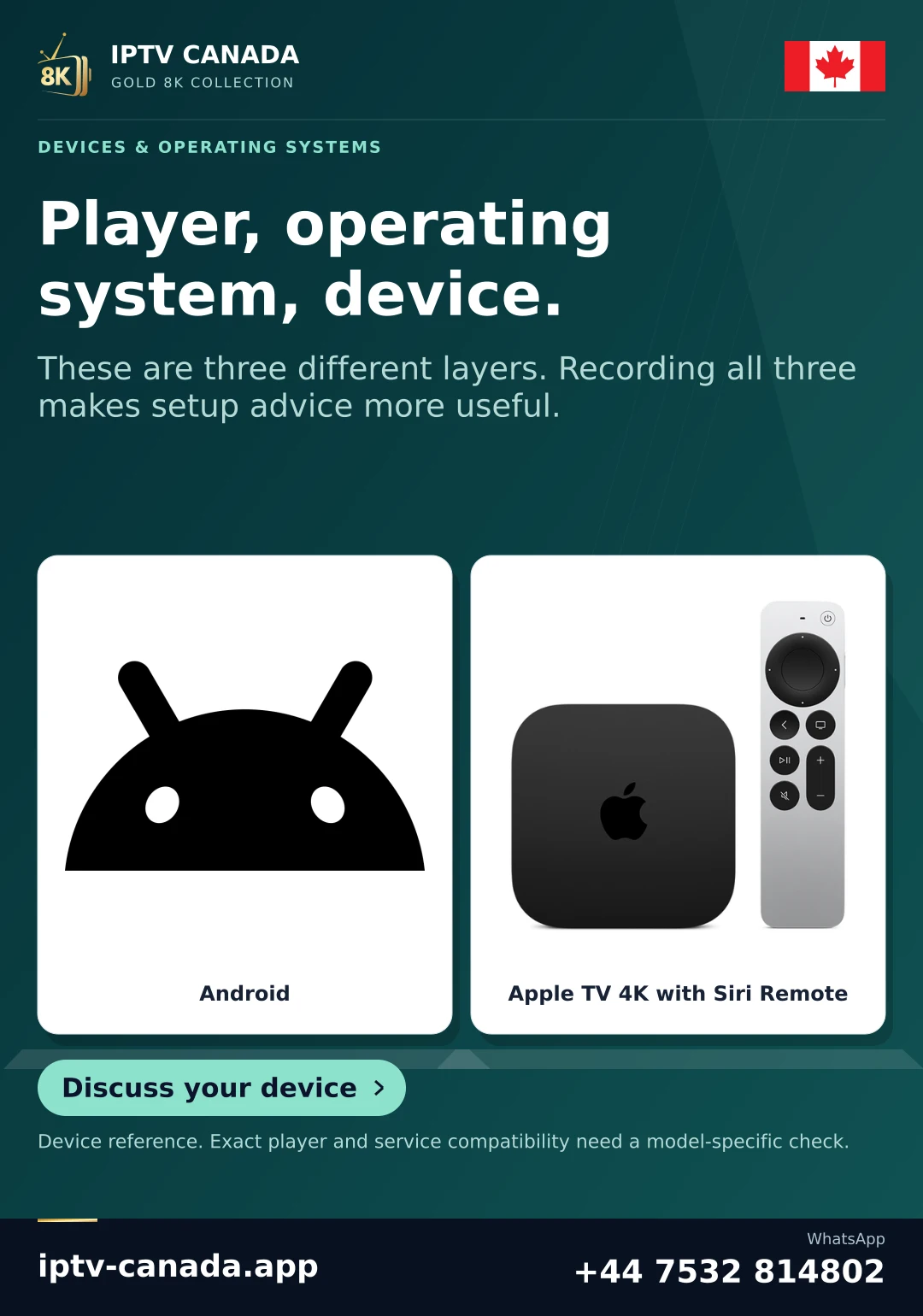
These are three different layers. Recording all three makes setup advice more useful.
Desktop artwork · Mobile artwork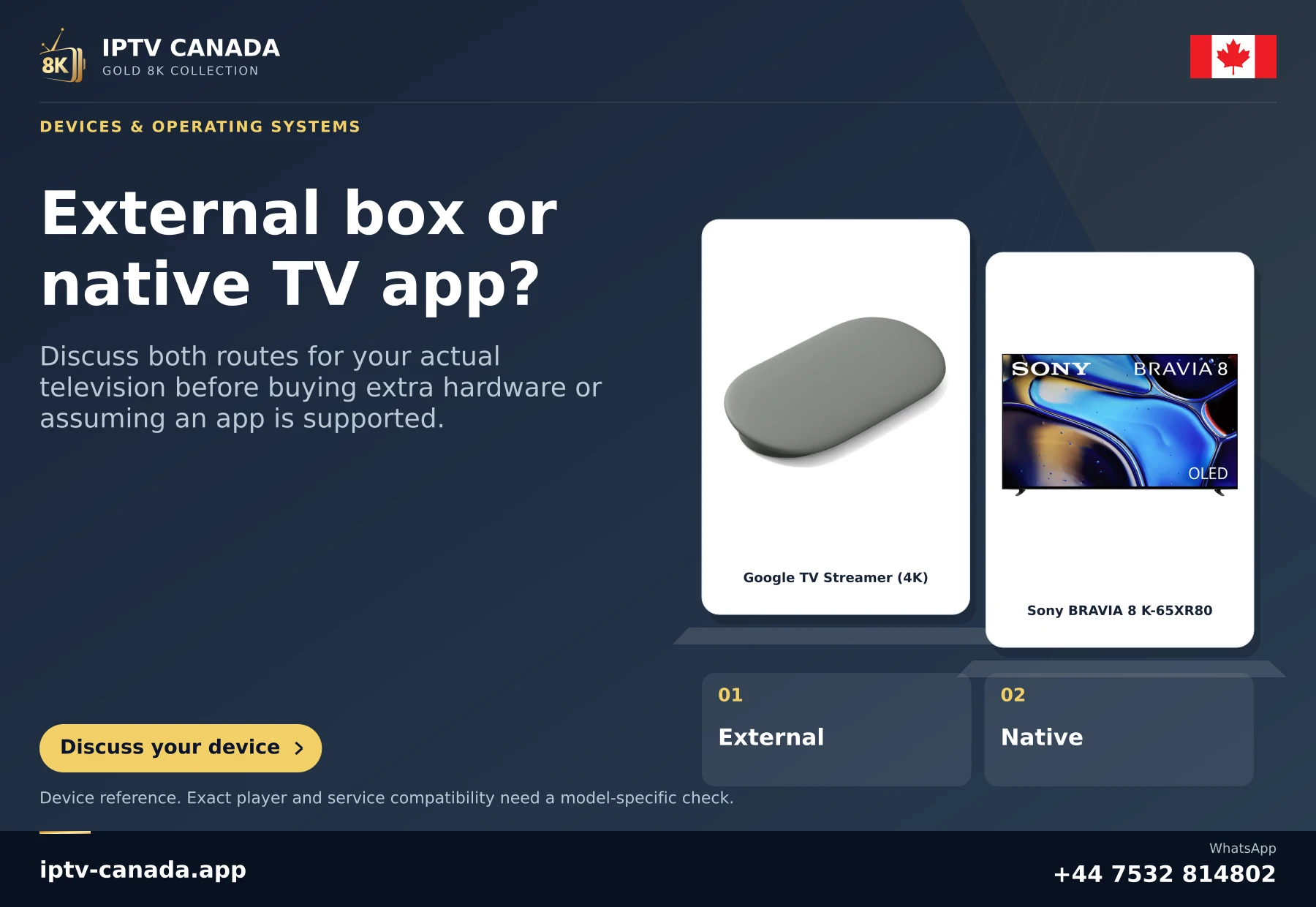
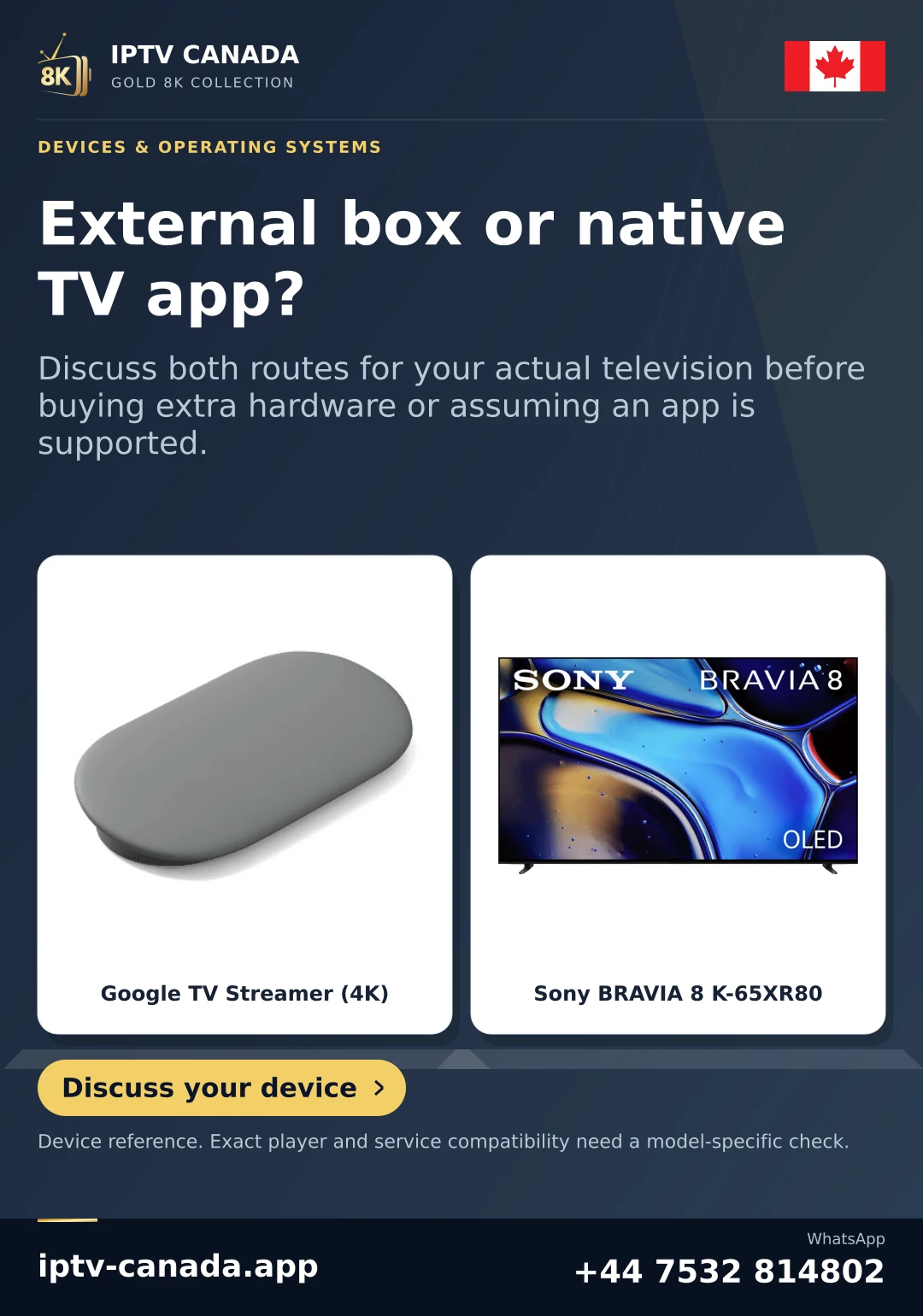
Discuss both routes for your actual television before buying extra hardware or assuming an app is supported.
Desktop artwork · Mobile artwork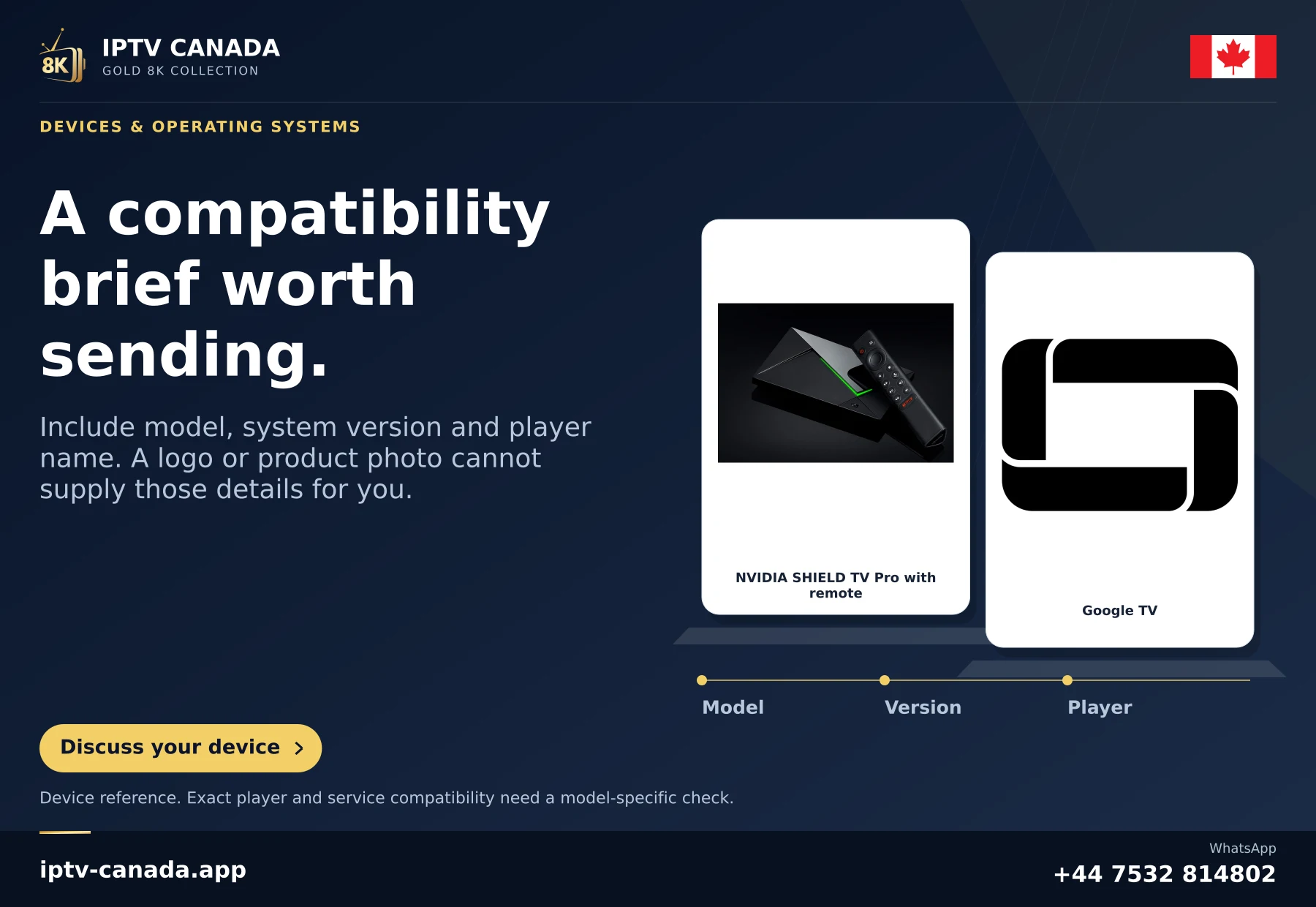
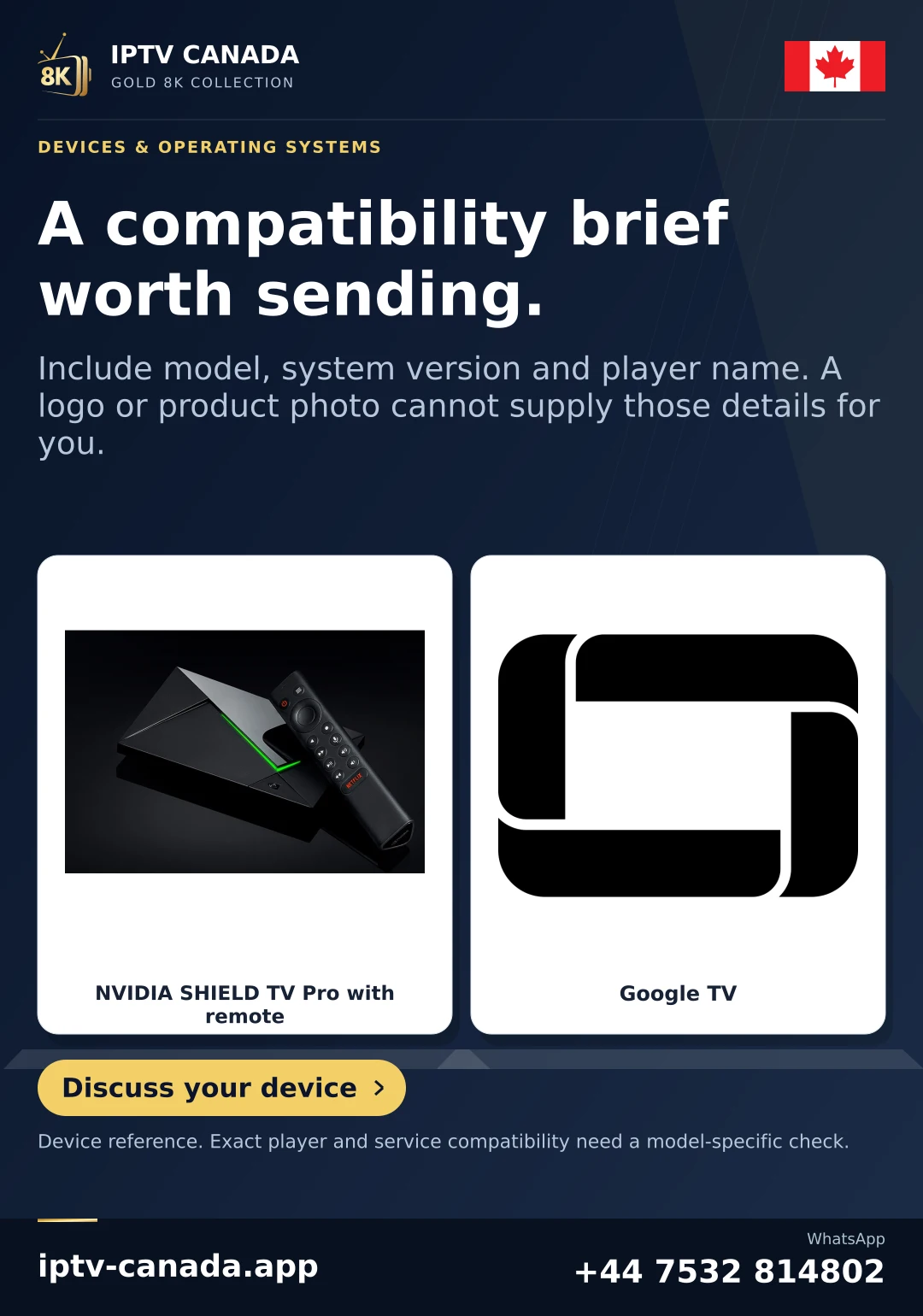
Include model, system version and player name. A logo or product photo cannot supply those details for you.
Desktop artwork · Mobile artwork