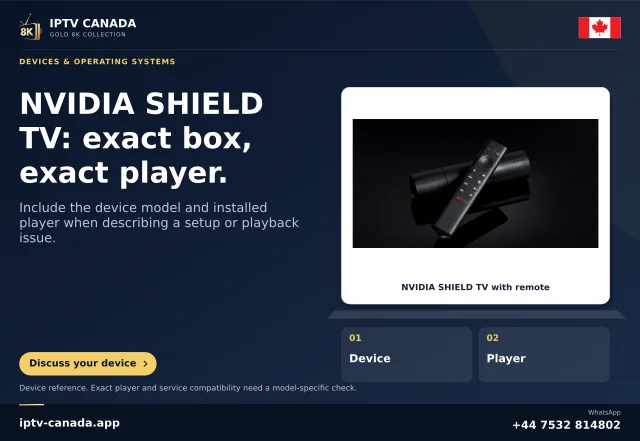
Identify the exact hardware
Use the actual SHIELD Pro model and manual. Standard SHIELD hardware has different storage connections, so a Pro USB instruction should not be copied onto a box without those ports.
Record which physical port the drive or accessory uses and whether the problem began after enabling computer file transfer.
Read the documented port-role choice
NVIDIA's Pro guide identifies a USB computer-connection port and a Transfer files to a computer using USB control under storage preferences. It states that enabling Using USB changes that slot's availability for storage and peripherals.
A connector can therefore remain physically occupied while the software role prevents the expected ordinary use. Repeated formatting is not an informative first response.
Inspect without erasing the drive
Record the current port-role setting and the drive's recognition state. Use the manufacturer's supported disconnect process before changing a connection. Do not accept a format action merely because an accessory is missing.
If another supported port is available, a controlled comparison can help, but retain the same drive and note the role of each port.
Restore the intended role
Follow the exact model's instructions to choose the intended computer-transfer or peripheral role. Then inspect whether the original accessory becomes available and test one small authorised local-file task.
Visibility, file access and app playback are separate results. A drive recognised in storage settings does not establish that every file format is playable.
Leave the configuration understandable
Document the chosen port, role and supported removal action so another household member does not re-enable an incompatible role unexpectedly.
For support, include the Pro model, software, port, role setting and accessory. This guide describes a narrow official hardware function; no USB drive, PC connection or IPTV service was tested. It does not certify filesystem support for an unidentified accessory or prescribe a destructive storage change.
A drive problem can have several stages
If the accessory returns after a role change, inspect recognition and a small file operation before running the player. If recognition works but playback fails, the investigation has moved to file access or format support. Keep those stages separate in the report. The USB role explains one documented availability boundary; it should not become a blanket explanation for every storage error or a reason to erase the drive.
Sources and scope
Scope notes distinguish published documentation, supplied information and editorial methods. They do not report a hands-on service test.
- NVIDIA SHIELD TV Pro guide — Official guide sections inspected: USB port computer-transfer role, remote controls and maintenance. Guide's older AI limit is not treated as overriding newer Pro specifications.
- NVIDIA SHIELD TV guide — Official current guide excerpts: microSD removable/device storage, display modes and experimental frame-rate matching; model/software qualifications retained.