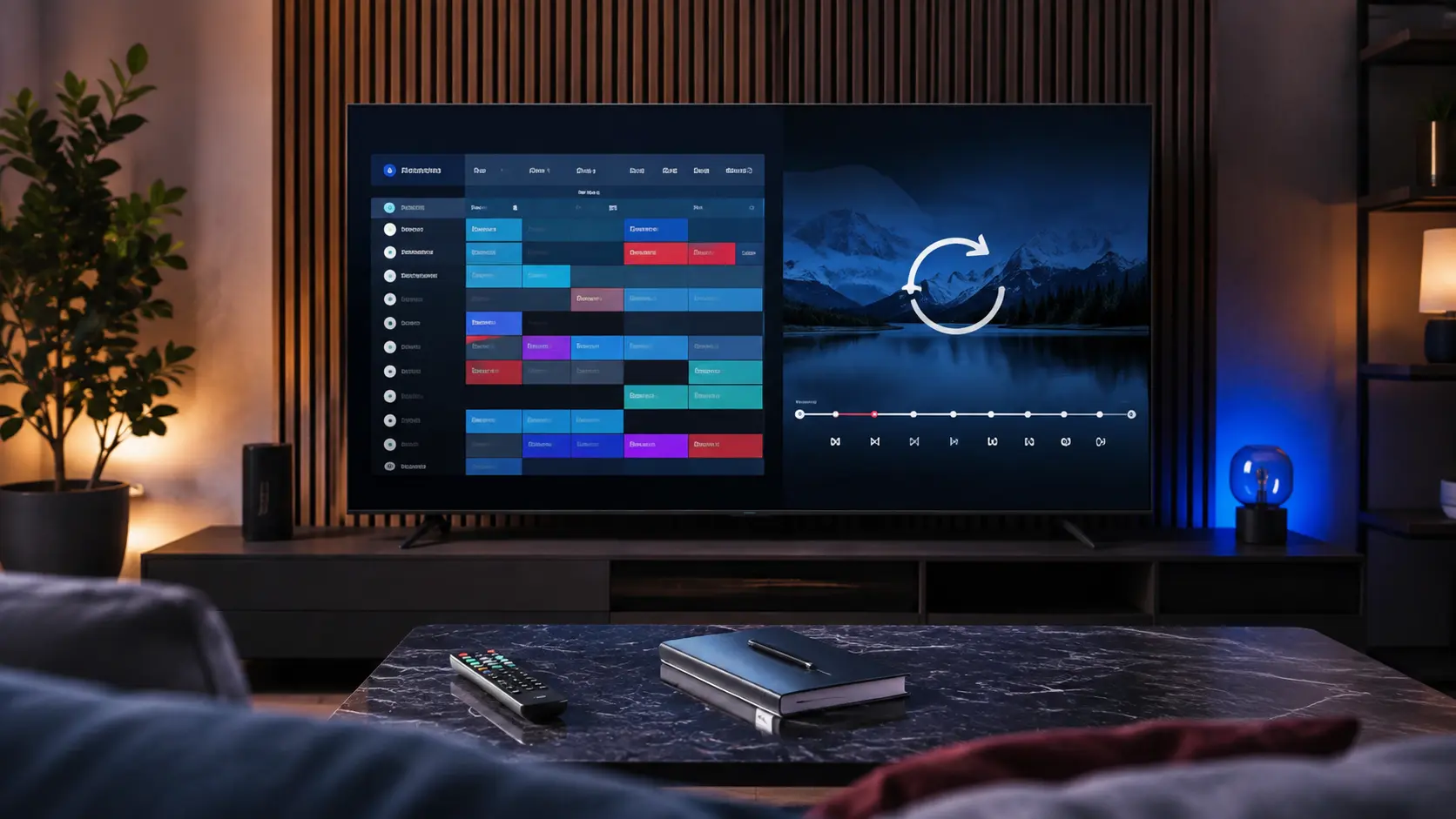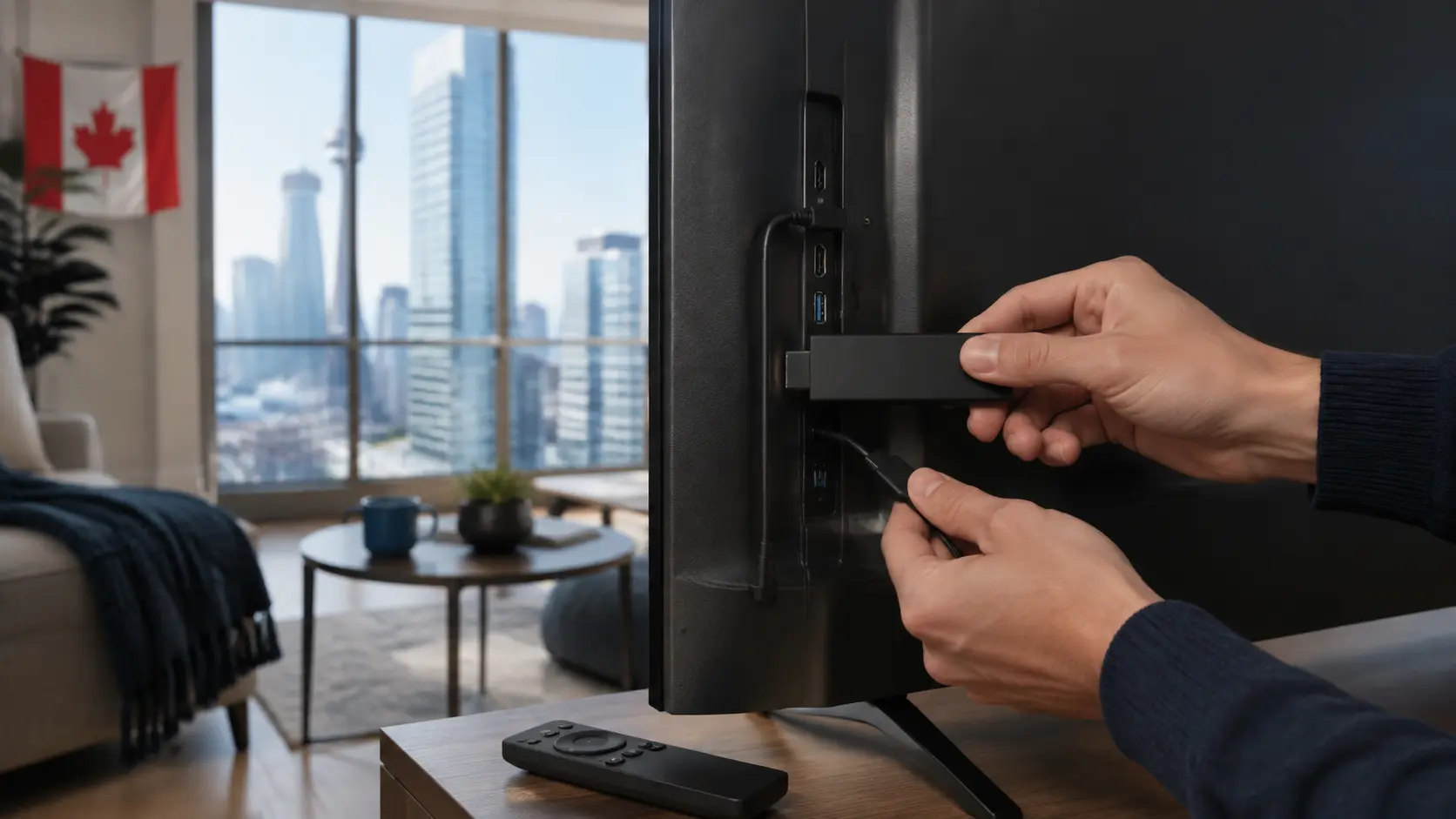
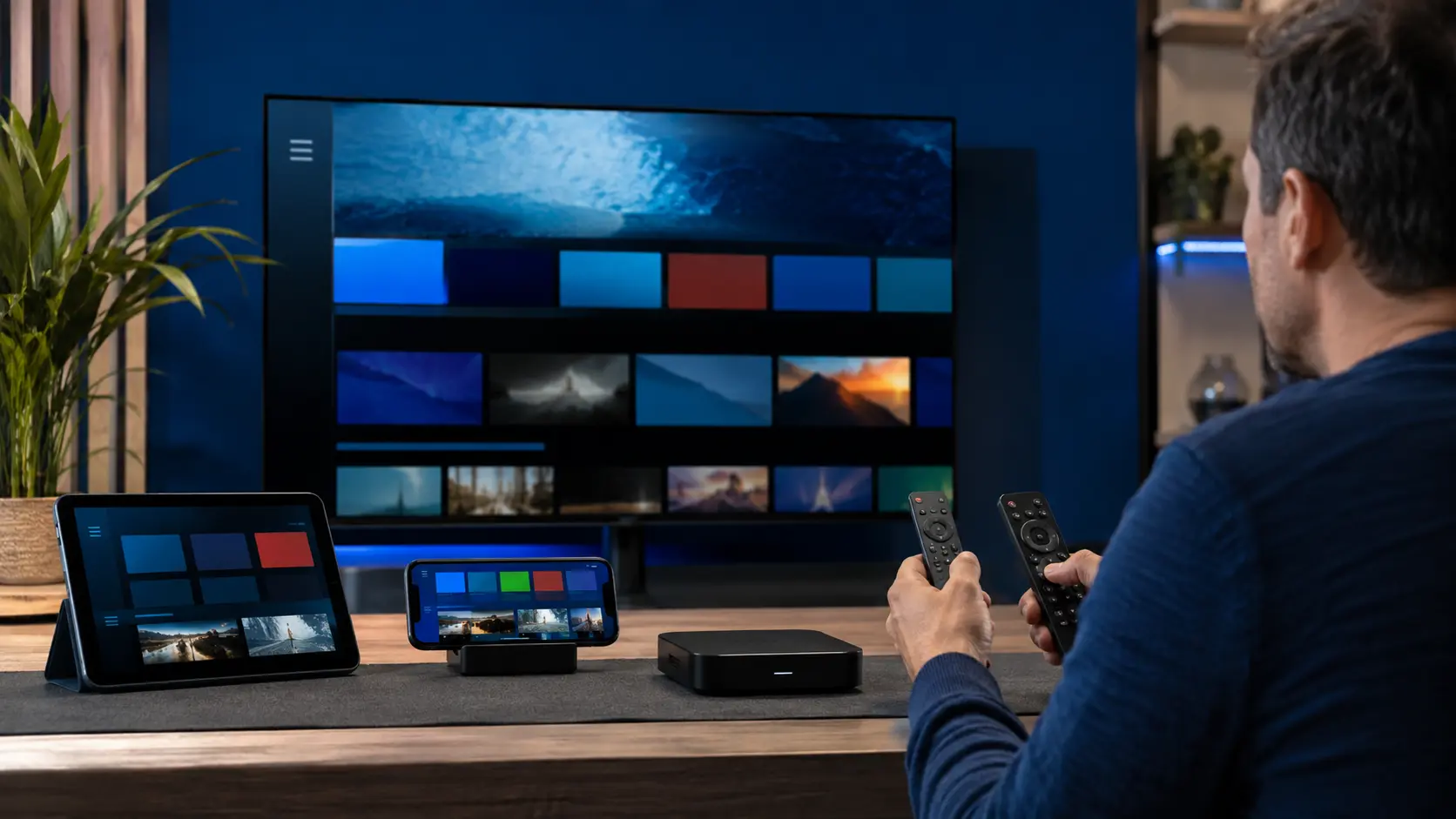
An IPTV player is the interface that loads an account or playlist; it usually does not sell the television subscription itself. The best player for a Canadian household is the one that supports the supplied login method, runs well on the chosen device and makes a large catalog manageable.
Begin with the login format
Ask the subscription provider which connection method is supplied. Common formats include an M3U playlist, an API-style username and password, or a portal address for supported set-top devices. Choose a player that explicitly supports that method. Do not convert or paste credentials into an unknown web tool.
Confirm platform and store availability
A player available on Android may not exist on Samsung Tizen, LG webOS, iOS or Apple TV. Even within one platform, availability can differ by country and model year. Check the official store on the actual device before paying a separate player licence.
Compare the features that affect daily use
- Live, movie and series sections
- Electronic programme guide layout
- Search across the loaded catalog
- Favourites and recently watched items
- Subtitle, audio-track and aspect-ratio controls
- Parental controls where needed
- External player support if documented
- Playlist and EPG refresh controls
- Accessibility and readable remote navigation
Performance matters more than animation
A polished interface is useful only if it stays responsive with a large playlist and guide. On older televisions, test how long the first import takes, how quickly categories open and whether the app keeps enough free storage. A lighter player on a capable external box can outperform a feature-heavy app built into an ageing television.
Understand separate app fees
Some players are free, some show advertising and others require a one-time or recurring licence. That fee normally goes to the app developer and is separate from the IPTV subscription. Read the official purchase terms and avoid sellers who imply that a player licence automatically includes content.
Check privacy and update history
Review the developer name, privacy information, requested permissions and recent update history. A player should not need access to contacts, microphone or unrelated files merely to load a playlist. Keep the app and device operating system current.
Common player names are not endorsements
Players such as TiviMate, IPTV Smarters-style apps, IBO Player and platform-specific alternatives are commonly discussed, but features, prices and availability change. This site is not affiliated with those developers. Use their official listings and documentation, and choose based on your device and account method rather than a generic ranking.
Test before committing
During a service trial, open live TV, movies, series, search, favourites and EPG. Check remote navigation and audio/subtitle controls. If the player is the weak link, try another legitimate compatible option before judging the entire subscription.
Score the app on the tasks you repeat
Create a short test using the same valid trial account on each candidate player: import the catalog, open the guide, search, save a favourite, change an audio track and return to the home screen. Record load time, remote clicks, text readability and whether settings are easy to find. A familiar daily workflow is more valuable than a long feature list you never use.
| Area | Question | Evidence |
|---|---|---|
| Maintenance | Is the app actively updated? | Official store history and developer notes |
| Privacy | Are permissions proportionate? | Store disclosure and device settings |
| Accessibility | Can everyone read and navigate it? | Remote and caption test on the TV |
| Portability | Can settings be moved safely? | Documented export or backup option |
Plan for app changes
Store availability, licences and supported operating systems can change. Keep the original account method separate from the player, save only protected configuration details and know one compatible alternative. If a player disappears from a store, do not download a modified copy from an unknown site just to preserve the familiar interface.
Responsible-use note: IPTV is a delivery technology. Use services and content you are authorized to access. App availability, catalogs, EPG, catch-up and picture quality can change and should be checked on the current service.