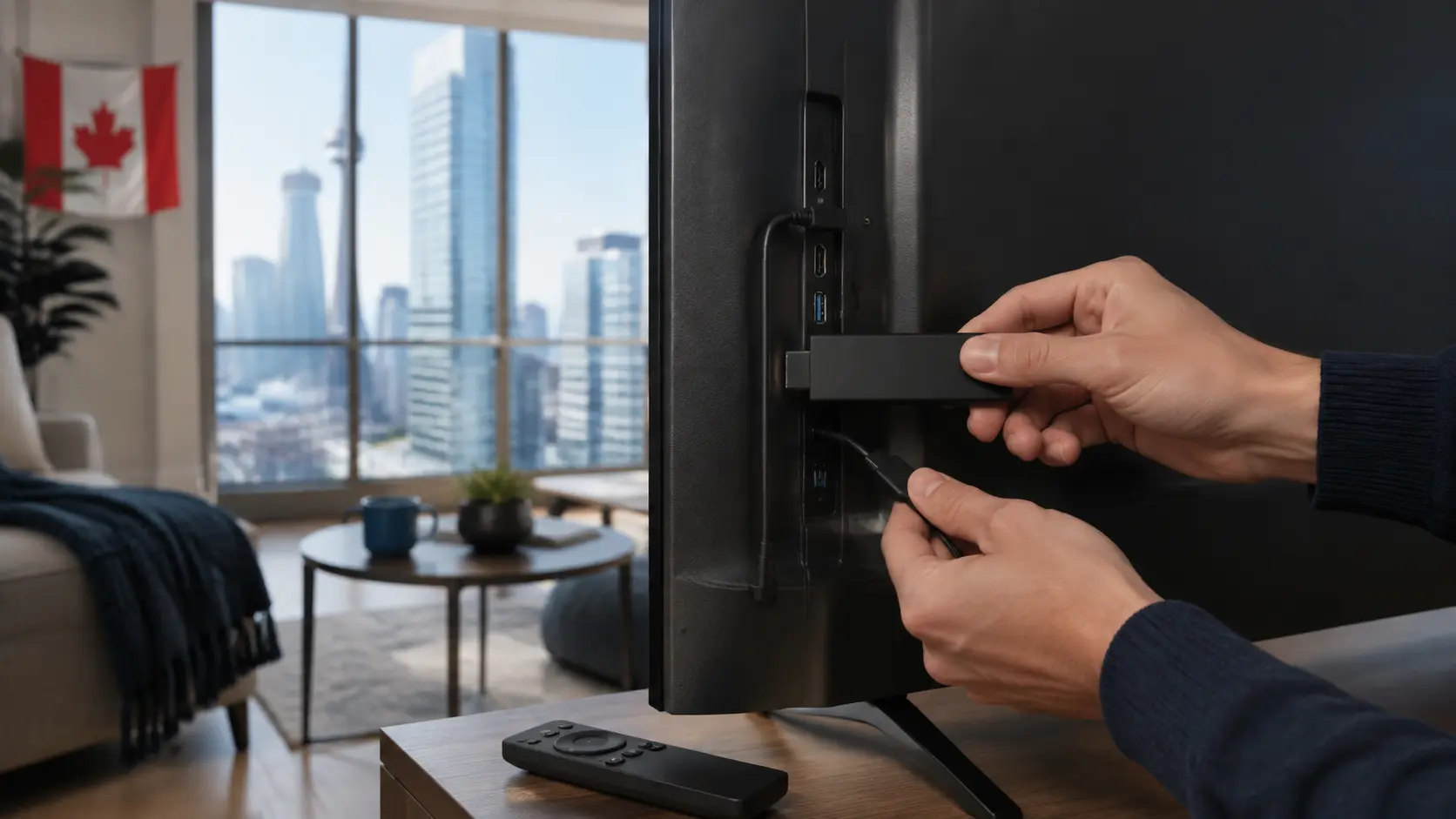
A Fire TV device is a popular way to use an IPTV subscription because it is compact, remote-friendly and supports several compatible players. The safest setup uses a trusted app source, the account method supplied by the service and private handling of your credentials.
What you need before starting
- A supported Fire TV Stick, Fire TV Cube or television
- A stable home internet connection
- A compatible IPTV player available for your device and region
- The login or playlist method provided with an active account
- Enough free storage for the player and its guide data
1. Update the Fire TV device
Open the device settings and install available system updates. Restart after an update. This reduces app-store, security and codec issues that can otherwise look like a subscription problem.
2. Choose a compatible player
Use the official app store when a suitable player is available. Check recent update history, privacy information, supported login formats and user-interface accessibility. The app must support the account method you receive; an M3U-only player cannot use every portal or API-based login.
If your service recommends an app outside the official store, confirm the file source and checksum or publisher information before installing it. Do not reuse unknown download codes from third-party videos or messages.
3. Enter the supplied details carefully
Open the player and select the correct login type. Enter the server address, username and password exactly as supplied. Avoid screenshots that expose credentials, and never paste them into public support forums. A typo in the server URL is one of the most common causes of a failed login.
4. Let the catalog and EPG finish loading
Large catalogs and programme guides can take time on the first load. Keep the player open, make sure the Fire TV has storage available and avoid repeatedly submitting the account. If live categories appear but the guide is empty, refresh the EPG separately where the player offers that control.
5. Test several content types
Open a few live channels, one movie and one series episode. Check audio, subtitles, channel changing and the remote’s back button. Test during your normal evening viewing period and compare 5 GHz Wi-Fi with Ethernet through a compatible adapter if possible.
Common Fire TV fixes
| Symptom | Check first |
|---|---|
| Player will not log in | Login type, server URL, expiry and typing |
| App closes | Free storage, restart and app update |
| Guide is blank | EPG refresh, time zone and supplied guide data |
| Only one stream fails | Test another stream and report the exact item |
| Everything buffers | Home network, device restart and lower quality |
Keep the device maintainable
Remove unused apps, restart periodically, keep automatic updates enabled and avoid “cleaner” utilities that promise unrealistic performance. A wired or strong Wi-Fi connection and a current player matter more than decorative optimization tools.
Finally, use the service only for content you are authorized to access. Fire TV and Amazon are not affiliated with independent IPTV providers unless they state otherwise.
Test the Fire TV remote workflow
Daily usability depends on more than whether a stream opens. From the home screen, time how long it takes to reach a favourite channel, return to the guide, change audio or subtitles and exit cleanly. Confirm that the back button behaves predictably and that focus is visible from normal seating distance. If several household members will use the device, let each person complete the same short task.
Check storage before blaming the account
Large playlists, logos and EPG data can consume storage. In Fire TV settings, note free space before and after the first import. Remove unused apps, but avoid aggressive “cleaner” utilities. If the player repeatedly reloads, test a smaller EPG window or hide unused groups where the app documents those controls.
Create a useful Fire TV support report
Record the Fire TV model, operating-system version, player name and version, login method, network type and exact failure time. State whether live TV, movies and series behave differently. If a screen recording helps, crop or redact the server address and credentials. This evidence lets support distinguish a mistyped login, expired access, app crash, decoder issue and one unavailable feed without asking you to reinstall everything.
Responsible-use note: IPTV is a delivery technology. Use services and content you are authorized to access. App availability, catalogs, EPG, catch-up and picture quality can change and should be checked on the current service.