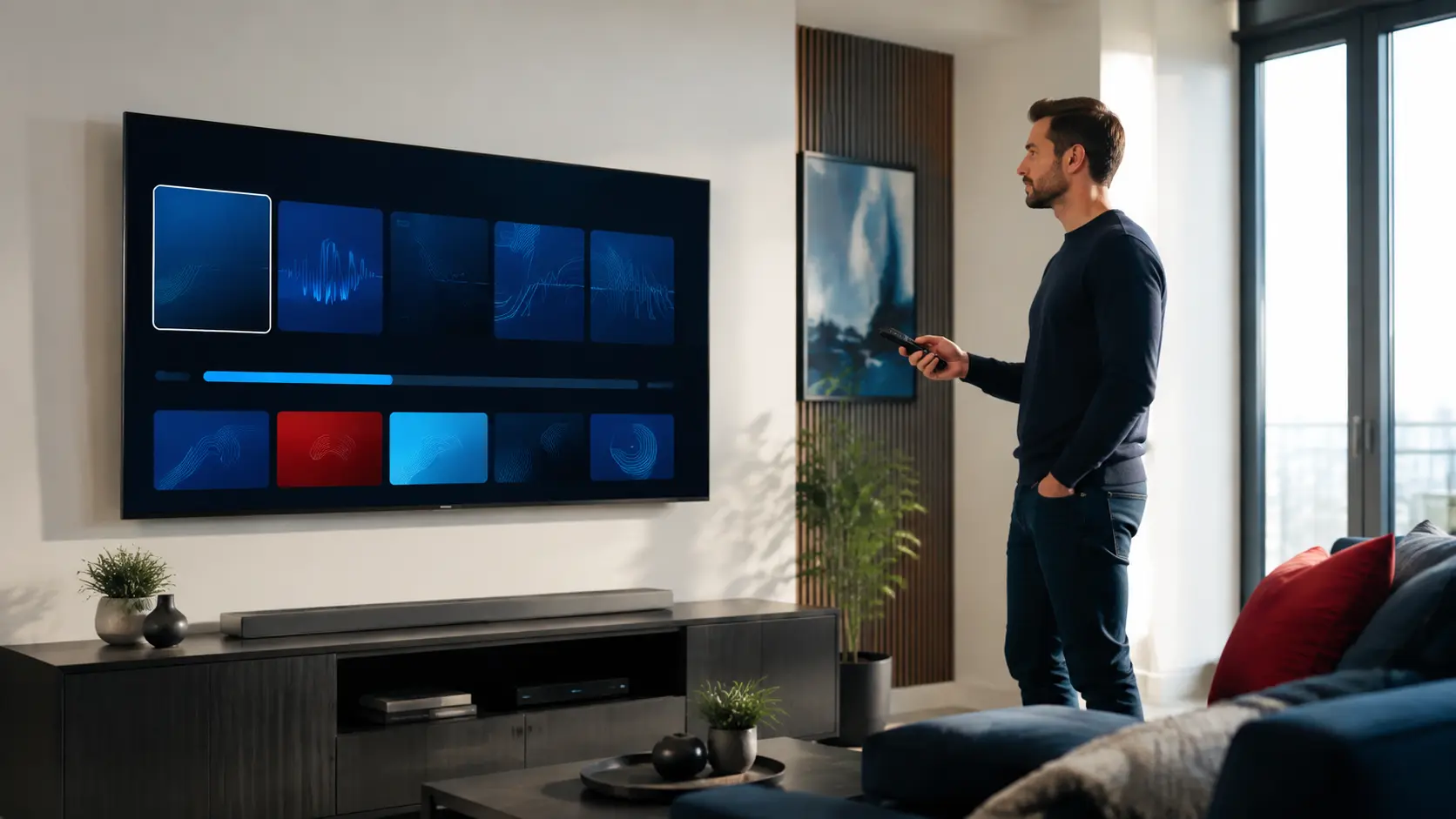
EPG and catch-up are related viewing tools, but they are not the same feature. EPG displays programme information and schedules. Catch-up provides replay access to eligible previously aired content. Both depend on data supplied by the service and support in the selected player.
How an electronic programme guide works
An EPG maps schedule data to live channel identifiers. When the channel name, time zone or guide source is mismatched, the grid may be blank or shifted even though the live stream plays normally. A player can display only the data it receives and understands.
Why some channels have no guide
Not every regional or event feed has stable schedule data. Temporary sports feeds may appear only near an event. International channels can use a different guide source or time zone. During a trial, inspect the channels you use rather than assuming one complete grid covers the entire catalog.
Fixing an incorrect EPG time
- Confirm the device date, time and time zone.
- Check the player’s EPG time-shift setting.
- Refresh the guide without deleting the account.
- Compare more than one channel to see whether the shift is global.
- Report the exact channel and offset to support.
What catch-up actually means
Catch-up is available only for eligible streams and may cover different periods. A player may show a clock or replay icon beside supported channels. The advertised maximum window does not mean every programme on every channel is stored for that length of time.
Catch-up, restart and recording are different
| Tool | Purpose | Key dependency |
|---|---|---|
| Catch-up | Replay previously aired eligible content | Service-side archive |
| Restart TV | Begin the current programme from its start | Supported stream and player |
| Local recording | Save a stream on the user’s device | Player, storage and permissions |
| EPG | Show schedules and programme details | Mapped guide data |
Storage and player limits
Large guide databases can consume storage on Fire TV devices and older Smart TVs. Reduce the number of retained EPG days where the player allows it, clear stale guide data and leave free space. Do not confuse a player cache problem with missing source data.
What to test during a trial
Open the guide on your primary device, check Canadian and international time zones, move forward a day, and try replay on an item that shows a catch-up indicator. Confirm audio, seeking and return-to-live behaviour. If guide and catch-up are essential to your household, test them before choosing a long plan.
Diagnose a shifted programme guide
First compare the listing with the programme currently playing. If every row is offset by the same amount, check the device time zone, daylight-saving setting and player EPG offset. If only one channel is wrong, its identifier or source data is more likely the cause. Changing the global time offset to fix one feed can break every correctly mapped channel.
Separate three different failures
| Symptom | Likely layer | Useful action |
|---|---|---|
| No programme names anywhere | EPG source or import | Refresh and confirm guide data is supplied |
| Names appear on wrong channels | Channel-to-guide mapping | Report exact channel identifiers |
| Guide is correct but replay fails | Catch-up eligibility or archive | Test another marked programme |
Test catch-up as a separate feature
A visible past programme does not prove that the stream has an archive. Look for the player’s replay symbol, open two eligible programmes of different ages, then test seeking and audio. Record the oldest working item to understand the practical window. Some players calculate the catch-up URL differently, so a second supported player can help distinguish account availability from an app-specific issue.
Keep guide data lightweight
On devices with limited memory, importing many days of EPG for thousands of channels can slow startup. Hide unused groups or shorten the guide window where the player documents those options. This improves navigation without changing the subscription or source data.
Responsible-use note: IPTV is a delivery technology. Use services and content you are authorized to access. App availability, catalogs, EPG, catch-up and picture quality can change and should be checked on the current service.