Internet speed requirements are ranges, not guarantees. A compressed HD stream may use far less bandwidth than a high-bitrate sports feed, and a speed test beside the router may not represent the television in another room.
Practical starting ranges
| Typical quality | Practical starting bandwidth per stream | What can change it |
|---|---|---|
| Standard definition | 5 Mbps or more | Codec and frame rate |
| HD 720p | 8–10 Mbps or more | Sports motion and bitrate |
| Full HD 1080p | 15–20 Mbps or more | Compression and device decoder |
| 4K UHD | 25–50 Mbps or more | HDR, frame rate and source bitrate |
These figures are planning margins for one stream, not a promise. Leave extra capacity for phones, cloud backups, game downloads, video calls and other televisions.
Bandwidth is not the same as stability
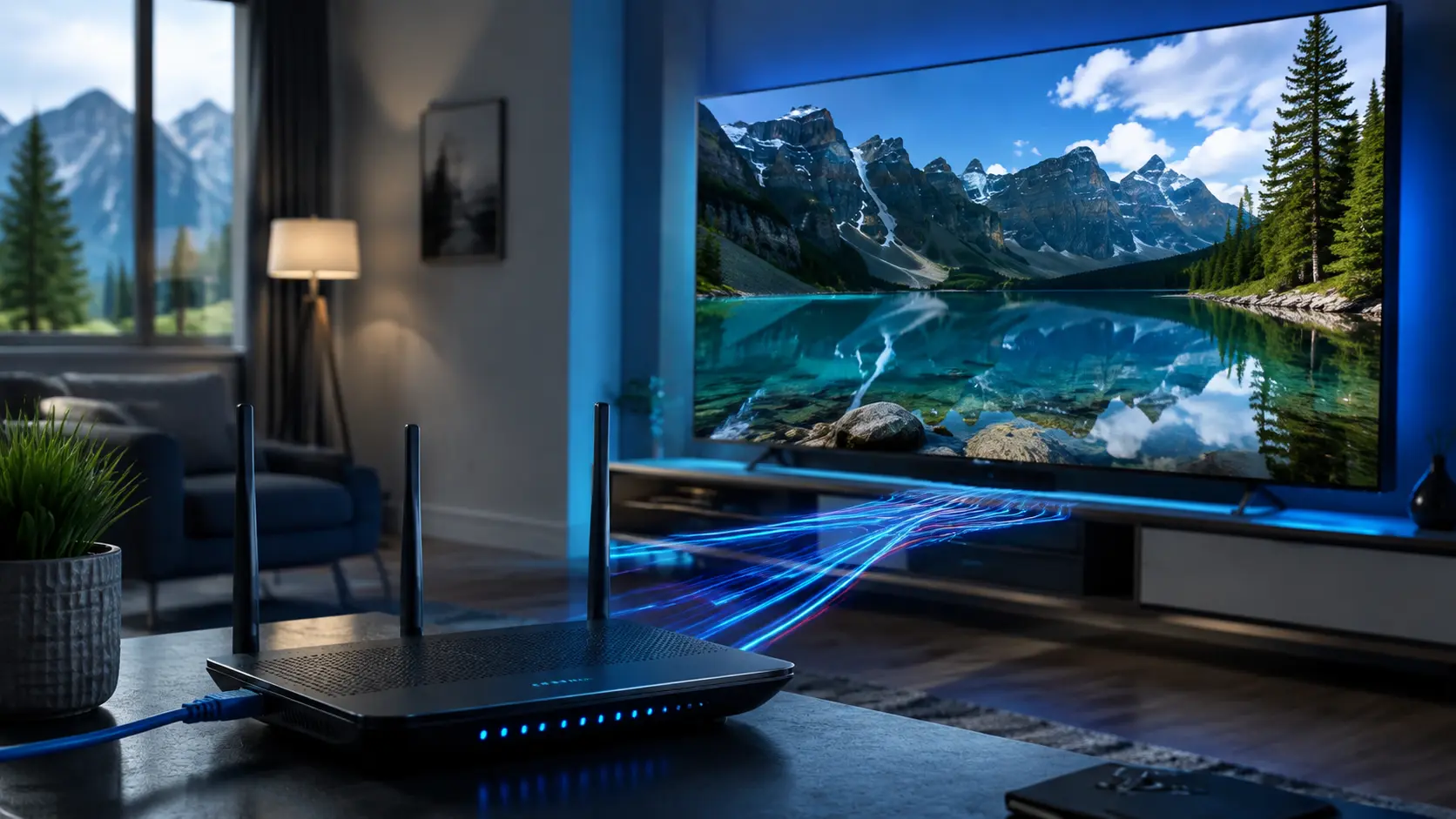
A 500 Mbps connection can still pause if Wi-Fi drops packets or latency swings sharply. Video needs a sustained path from the source to the player. Consistency, packet loss and local wireless quality can matter more than the maximum result shown by one test.
Test at the viewing device
Run a test using the television or a phone placed beside it. Repeat it during the evening. Compare Wi-Fi bands and, where possible, Ethernet. If Ethernet is stable while Wi-Fi is not, upgrading the internet plan may not solve the real problem.
Account for simultaneous use
Add the likely needs of each active stream, then leave headroom. Two 4K streams, a game download and a video call can create congestion even on a fast package. Also verify that the IPTV plan permits the number of simultaneous streams you intend to use; bandwidth alone does not grant extra connections.
Device performance still matters
Older Smart TVs and low-cost boxes may have weak processors, limited memory or outdated codecs. They can stutter while another device on the same network plays smoothly. Test a lower quality, update the player and operating system, and compare another supported device.
Router placement and Wi-Fi choice
- Prefer Ethernet for fixed televisions and boxes
- Use 5 GHz or 6 GHz at short to moderate range
- Keep the router in an open, central position
- Avoid weak mesh backhaul links
- Use modern WPA2 or WPA3 security
- Restart only as a diagnostic step, not a daily ritual
How to decide whether to upgrade
Upgrade bandwidth when tests at the device are consistently near the total demand of your household. Improve Wi-Fi or use Ethernet when the internet line is fast but the television’s local connection is unstable. Replace or add a streaming device when the network is healthy but high-bitrate playback still overwhelms the TV.
Estimate household headroom
Add the likely simultaneous streams, video calls, game downloads and cloud activity, then leave a margin for bitrate peaks. For example, one high-bitrate television and one HD television should not be planned at the exact sum of their average rates. The goal is not to buy the largest package; it is to avoid running the connection continuously near its limit.
Measure more than download speed
- Test beside the router to understand the internet line.
- Test beside the television to measure the local path.
- Repeat at the time buffering normally occurs.
- Compare Ethernet when the device supports it.
- Watch for variation between repeated results.
Latency and packet loss matter because a video player needs a steady flow. Some speed tests hide short interruptions inside a high average. The CIRA Internet Performance Test is one Canada-based measurement option; any single result should still be treated as a snapshot.
Change one variable at a time
Move from Wi-Fi to Ethernet, pause other traffic, lower resolution or compare a second device—but do these separately. If several changes happen together, you will not know which one helped. Write down the result and restore the original setting before the next comparison. This method produces a fix you can repeat rather than a temporary improvement you cannot explain.
Responsible-use note: IPTV is a delivery technology. Use services and content you are authorized to access. App availability, catalogs, EPG, catch-up and picture quality can change and should be checked on the current service.