An app package belongs to a platform
An APK is not just a video file that any device can open. It contains application code and resources intended for an Android application environment. Amazon’s current developer explanation distinguishes Vega from that environment: a Fire OS APK is not a native Vega application. Changing the filename or using a different downloader does not supply the missing application runtime.
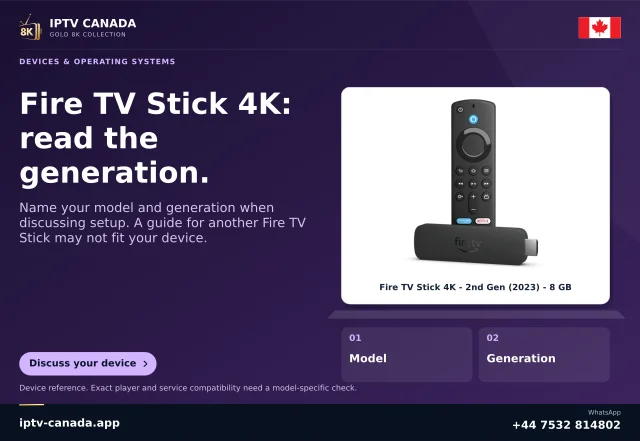
This is why a guide can be correct for an older stick and wrong for a newer one. The retail family name is not enough to select the procedure. Check the full device model and software/build information against Amazon’s official table.
Store availability is the practical consumer check
Look for the exact player on the device and inspect its developer. A genuine listing offered to that model is more useful than a screenshot of the same app on another Fire TV. The developer may need a separate Vega build. If one is absent, record the missing compatibility instead of promising that a universal download code will solve it.
Amazon also documents a selected cloud-hosted app programme. This does not mean every APK runs on every Vega stick. Participation is app-specific and controlled by Amazon; confirm the listing rather than treating a programme announcement as an installation guarantee.
Separate three failure cases
| Observation | Next question |
|---|---|
| No applicable app listing | Does the developer support this device and OS? |
| An APK cannot install | Is the package intended for this platform and model? |
| App opens but login fails | Does the service support this player and access method? |
Only the third observation begins at the service-login stage. Replacing credentials is unlikely to explain why an application package belongs to the wrong platform.
Before buying or replacing a stick
Choose the player and authorised access workflow first. Then confirm that a current model supports that player and that you understand any separate software charge. If you already own a working device, keep its model and app information before considering a replacement. A newer specification or a 4K badge does not answer the application question.
The useful support note is the exact device model, OS/build, app/developer and failure stage. Do not publish secret account values. This article is based on Amazon’s documentation checked on 4 November 2026; no Fire TV/IPTV Canada combination was physically tested.
Related questions
Can a downloader make an APK a native Vega app?
No. A download tool does not change the package’s target architecture.
Does this mean every Vega app is unavailable?
No. Check the exact compatible listing; app support is specific, not a blanket conclusion about the platform.
Sources and scope
Scope notes distinguish published documentation, supplied information and editorial methods. They do not report a hands-on service test.