Confirm the actual platform
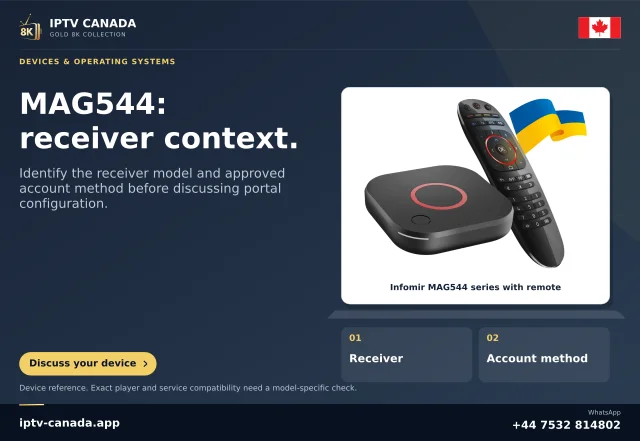
Identify the complete MAG model and supplied software image. Infomir's MAG family spans different platforms; MAG544 is documented as Linux, while other products can use another environment. An Android MAGic Player guide is not a Linux portal instruction.
Use the operator's supported menus and manual. A customised image may expose different controls from the general embedded-portal documentation.
Read the two setting roles
Infomir describes Video output mode or TV System as the television signal configuration, while Graphic Resolution concerns drawing interface objects. Neither alone specifies every programme's encoded dimensions.
A low-detail guide can coexist with higher-resolution video, and a sharp menu can surround a lower-resolution source. Keep source, graphics layer and output signal identified separately.
Inspect without forcing an unsupported mode
Record both current values and the display input. Consult the TV and any intermediate equipment for accepted modes. The documented ordinary portal route uses System settings and Video on applicable models.
Do not copy old-model bootloader key sequences onto a different receiver. Recovery procedures and capabilities are model-specific.
Compare one relevant change
If a change is justified and supported, alter only the relevant value, use the documented save/confirmation process and allow the device to complete its transition. Check the interface and a permitted programme independently.
Keep a known working mode and manufacturer recovery route available. A larger number is not automatically useful if the connected display cannot accept it.
Report the observed layer
Give support the MAG model, software/operator image, both values and when the picture fails. State whether the boot image, portal interface and programme video behave differently.
No receiver or IPTV account was tested here. This guide explains a scoped Linux/WebKit control distinction and does not certify a portal, promise native4K content or provide an APK installation route.
Do not copy obsolete signal tables blindly
The general reference contains historical model and analogue-output material. Use the actual receiver and display manuals for supported modes instead of treating every table row or old recovery step as current for MAG544. The useful general distinction is output versus graphics, while exact accepted values remain model-specific. If the operator image restricts the choice, obtain its supported route rather than changing an undocumented setting.
Sources and scope
Scope notes distinguish published documentation, supplied information and editorial methods. They do not report a hands-on service test.
- Infomir video output versus graphics resolution — Official article sections inspected: working output and graphics layer differ from boot stage; old-model recovery sequences are not generalised.
- Infomir Linux/WebKit system settings — Official current excerpt: embedded/external portal entry routes and distinct restart/reboot/reset items; operator images may differ.
- Infomir MAG544 product identity — Official current product excerpt: MAG544 family uses Linux; no Android APK path inferred.
- Infomir operator menu customisation — Official developer excerpt: software can customise embedded portal/system items. This does not authorise a consumer bypass or unsupported firmware change.