Newer is a hardware chronology
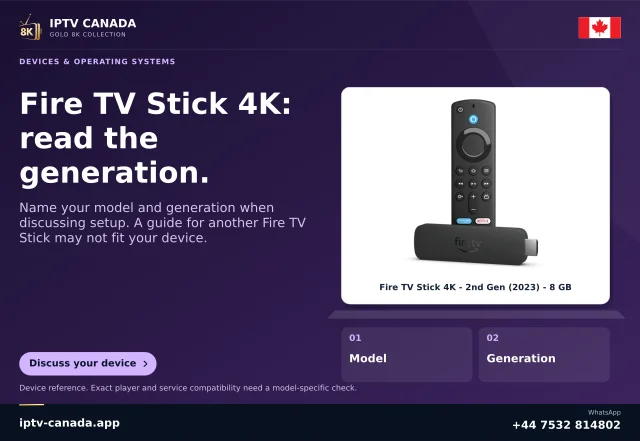
Amazon's current model documentation identifies recent Vega OS Fire TV products alongside Android-based Fire OS products. Its 2026 Fire TV Stick 4K third-generation entry uses Vega OS. The product family's familiar name does not make every generation the same software target.
This matters when a household expects an existing player installation or tutorial to transfer unchanged. More output capability is not an answer to whether the player exists for the new platform.
Check the application before the purchase
Identify the exact app developer and the required access method. Ask whether the current model and OS have a supported listing. A screenshot on an older Fire TV, a phone APK link or a general claim of Android support is insufficient for Vega.
Amazon documents a selective cloud-hosted option for some apps. Confirm the exact offering rather than interpreting the programme as universal compatibility. A local native package and a cloud-hosted listing are different evidence.
Preserve the useful old information
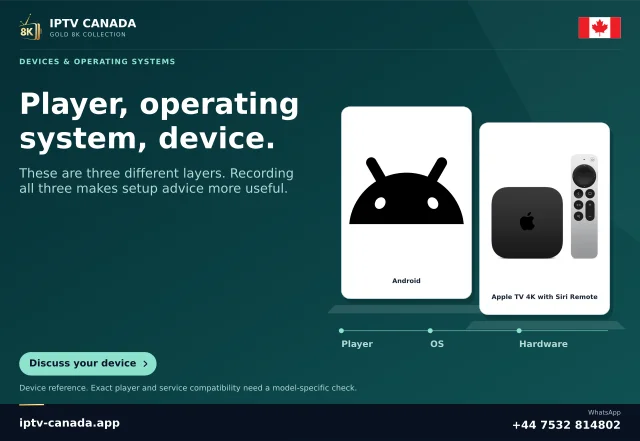
Before changing equipment, record the current model, OS and player version and use the app's legitimate recovery method. Do not erase a working device merely to make the replacement feel complete. Local favourites and configuration may not transfer automatically.
When the new setup is available, test remote navigation and a permitted programme. Account allowance and simultaneous streams still need their own confirmation; a second installed device is not automatically an extra authorised connection.
A purchase decision with fewer unknowns
The useful comparison is the required app and workflow on each exact model. If the intended player is unsupported, identify an offered alternative with the service before buying software or hardware. This page does not recommend a specific replacement or invent a fee.
The platform facts follow current Amazon documentation checked on 4 November 2026. Neither the model nor an IPTV Canada account was physically tested here.
Keep the model example in perspective
The named 2026 model is an example from the current table, not a rule that every product released in a particular year uses the same OS. Compare the exact build model and listed software target. Retailers can continue selling older generations alongside newer ones, so the date of purchase and a box photograph cannot replace device-specific information.
Sources and scope
Scope notes distinguish published documentation, supplied information and editorial methods. They do not report a hands-on service test.
- Amazon Fire OS overview and model table — Official current search excerpt: Android-based Fire OS versions and Vega OS entries, checked against the 2026 model table.
- Amazon Cloud App Program — Official current search excerpt: selected apps use a cloud Fire OS APK plus Vega mini-wrapper; not general local APK compatibility.