Identify device and listing together
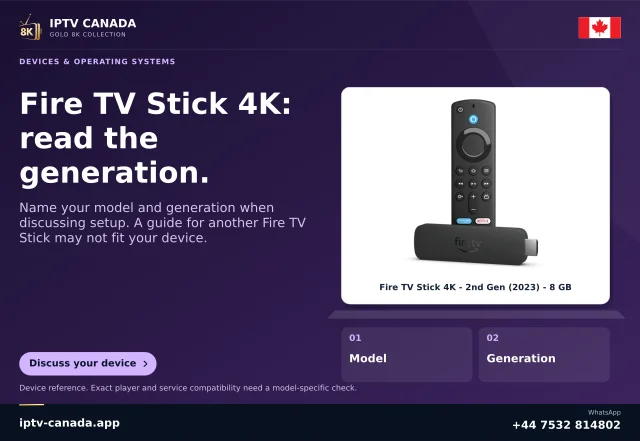
Record the exact Fire TV model, OS version and application listing presented on that device. Amazon's model table includes Android-based Fire OS devices and Vega OS devices. A retail family nickname is insufficient to select an installer.
Amazon's current Cloud App Program is limited to selected apps. An announcement about the programme is not evidence that a particular IPTV player participates. Check the listing actually offered to the model and its identified developer.
Understand the split architecture
Amazon documents the Fire OS APK running in a cloud container while a small Vega package runs locally. The listing identifies the supported offering as an Amazon cloud-hosted app. The programme's documentation also distinguishes the application interface path from video delivery to the device.
This is a platform-managed offering. It does not authorise a consumer to download an arbitrary APK and expect the same mechanism. Renaming a package or choosing a different downloader cannot enrol an app in Amazon's selected programme.
Check the consumer workflow
Install only the applicable listing through the supported route. Open it, identify its developer and inspect the actual login method. Player activation, service access and programme entitlement remain separate. Do not assume that an app being offered proves it accepts an IPTV Canada account.
Use a permitted sample to check remote focus, sound, captions and return navigation. A cloud-hosted listing may explain the architecture, but only a real device comparison can establish how that particular version behaves in the household.
Report the right evidence
For support, provide the exact model, OS/build, listing title and whether the cloud-hosted tagline is present. Then identify the failing stage: unavailable listing, installation, launch, navigation, account or playback. Each stage suggests a different next question.
This page describes Amazon's current documented distribution scheme. It does not claim programme participation by any unnamed player, universal APK compatibility or a physical IPTV service test.
Do not infer a service contract
The cloud-hosted designation describes how Amazon offers the app. It does not state the subscription provider's connection allowance, catalogue rights or support commitment. Confirm those directly for the intended account. If the app asks for a separate activation, identify which company controls that step before paying; the architecture alone does not establish a fee or an included content package.
Sources and scope
Scope notes distinguish published documentation, supplied information and editorial methods. They do not report a hands-on service test.
- Amazon Cloud App Program — Official current search excerpt: selected apps use a cloud Fire OS APK plus Vega mini-wrapper; not general local APK compatibility.
- Amazon Fire OS overview and model table — Official current search excerpt: Android-based Fire OS versions and Vega OS entries, checked against the 2026 model table.
- Amazon Fire TV streaming device specifications — Official current search excerpt: model/OS and audio input-versus-passthrough distinctions; exact app support not tested.