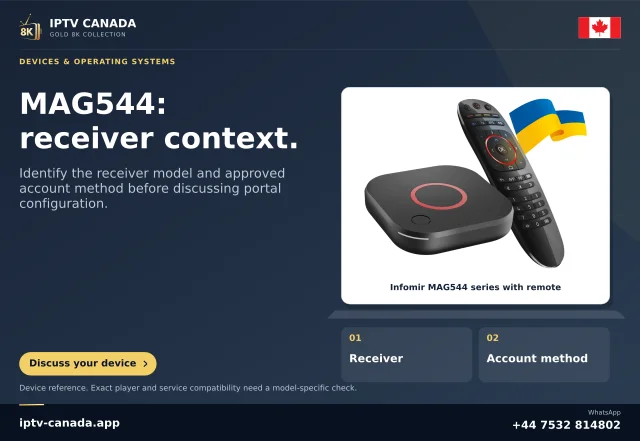
Identify whose interface is on screen
Infomir documents embedded and external portal arrangements, and its developer material describes customising menu items. A service-supplied interface can therefore differ from a general embedded-portal screenshot.
This does not mean every missing function is deliberately disabled. It means the software identity is a relevant fact to establish.
Record the exact model and image
Keep the MAG model, software version and portal provider with the report. A guide for an Android MAGic Player app should not be used as a Linux/WebKit receiver manual.
A family brand or familiar remote is insufficient to identify the current menu implementation.
Ask about the actual function
Name the task rather than only the menu title: selecting an audio track, changing output or returning to portal selection. The supported location may differ in the supplied image.
Do not enter developer customisation commands or install unrelated firmware to reveal a consumer menu. Operator support should establish the authorised route and any capability limits.
Separate visibility from entitlement
A button being present does not establish account permission, and a button being absent does not prove a hardware decoder is missing. Programme access, interface presentation and physical capability are different layers.
Use a known permitted task and record the smallest failing stage. Keep private portal addresses and identifiers out of a public screenshot.
Retain a maintainable support path
Ask the provider or manufacturer which manual applies to the supplied model and software. Keep that reference with the device notes so later troubleshooting starts from the same environment.
No operator image or portal was executed here. The article explains documented customisation scope and does not certify an IPTV Canada deployment, promise hidden functionality or authorise bypassing an operator's supported configuration.
Preserve the last working route
If the operator provides a supported settings or recovery route, record it with the model and image version. A later app or portal redesign can move controls without changing the device hardware. Use the recorded task and screen identity to ask for updated instructions. Do not assume a generic screenshot proves that the operator must expose the same item or that every omitted menu can be safely enabled.
Sources and scope
Scope notes distinguish published documentation, supplied information and editorial methods. They do not report a hands-on service test.
- Infomir operator menu customisation — Official developer excerpt: software can customise embedded portal/system items. This does not authorise a consumer bypass or unsupported firmware change.
- Infomir Linux/WebKit system settings — Official current excerpt: embedded/external portal entry routes and distinct restart/reboot/reset items; operator images may differ.
- Infomir MAG544 product identity — Official current product excerpt: MAG544 family uses Linux; no Android APK path inferred.